

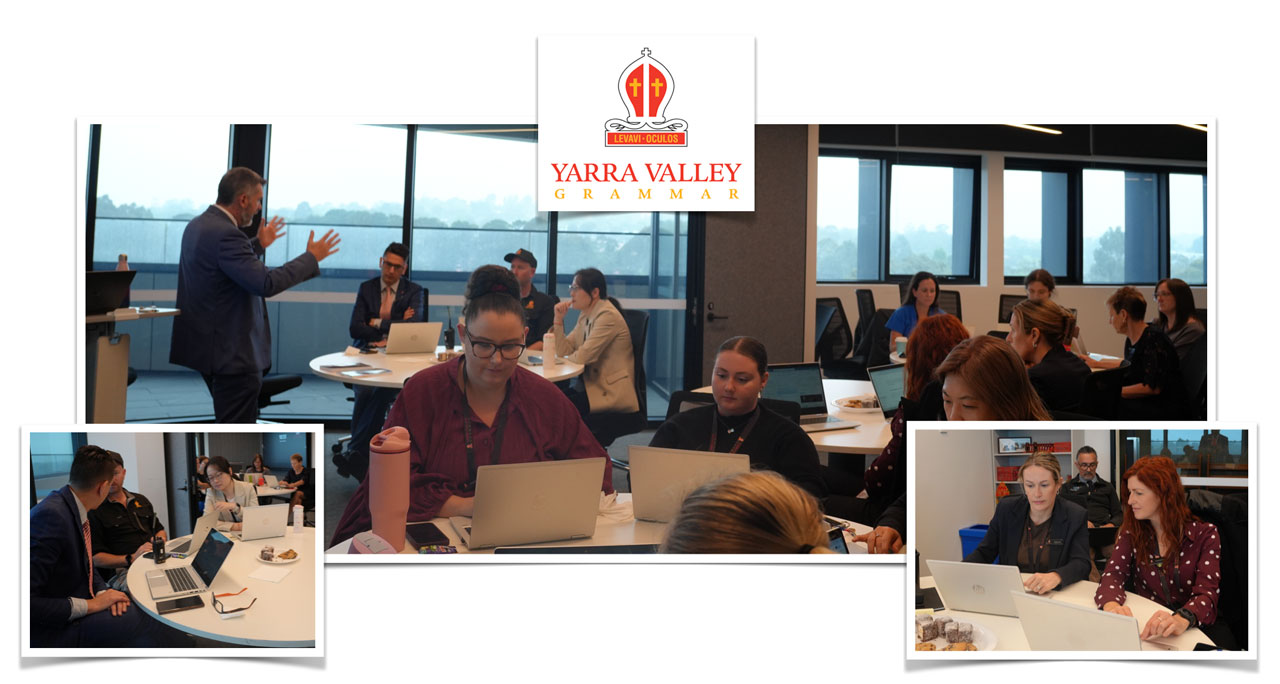
On Monday 12 October 2026, I worked with approximately 20 support staff at Yarra Valley Grammar to explore practical ways Microsoft Copilot could assist with everyday school administration. The session, Working Smarter with Copilot: Practical Shortcuts for School Admin Staff, focused on a simple principle: AI drafts. You decide.
School support staff handle work that shapes how families experience a school. An email, a reception response, a newsletter or a meeting follow-up can make a difference to whether people feel informed and supported. Generative AI offers ways to make some of this work more manageable, but the staff member’s knowledge of the school and its community remains essential.

Putting automation in perspective
We began by placing AI within the much longer story of automation. The workshop traced examples from water clocks and mechanical systems through to industrial machinery, household appliances, barcode scanners and spellcheckers.
This provided a starting point for considering what we might delegate to technology. With generative AI, that question extends to drafting, summarising and organising information. The opportunity is to reduce repetitive work while keeping people responsible for accuracy, judgement and relationships.
Briefing an assistant well
Throughout the session, Copilot was framed as a fast first-draft assistant. It can help with language and structure, yet a fluent response can still contain errors or miss the context that matters to a school community.
A practical prompting framework brought together six elements: role, context, audience, task, tone and constraints. Rather than simply asking for an email about an excursion, staff could specify the year level, what families already know, the details that need emphasis, the desired tone and a word limit.
The same approach applies to staff updates, event invitations and parent enquiries. Clear instructions give the assistant a more useful brief. Follow-up requests then help refine the draft: make it shorter, remove jargon, offer a warmer version or adapt it for a different audience.

Writing that still sounds like us
A substantial part of the workshop focused on everyday communication. AI can turn rough notes into a draft or help edit an existing message for clarity, grammar and flow. It can also suggest where wording sounds abrupt, defensive or ambiguous.
For schools, preserving an authentic voice matters. Families are communicating with people they know and trust. Asking AI to improve a draft while retaining the writer’s wording is one way to keep that relationship visible. Providing suitable, non-sensitive examples of previous writing can also help establish the preferred style.
Another useful approach is to ask what a busy parent might find confusing or what a new staff member would still need to know. Such prompts can reveal omissions, although any suggested additions need checking. AI should not fill a gap by inventing a date, requirement or school policy.

From information to useful action
The practical tasks also explored turning newsletter dot points into several communication formats, extracting key decisions and action items from a meeting transcript, and converting handwritten notes into typed text and a summary.
These examples highlight a common administrative challenge: information exists, but it needs to be organised for someone else to use. A school leader may need a short executive summary, while another staff member needs an action list. AI can help draft both from the same source.
The review remains crucial. A summary must reflect the original discussion, an action owner must be correctly identified, and unclear handwriting must be checked rather than confidently guessed. A draft response to a concerned parent likewise needs to reflect the school’s actual approach.


Keeping responsibility with people
The workshop set out four guardrails: protect student data, verify before sending, keep your voice and follow school policy. Staff were encouraged to use the school-approved account and describe situations generically rather than entering identifying student or family information.
We also included the less visible environmental considerations behind AI, including energy, water, carbon and electronic waste. These broaden the question from what a tool can produce to whether its use serves a worthwhile purpose.
My closing encouragement was to start with one recurring task, save prompts that prove useful and share effective approaches with colleagues. Building confidence through a manageable routine gives staff room to check quality and decide where AI adds value.
For school support staff, working smarter with AI means using assistance thoughtfully while continuing to own the work. The person reviewing the draft brings the context, care and judgement that a school community depends on.
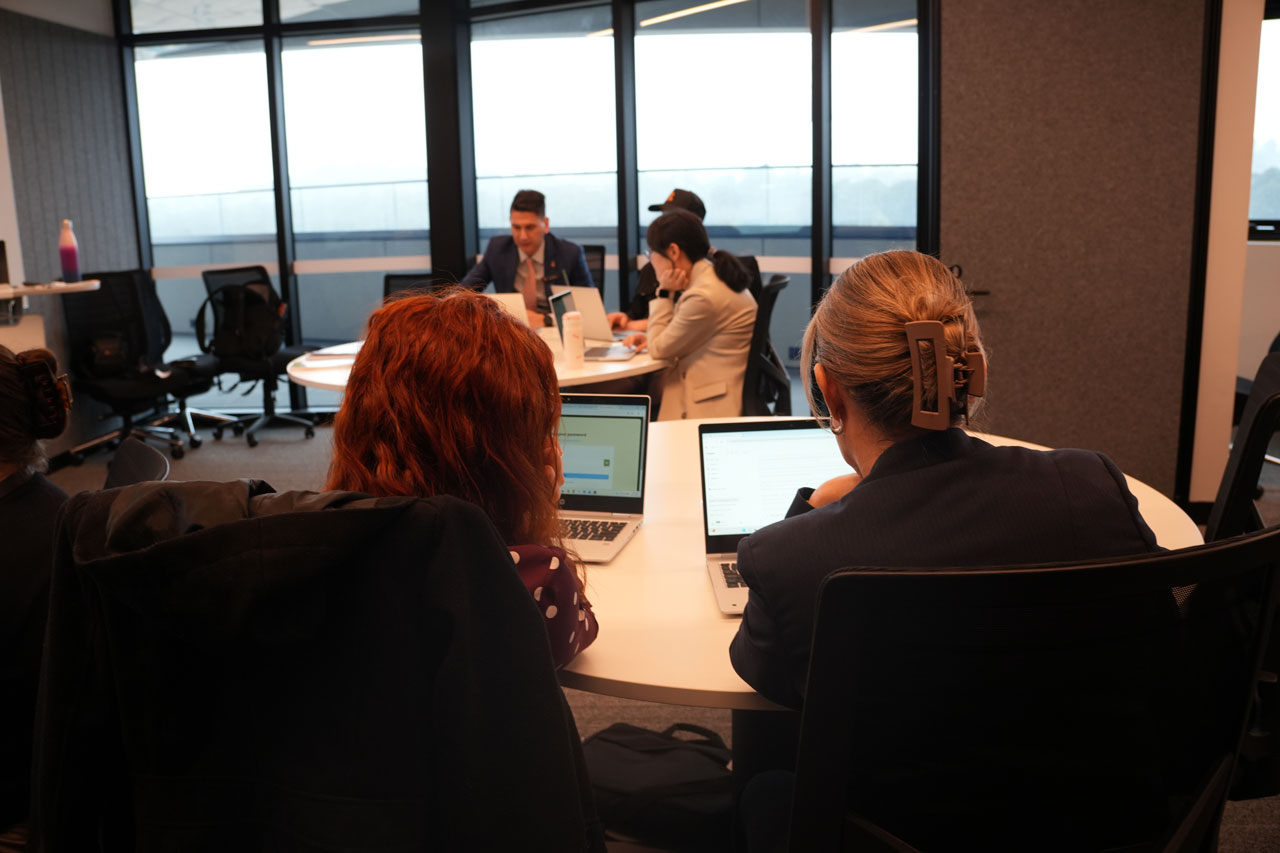
A special thank you to Phil Callil, Director of IT and Digital Learning who initiated this workshop.
If you are interested in a similar session at your school, find out more via – https://timkitchen.net/book-tim/