

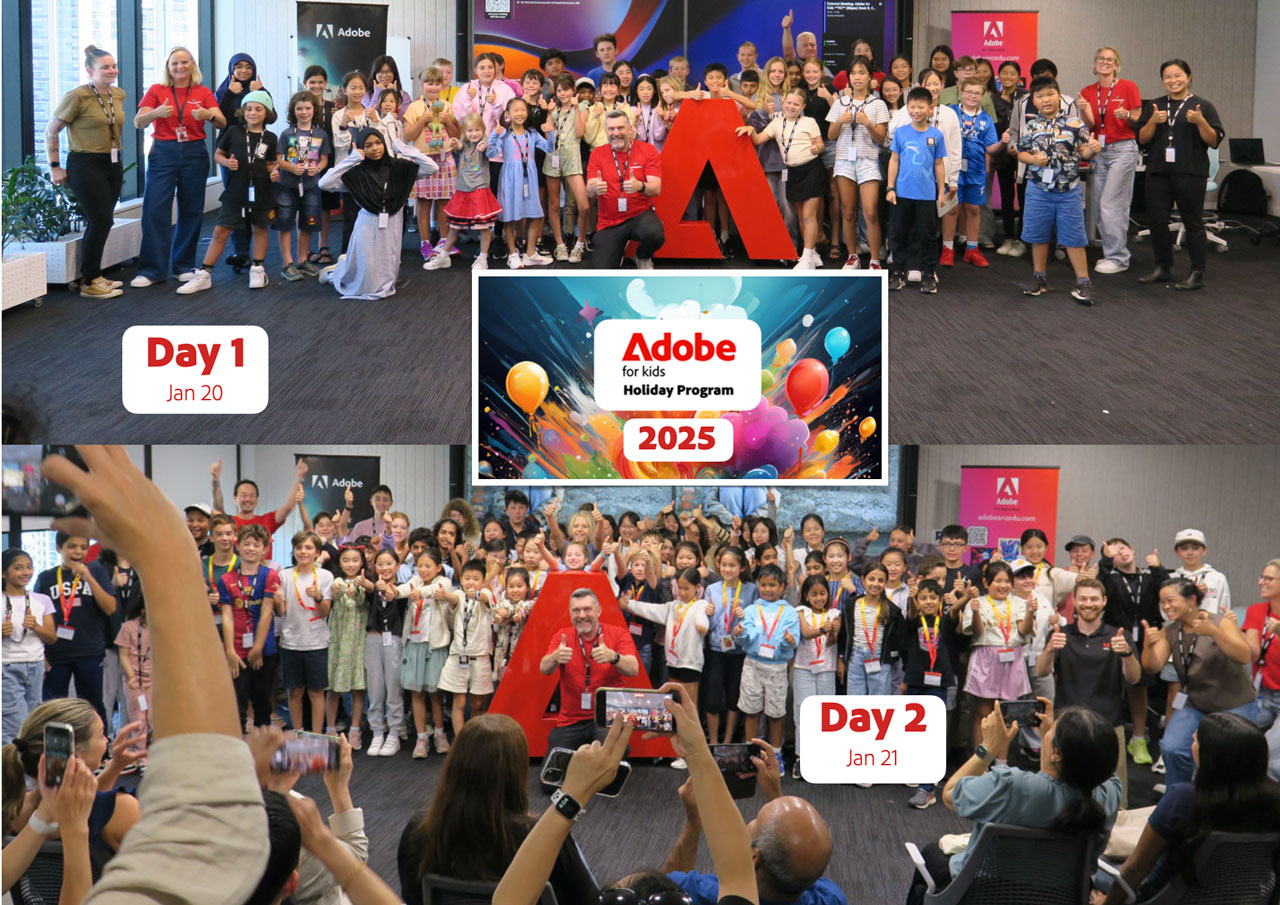
About 140 kids aged 9 to 14 took part in the Adobe for Kids holiday program at the Adobe Sydney office on January 20 & 21.
The following design thinking approach from the NSW Department of Education was the scaffold for two days of digital creativity:
- Stage 1 (Identifying and defining the problem)
- Stage 2 (Researching and planning a solution)
- Stage 3 (Producing and implementing a solution)
- Stage 4 (Sharing, testing and evaluating the solution)
The big problem that we identified was that there is still a lack of knowledge and understanding of the 17 United Nations Sustainability Development Goals. The solution was for the students to work in small groups to promote one of the 17 goals by creating a 1 minute video story using Adobe Express.
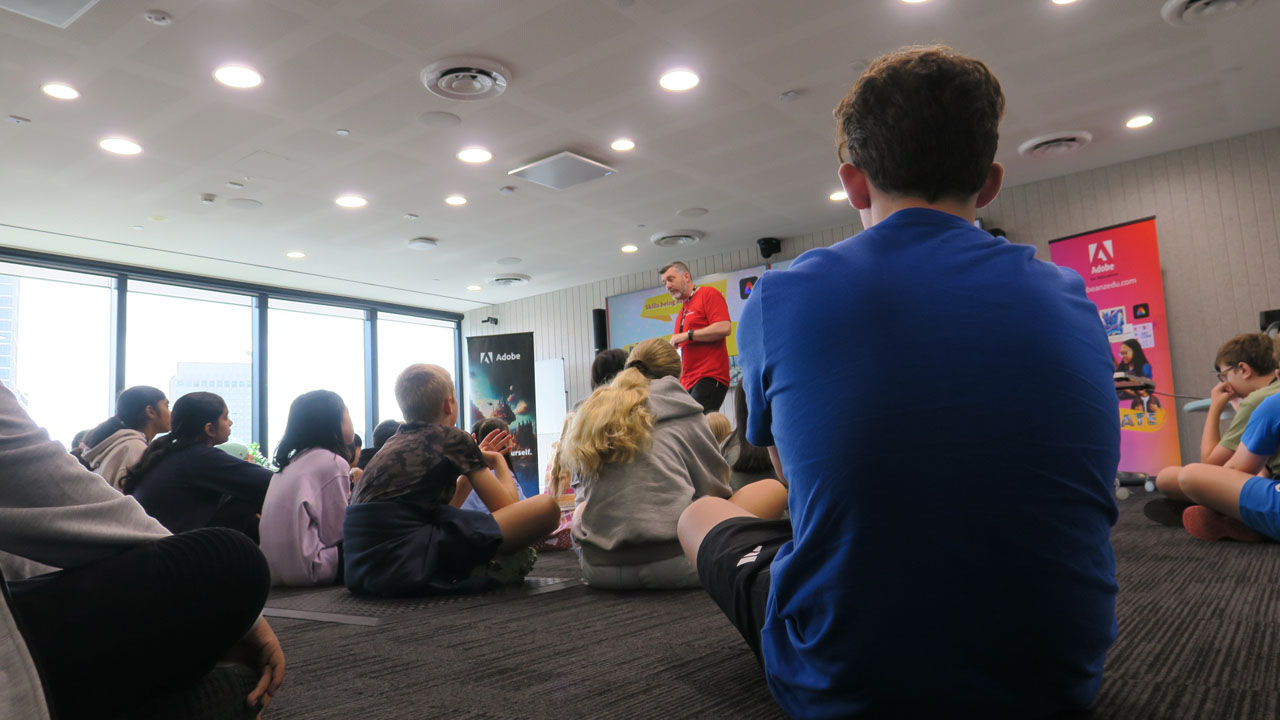
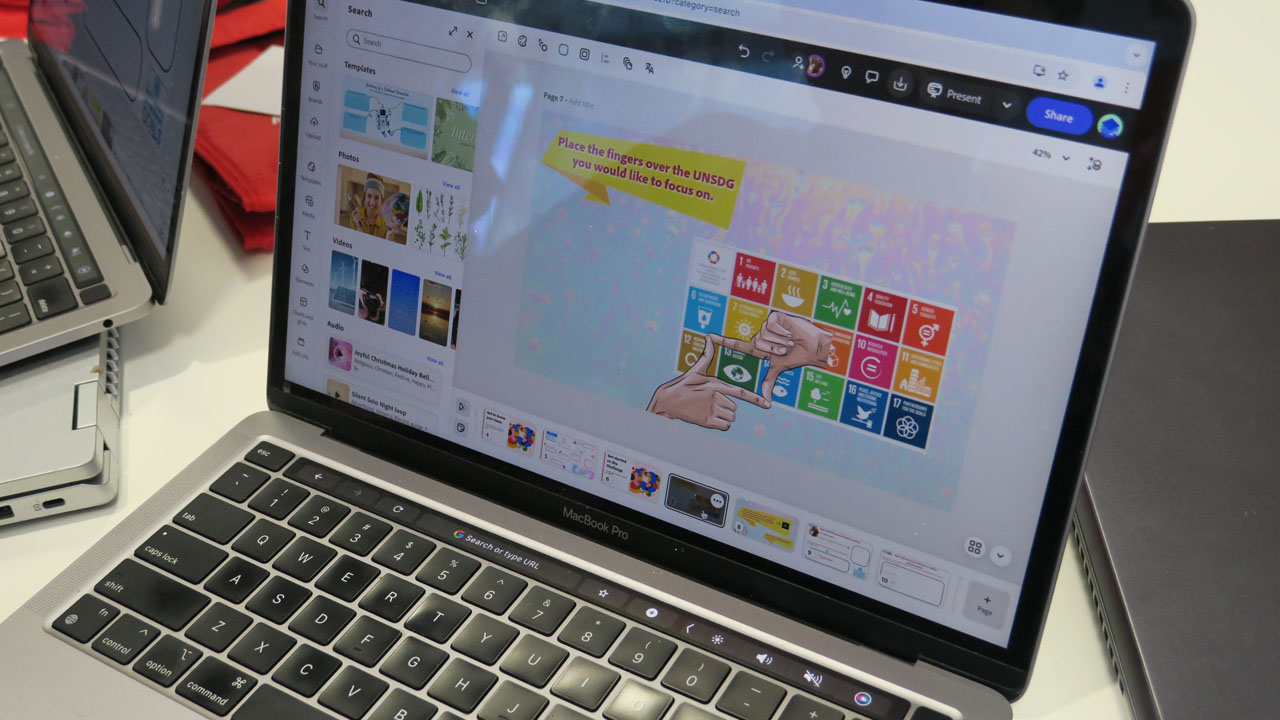
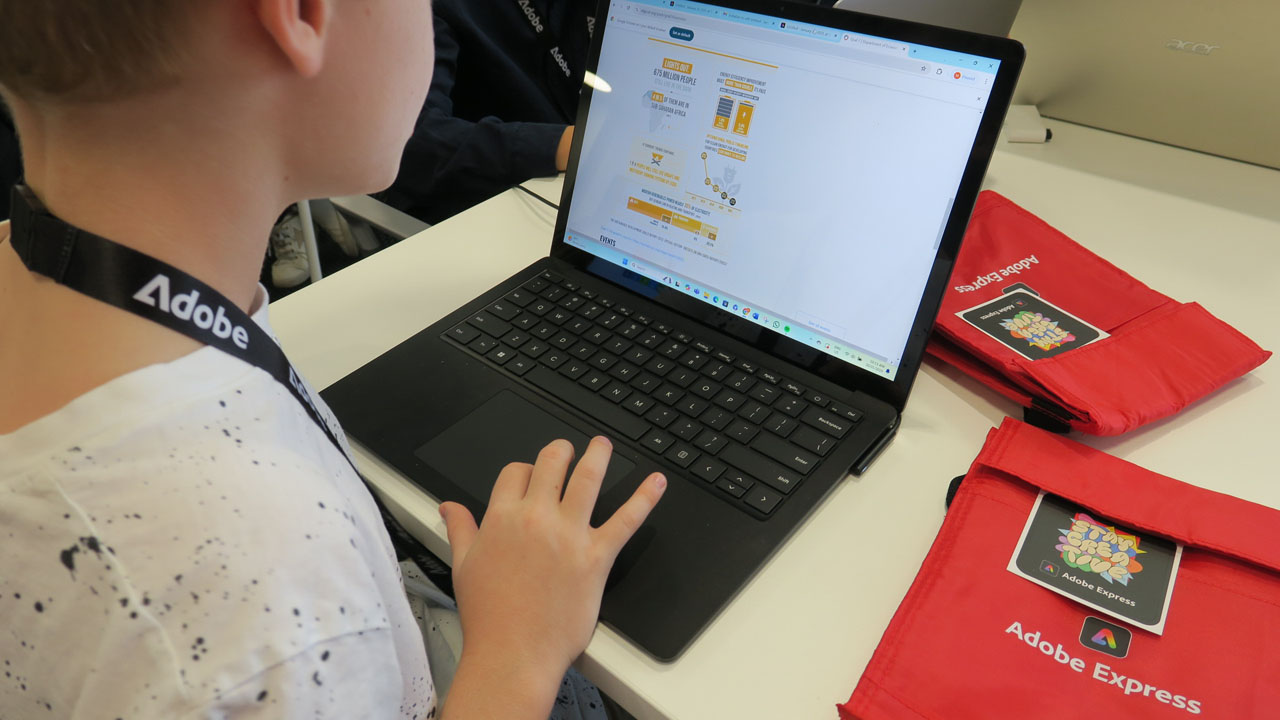
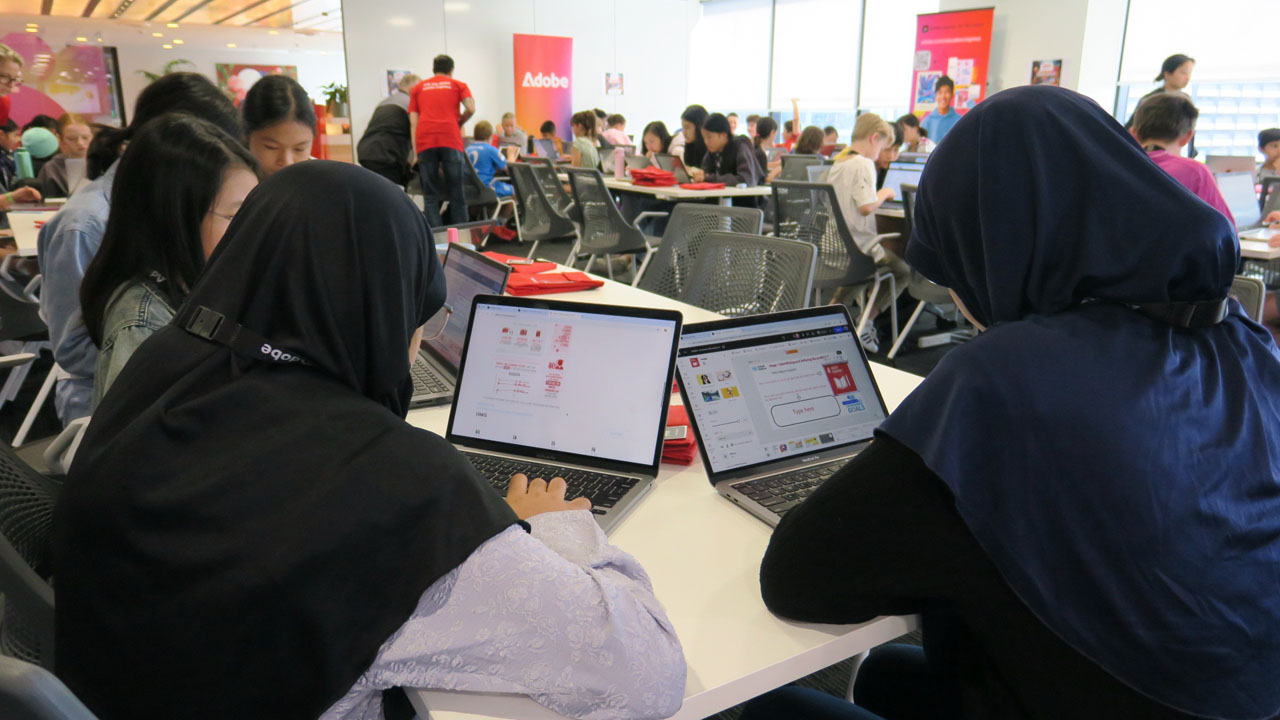
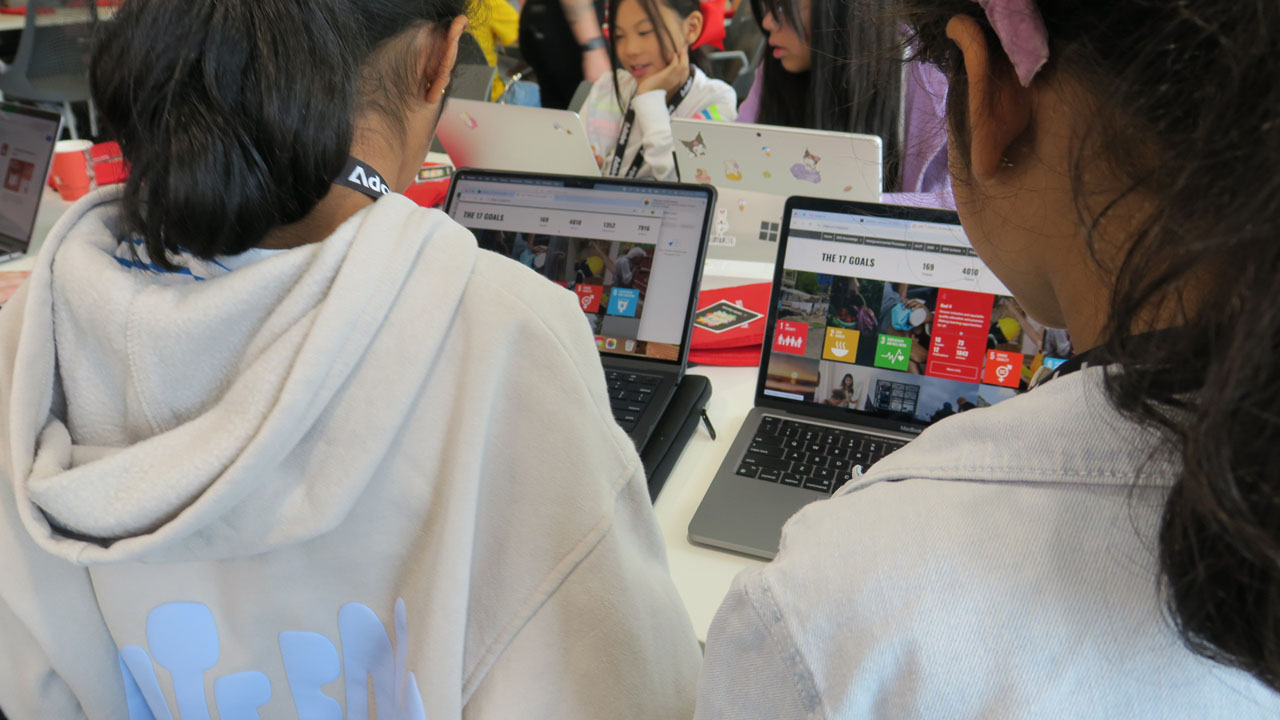
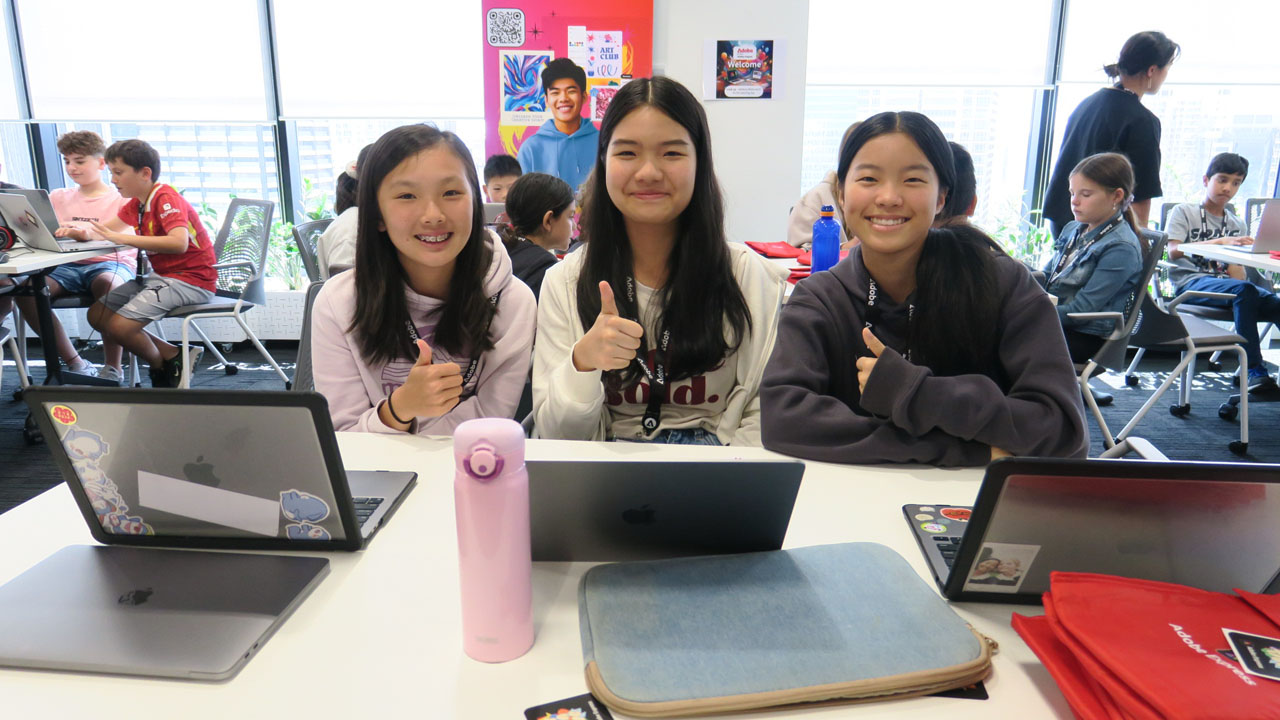
After considerable research on a particular goal, each group worked on a script for their story before having an intense series of Adobe Express lessons to get to know how to use this amazing browser and mobile app-based application to animate characters for the video story.

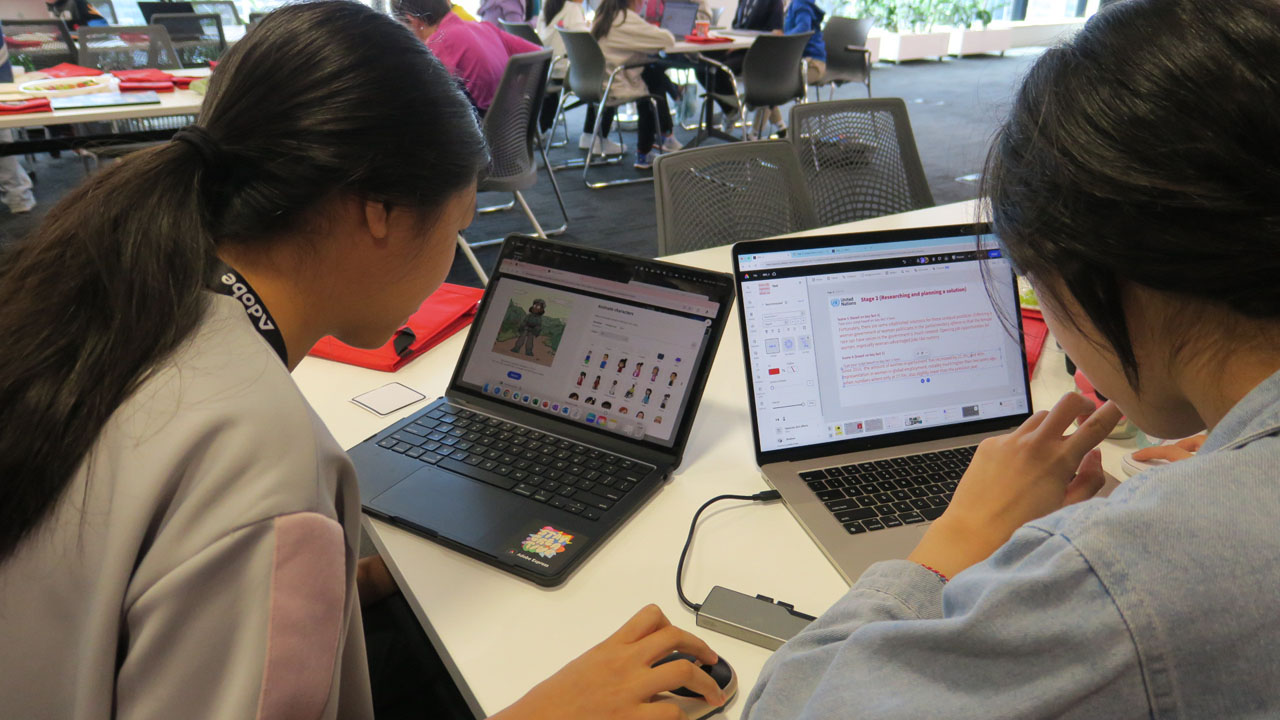

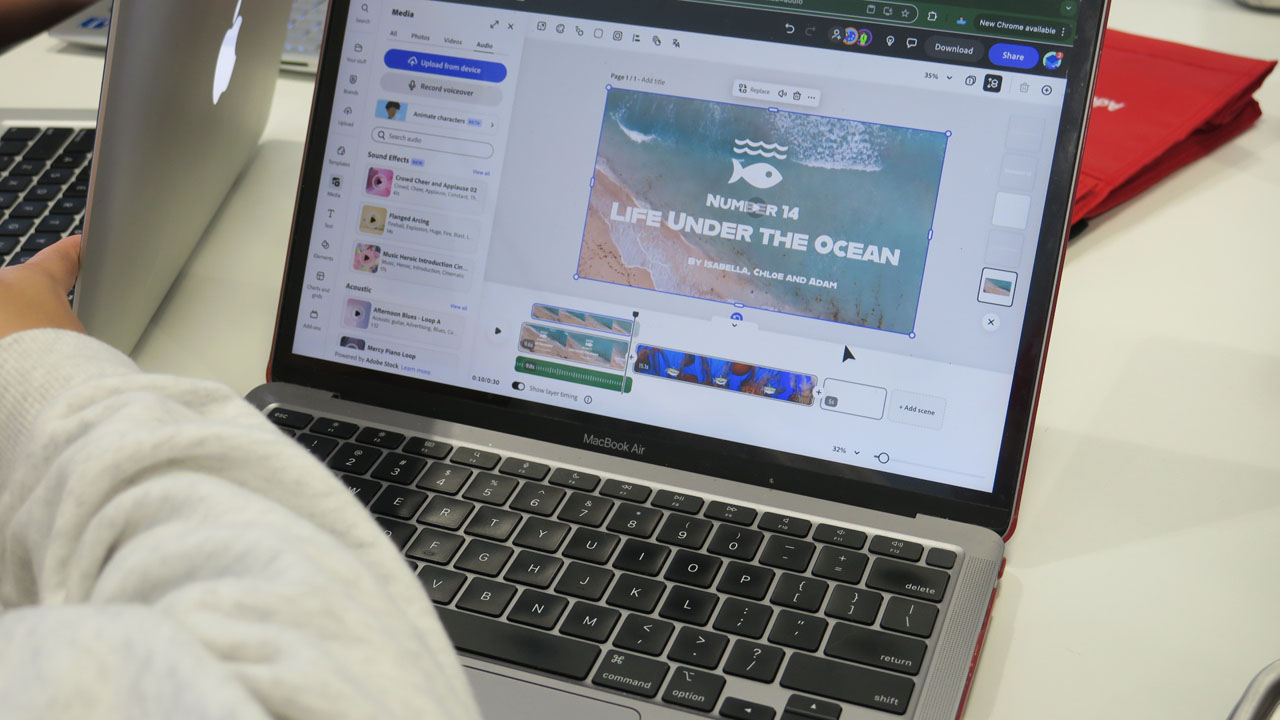

I was so impress with what the students achieved and would like to thank the Adobe Education Team and all adult volunteers from the wider Adobe Team and the NSW Adobe Creative Educator community who helped supervise throughout both days, especially Krissa Diamante (from Canley Vale High School) and Martin Gray (from Singleton High School) who helped support both days.
Feedback from the kids about the highlights of the day:
- I think that the main highlight was creating the video and adding more effects.
- I loved the part where we actually made the video. I especially loved when we did the animations and when we did the recording. All my team members were very helpful.
- I love the experience and I loved how we played a lot of fun games which was nice. Plus we got cupcakes YUM!!!I liked just being creative.
- Working with others throughout the day.
- I got to meet new people.
- It was very easy to use and when I didn’t know how to do something the helpers were very helpful.
- I love watching my animated character as well as recording for our video.
- Learning and creating a video with Adobe, and the AI animated voice over was very interesting (as other apps I’ve used didn’t have this).
- I loved doing the videos
- I love the tour of the office the view was spectacular.
- We made very funny video.
- Making a knew friend.
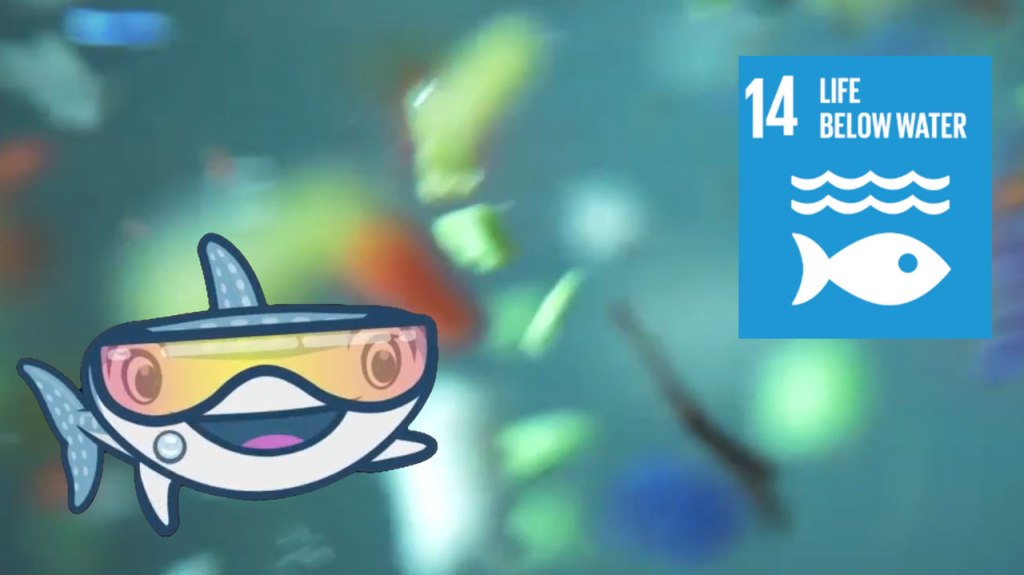
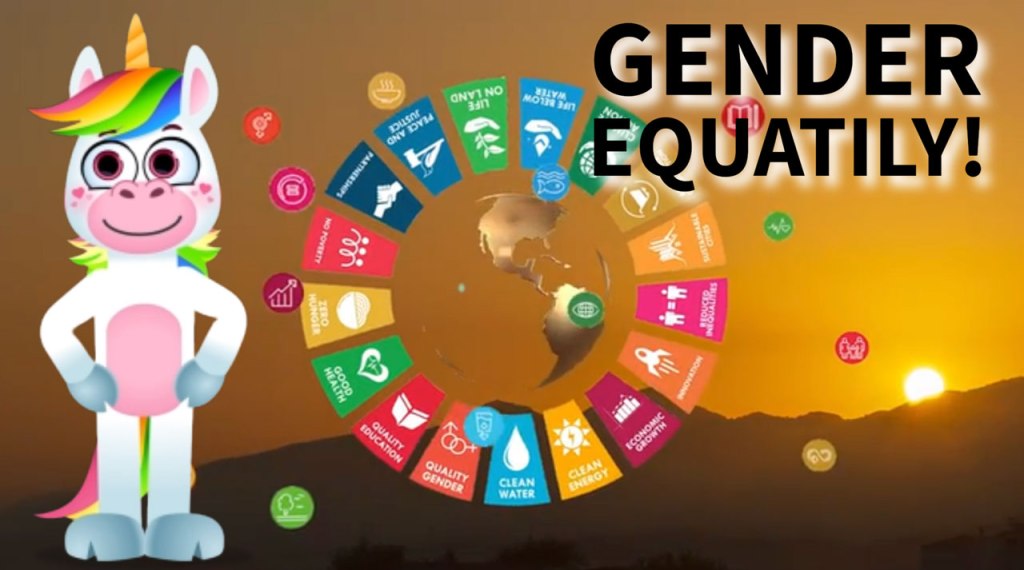
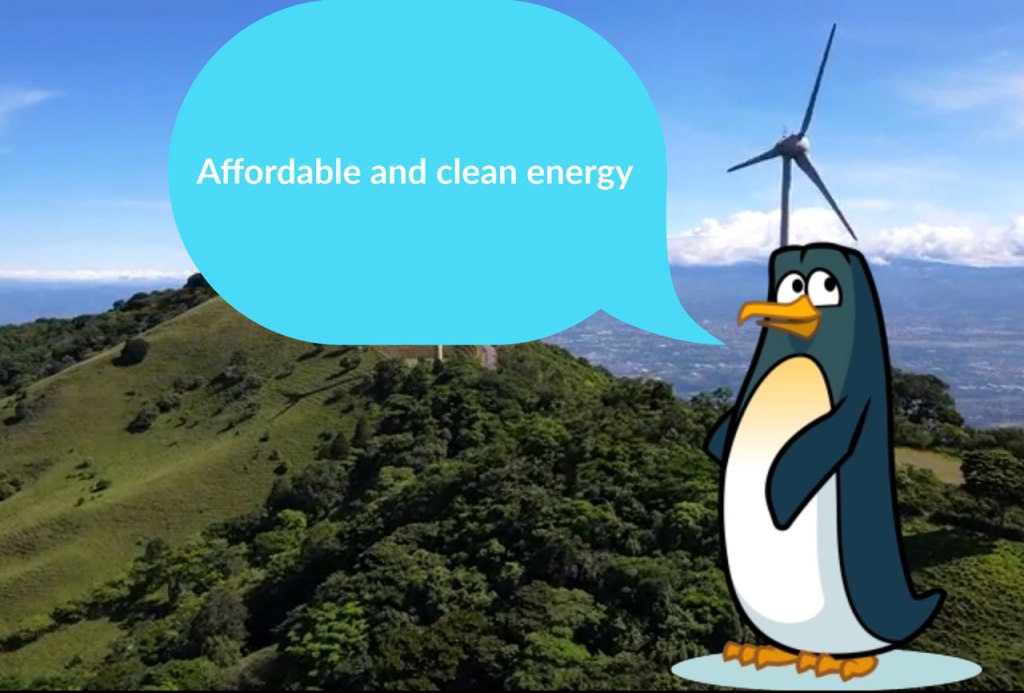
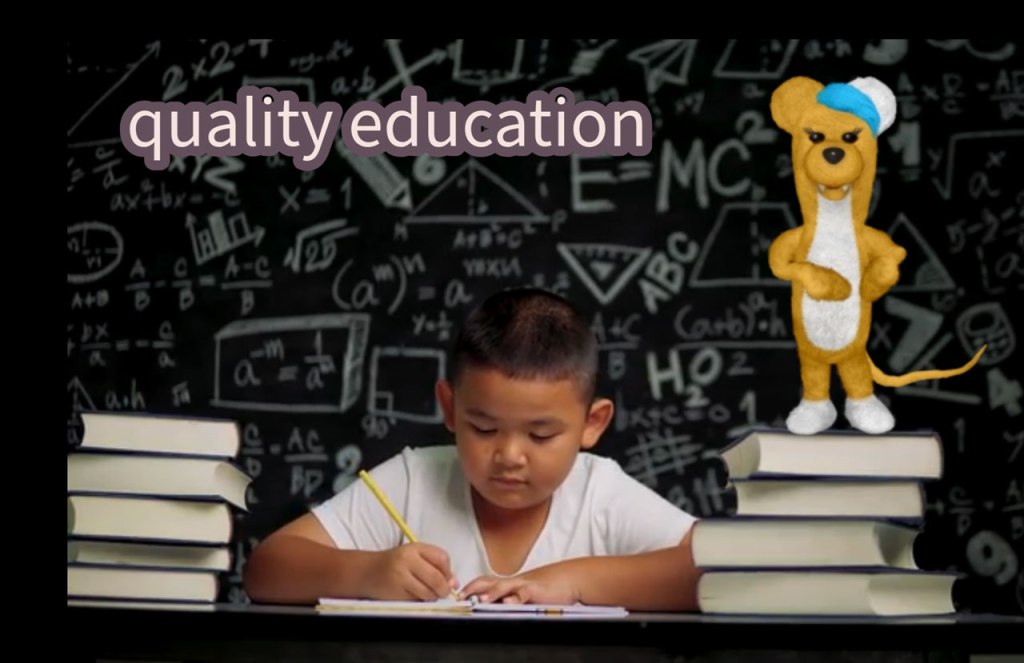
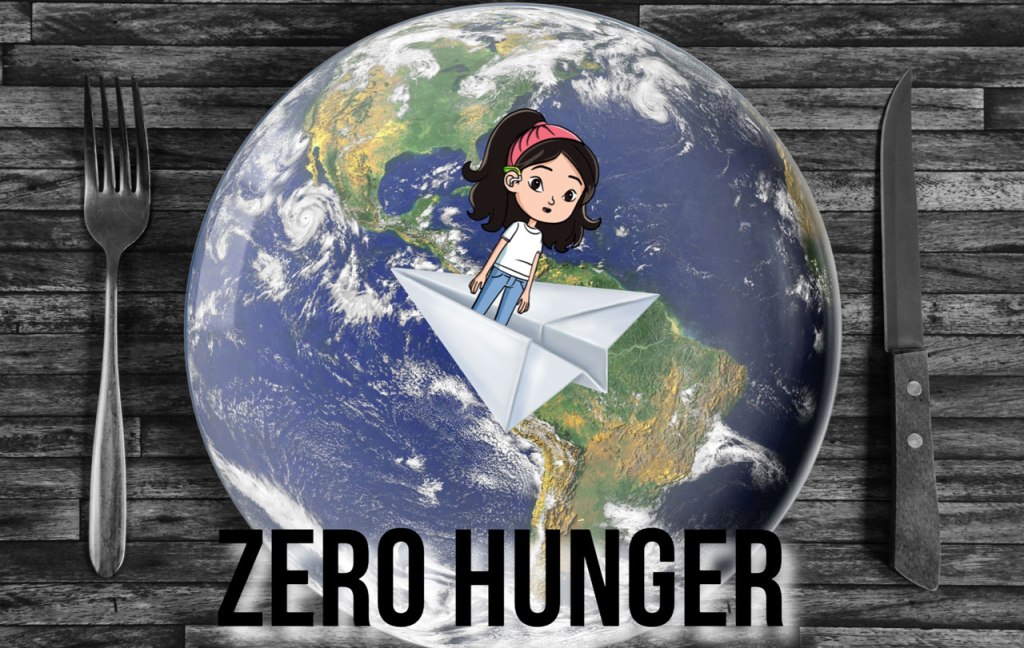
Below are some samples of what the students created. Click the image to see each short video.



Adobe Express is available for free to all K-12 schools worldwide. It is rapidly becoming one of the most popular Adobe applications used in educational institutions globally. In Australia, government schools in New South Wales, Victoria, South Australia, and Queensland have granted access to all their students and staff through their school email addresses and passwords (single sign-on). Many independent and Catholic schools have also followed suit. If your school is not yet aware of this free opportunity from Adobe, click here to learn how to get set up.
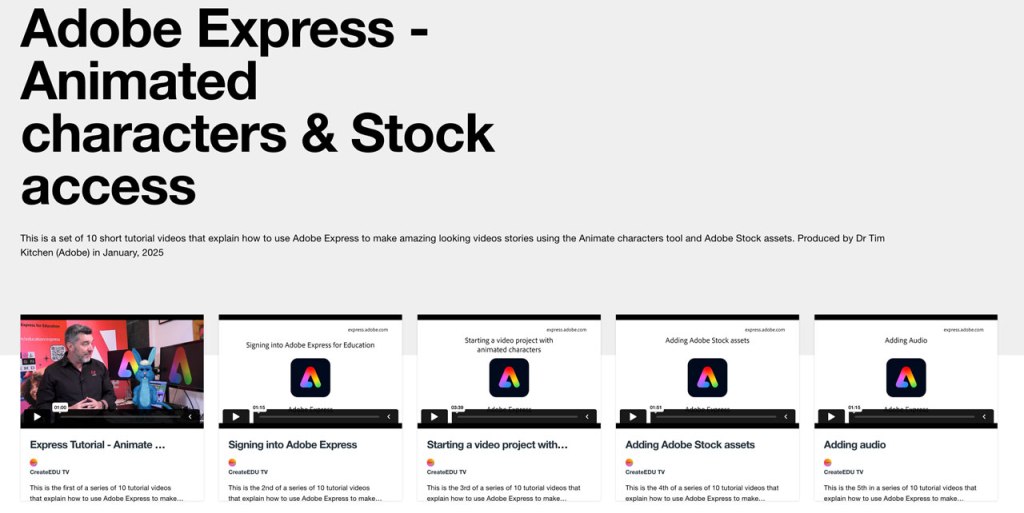
Here are some Adobe Express tutorials to help you get started that focus on how to animate characters and access Adobe Stock royalty-free assets via Adobe Express.
 Dr Tim Kitchen's Journal (CTL - Creative Teaching & Learning)