Adobe Day at Lindfield Learning Village

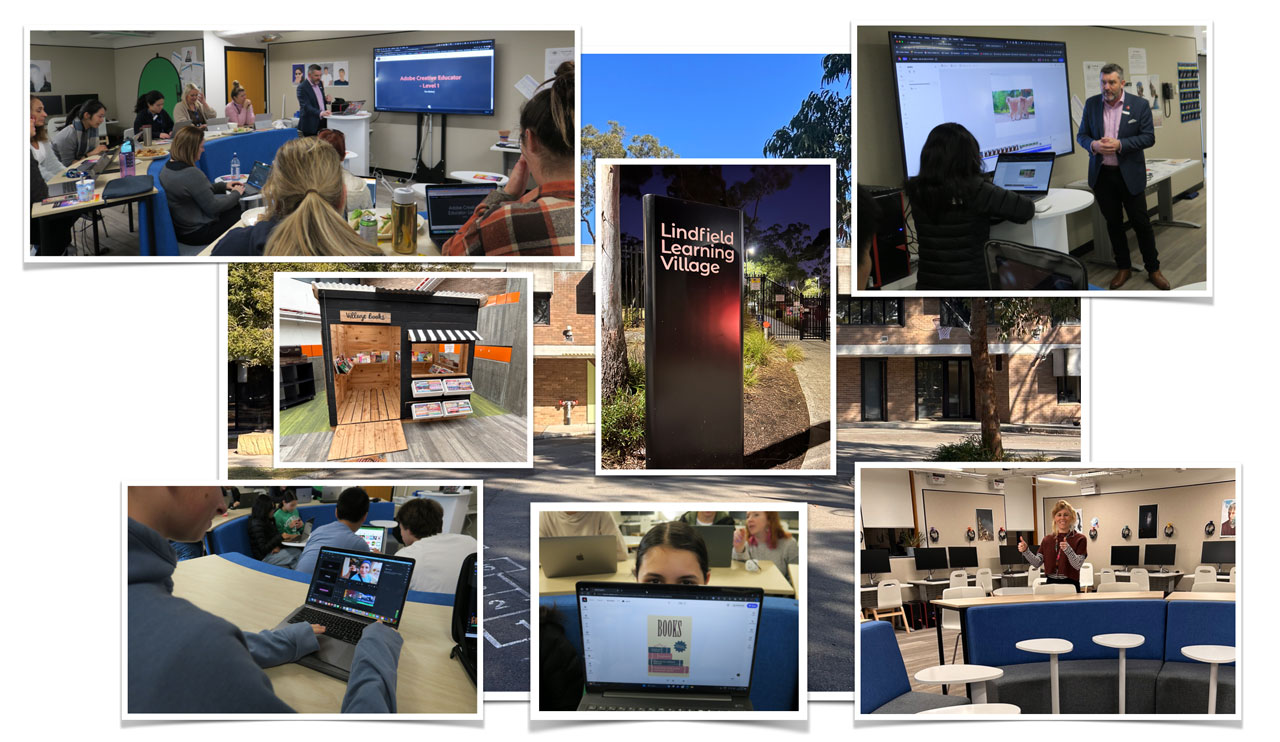
On Tuesday 25th July, I had the pleasure of spending some time with students and staff from the amazing Lindfield Learning Village (LLV) in Sydney.
An innovative and forward-thinking public school, LLV was founded on the principles of personalised learning and community engagement. It offers a unique and dynamic approach to education focused on problem based learning. It boasts state-of-the-art facilities and a vibrant learning environment that nurtures creativity, critical thinking, and collaboration among its students. With a strong emphasis on individualised learning plans, students at LLV are encouraged to explore their passions and interests while receiving personalised support from dedicated educators.

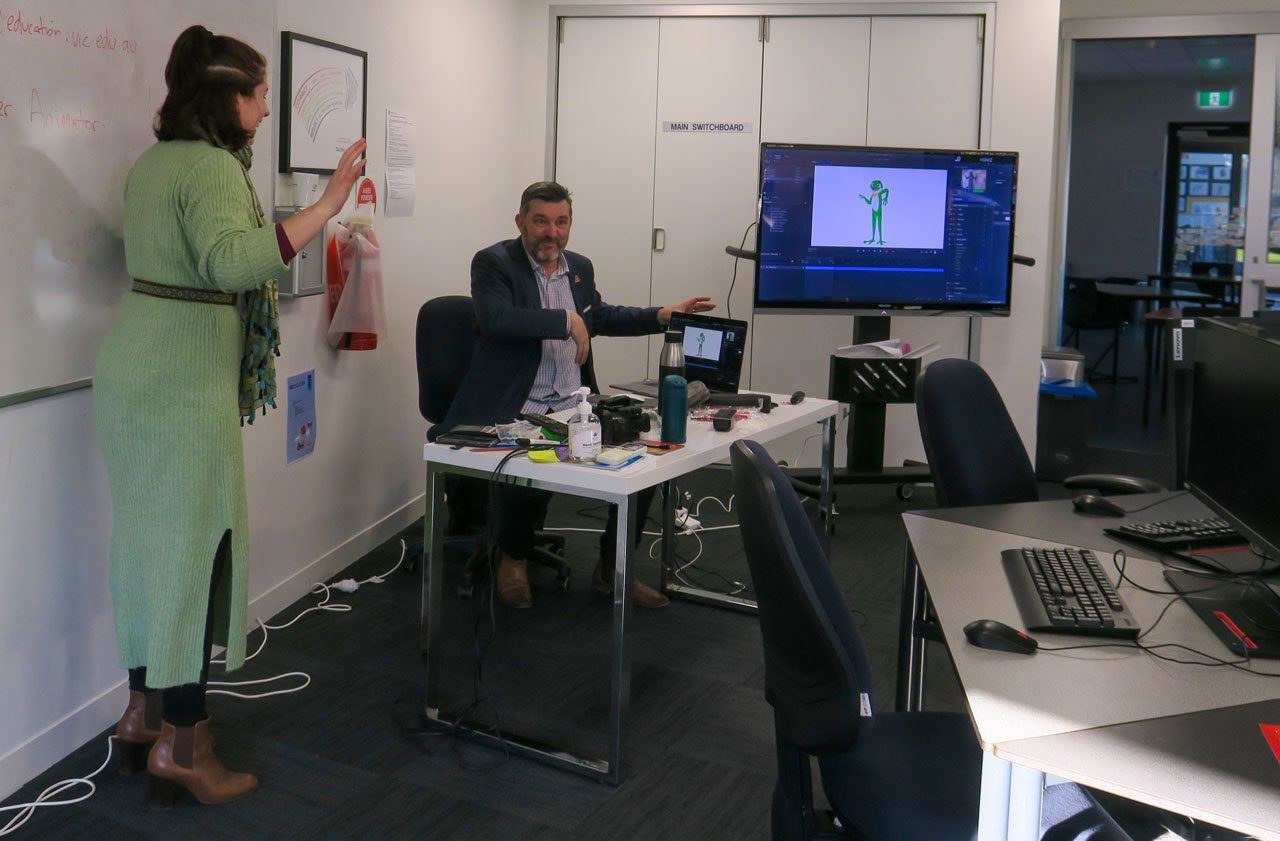
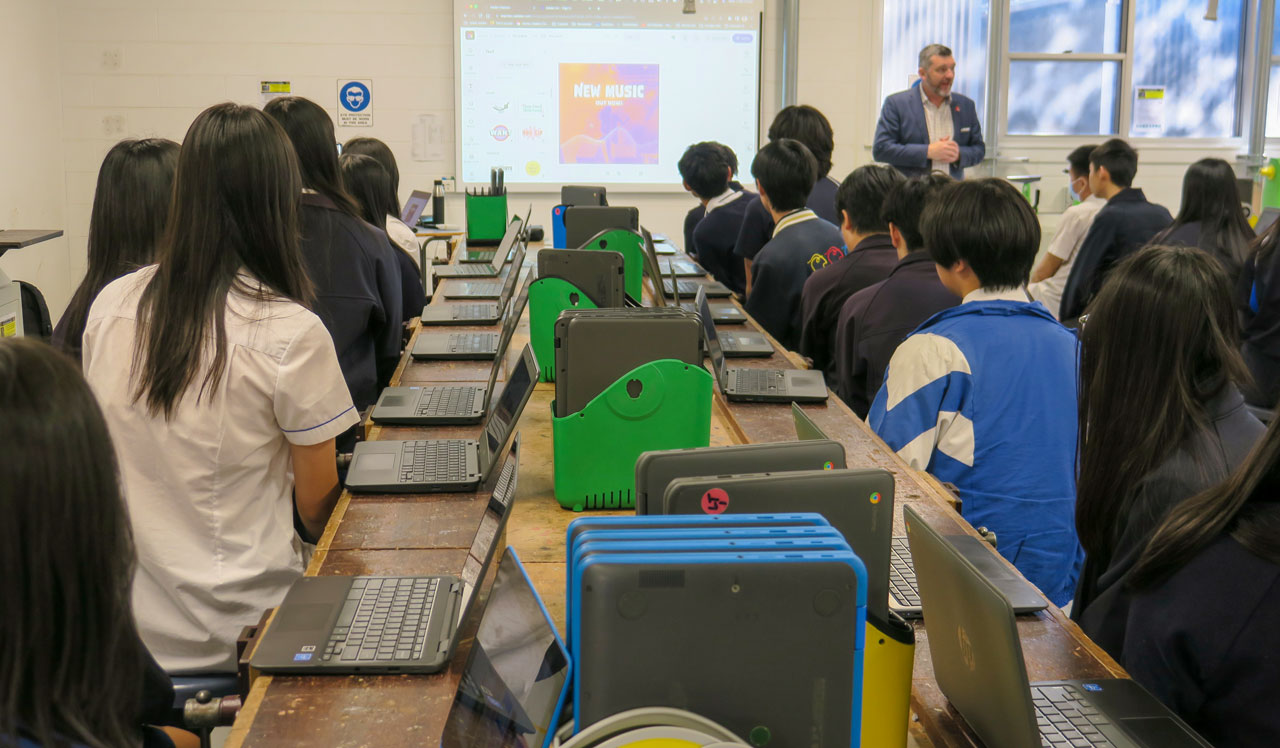
Art and multimedia teacher Jessica Peade invited me to work with a number of students with a focus on enriching their multimedia skills with Adobe Character Animator, Premiere Rush and Adobe Express.

At the end of the day, I conducted an Adobe Creative Educator Level 1 course for a number of LLV teachers. It was preaching to the converted when we discussed the research relating to the importance of creativity in education but they appreciated the Adobe related components and discovering more about the digital creativity apps they can use with their students.

I’d like to thank Jessica Peade for organising this Adobe Day at Lindfield Learning Village and I looking forward to returning soon.

Cumberland High – Careers Conference

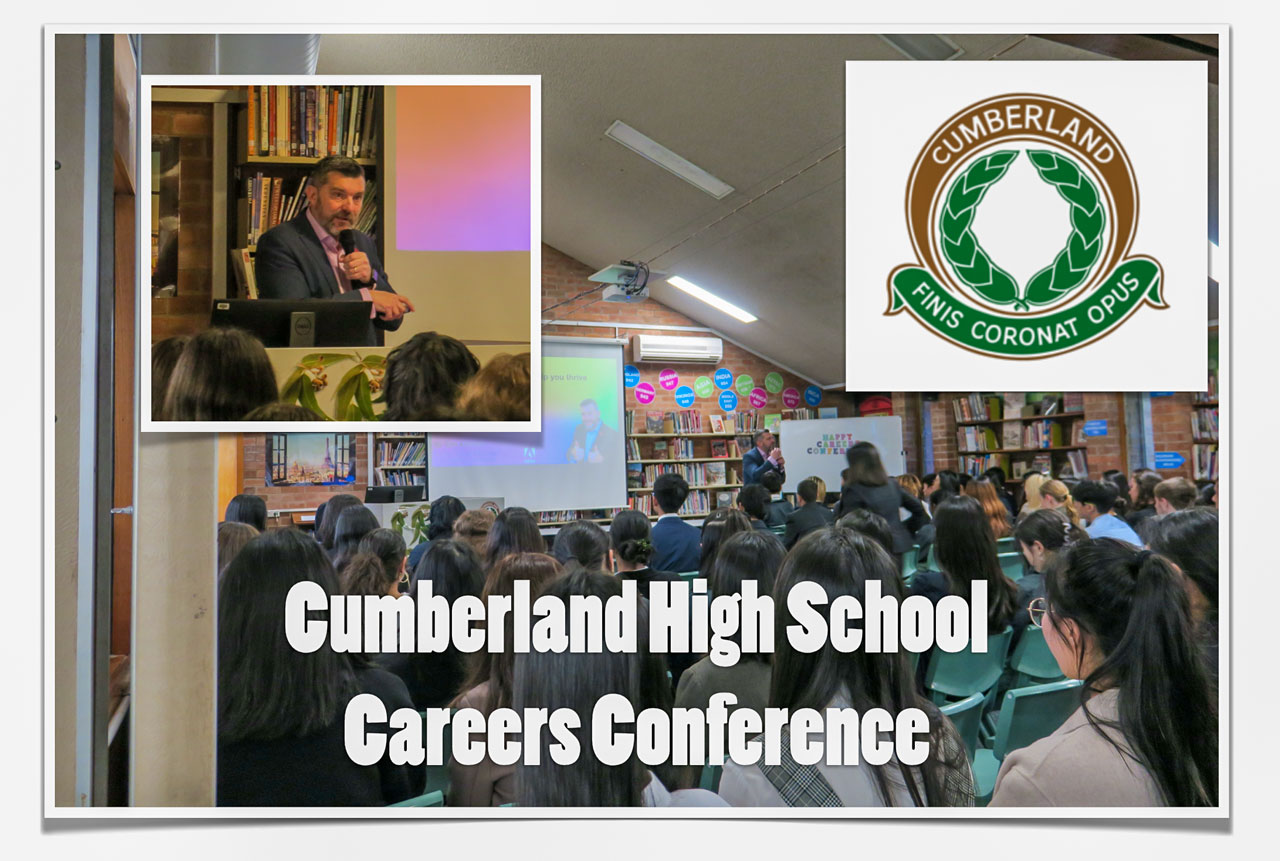
On Tues 25th July, 2023 I spoke to the Year 10s at Cumberland High School in north-western Sydney at their Careers Conference.

This was a special day where the students dressed in business attire and met with people from a range of industries to conduct mock interviews.

It was a pleasure to share with them some of the research from the World Economic Forum that outlines key skills to thrive and success in the future. I also gave them a number of practical tips on how to make the most of their free access to Adobe Creative Cloud applications to help brand themselves and build amazing looking resumes.

I would like to thank and congratulate Careers/Transition Adviser Nivanthi Ratnayake for inviting me and organising this wonderful event for her students.

Big Day In – Melbourne – 2023

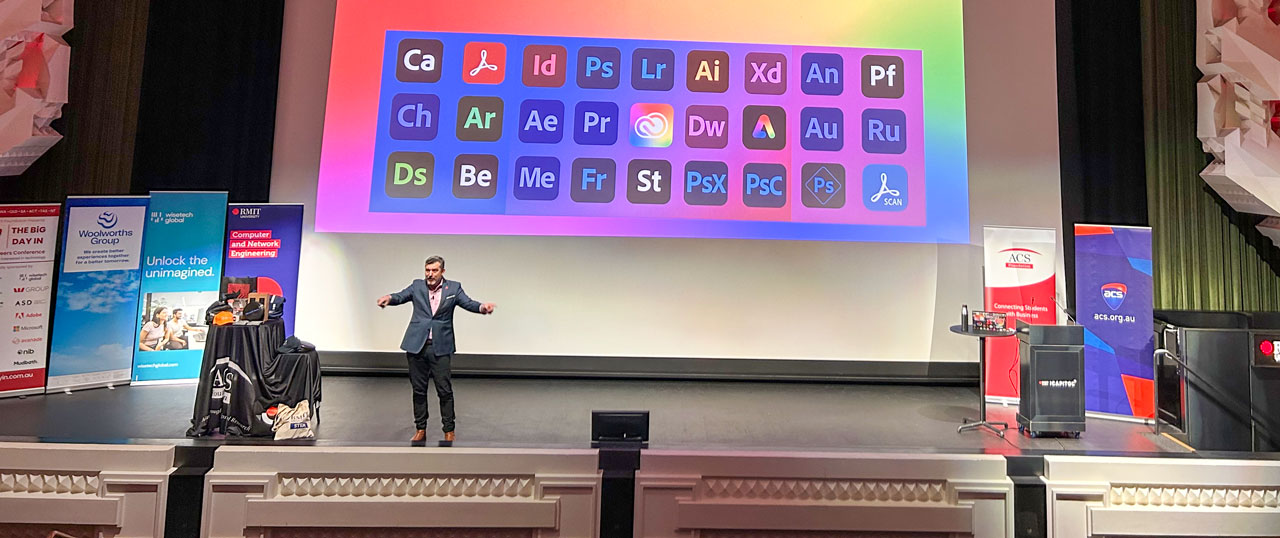
On Thursday 13th July, about 500 secondary school students from around Melbourne visited RMIT’s spectacular The Capital theatre for the 2023 Melbourne Big Day In event.

Big Day In events are run by the Australian Computer Society Foundation and involves representatives from large and small IT related organisations sharing the value of a career in STEM.

I had the honour of being the opening keynote presenter and shared a presentation about the most important skills to thrive in the STEM (and virtually any other industry). One of the most important of these skills is creativity.

I encouraged each student to make the most of the access to Adobe tools that is provided to them by their school so that they can develop their digital creativity skills.

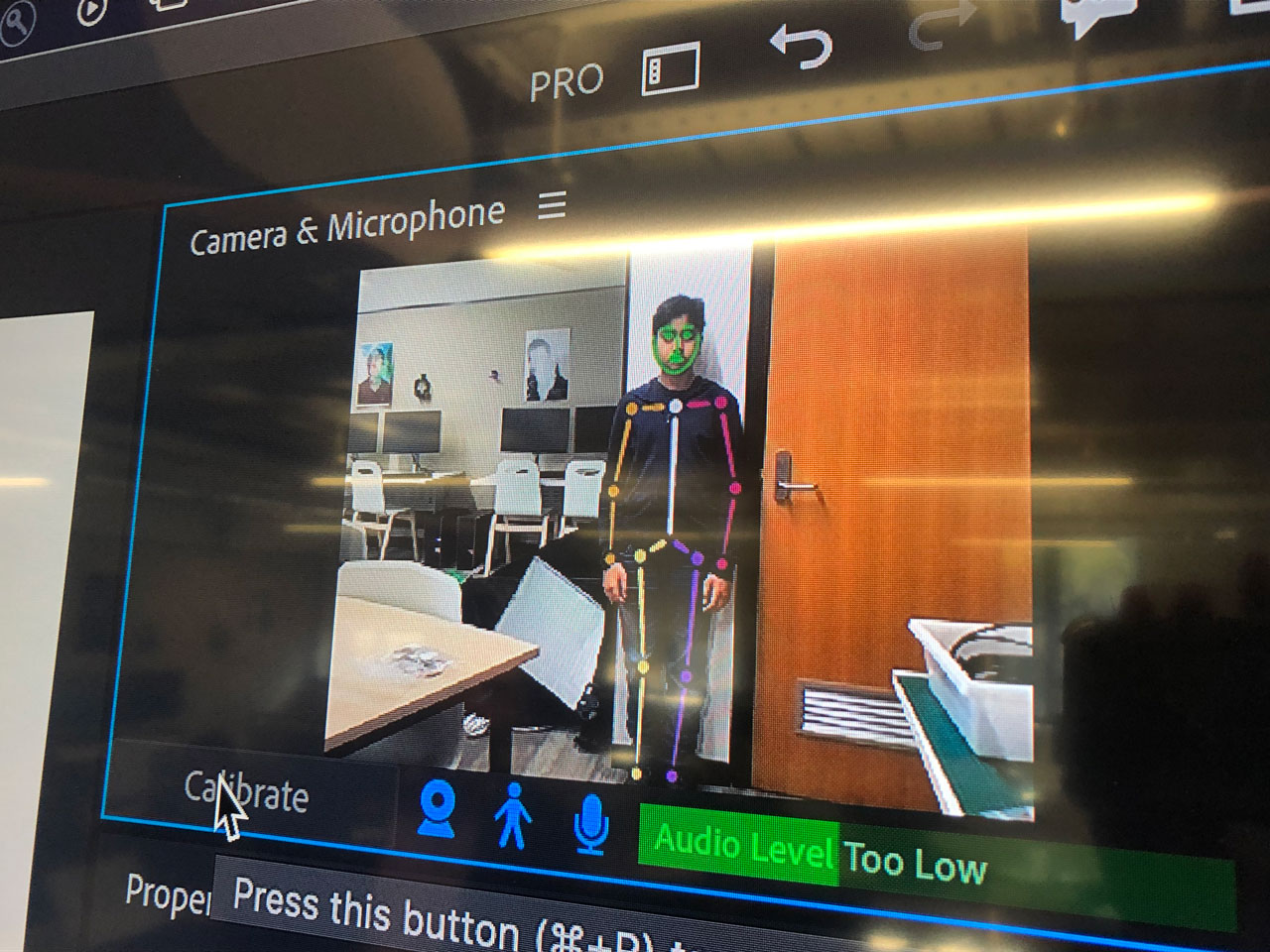
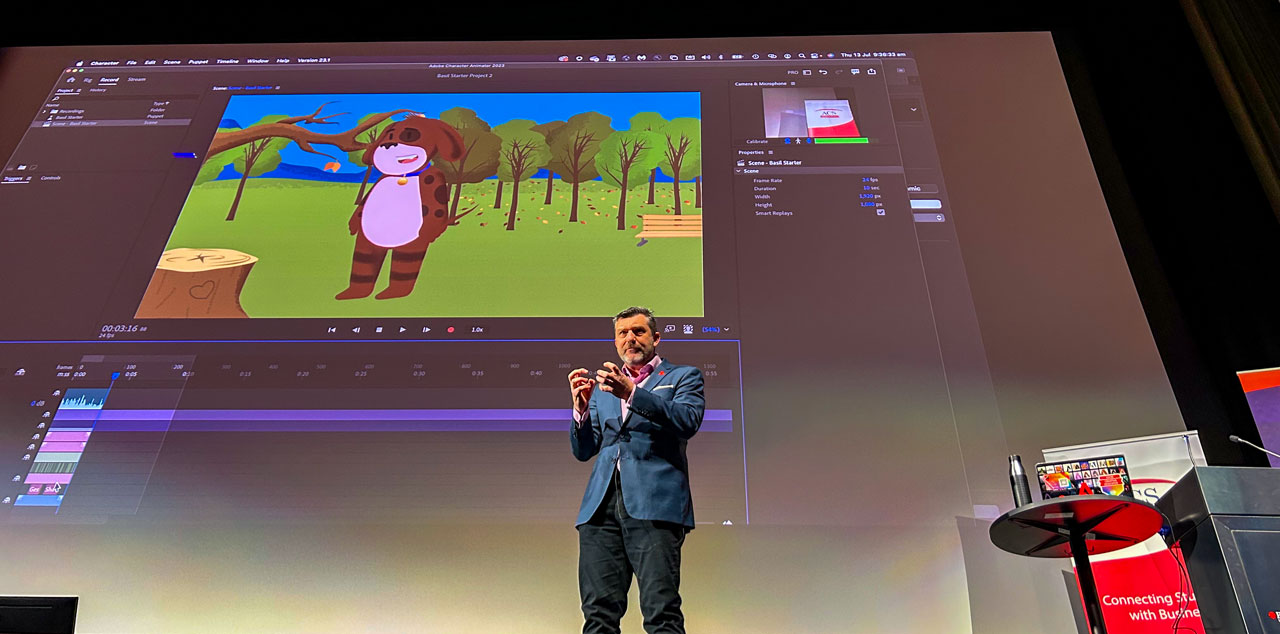
One of the Adobe applications that I showcased was Character Animator, a great tool for making creative animated presentations just by tracking facial movements via a normal web-cam.

Another app/resource I showcased was Adobe’s new generative AI solution FireFly as we discussed the impact AI is having on a range of industries.

My colleague Abigail Nelson and I met with most of the students at the Adobe booth throughout the day and encouraged them to take part in a special competition aimed at sharing their future dream job and the skills required to get there.

Encouraging Creativity in Vietnamese Students at Risk

For the past 4 years, I have had the pleasure of running online workshops with the Pacific Links Foundation, an organisation focused on providing life skills for Vietnamese students at risk of being trafficked.

I ran 4 workshops over the weekend for about 150 students who were encouraged to use Adobe Express to build a poster about their passions.

Most of the students didn’t speak English, so a translator was provided at each session to help with the instructions.

Adobe Express is a free browser and app-based design tool which ideal for making posters, webpages and video stories. The students were using a mix of laptops and Android tablets/phones to connect and create. It was a challenge for me to teach the browser version & the app version all while being translated, but somehow it worked because the student were very appreciative and produced some wonderful posters.

National Education Summit – Melbourne

On Friday 16th June, I had the privilege of presenting two sessions at the National Education Summit at the Melbourne Convention and Exhibition Centre. The first was a workshop/presentation titled Engaging your students in any curriculum area with Adobe. The second was an open theatre session in the Expo area titled Enhancing digital creativity is key to the future classroom.

Throughout the day, I had the opportunity to interact with more than 200 teachers representing various school systems across Australia. Many of them were unfamiliar with the offerings provided by Adobe and were pleasantly surprised to discover the accessibility of the software, which can be easily incorporated into any subject area alongside Adobe’s professional design tools.

It was a pleasure to share the work of Professor Seymour Papert, Sir Ken Robinson, Dr Tim Patston and other researchers as I presented why creativity is such an important focus in all aspects of education and life in general.

Additionally, it was a delight to reconnect with Adobe Education Leaders who were also presenting at the event from Victoria and interstate such as Brett Salakas, Jason Lane and Steven Kolber as well as many of the Aussie EdTECH community.

Adobe in regional NSW

On Thursday 8th June, Buronga Public School in the Sunraysia region of NSW hosted a series of digital literacy and creativity events for students, teachers and school administrators around the region.

Making the most of Adobe Acrobat and Adobe Express for school admin and publication was the focus for admin staff and teachers from five schools in the region who joined me at the start of the day. More teachers from those schools also took part in a special in-person version of the Adobe Creative Educator level 1 course at the end of the day with 15 teachers earning their certification.

In between both teacher sessions, students from Year 3 to 6 at Buronga Public School spent the bulk of the day building passion posters and video stories with Adobe Express.

Special thank you to Greg Stewart (Digital Classroom Officer) and Adam Astill for organising this day of digital creativity and productivity.

Feedback highlights from the teachers included:

  • Learning about a new online program.
  • Linking adobe to student creativity.
  • I made a webpage.
  • Tim’s delivery was very engaging!
  • Very informative.
  • All of it. Great course. Tim was excellent.
  • How quick and easy it is to use and I’m excited to work with my students creativity
  • Hands on . I created not just watched.
  • The fact that I, a technological idiot, created a Web page.
  • The assistance given to beginners.
  • Creating a web page – I had never done that before.

Other comments

  • Very engaging. Never new Adobe was more than PDF
  • Thanks- I got so much out of this.

Creativity in Mildura

On Wednesday 7th June, I had the pleasure of visiting Chaffey Secondary College in Mildura, North West Victoria for an Adobe Day.

Character Animator, Fresco and Premiere Rush were the three main Adobe applications that were introduced to classes of Year 8 & 10 students from a range of subject areas.

The after school professional learning session involved teachers from schools around the region. Highlights from the feedback included:

  • Working with the students during the day and how engaged they were
  • Seeing live animation recorded in character animator
  • ‘I feel I am able to easily use these programs with my students. It looks so achievable.
  • ‘The ease of how to use the programs

Key Learning Area Leader for Arts, Jess Cook did a fabulous job organsing this day in relatively short notice when she discovered I was visiting the area. Thank you Jess!

Braybrook College visits Adobe

On Thursday 1st June, a group of talented Visual Communication & Design students from Braybrook College visited the Adobe Melbourne office for a My Career Rules mentoring session organised by the Australian Business Community Network (ABCN).

My Career Rules is a careers awareness program that provides students with the opportunity to prepare questions and interact with a panel of professionals, opening their minds to careers that reflect the current workplace.

The three panelists, Tomas Francis, Kelly Reay and David Huynh were asked some great questions about their careers to date, how they got to where they are and what life is like working at a company like Adobe.

Following the panel session, the students enjoyed a light lunch and Adobe demo focused on discovering the power of Adobe Character Animator and Premiere Rush.

Adobe Day at Willamstown High School

On Wednesday 24th May I had the pleasure of visiting Williamstown High School for an Adobe Day. I spend the morning with various Year 7 & 8 classes at their junior campus introducing them to Adobe Character Animator and Premiere Rush as two very creative applications within the Adobe Creative Cloud that they were not aware of.

In the afternoon I had the pleasure of working with the Year 10 IT students with a focus on Adobe Photoshop and Firefly which is no longer in beta.

After school, a number of teachers from a range of faculty areas joined me for a professional learning event focused on using Adobe tools in any curriculum area.

Creativity at Canley Vale High School – NSW

On Wednesday 17th May, I had the pleasure of addressing all the Year 10 students and running some workshops with HSC multimedia students at Canley Vale High School in Sydney’s west.

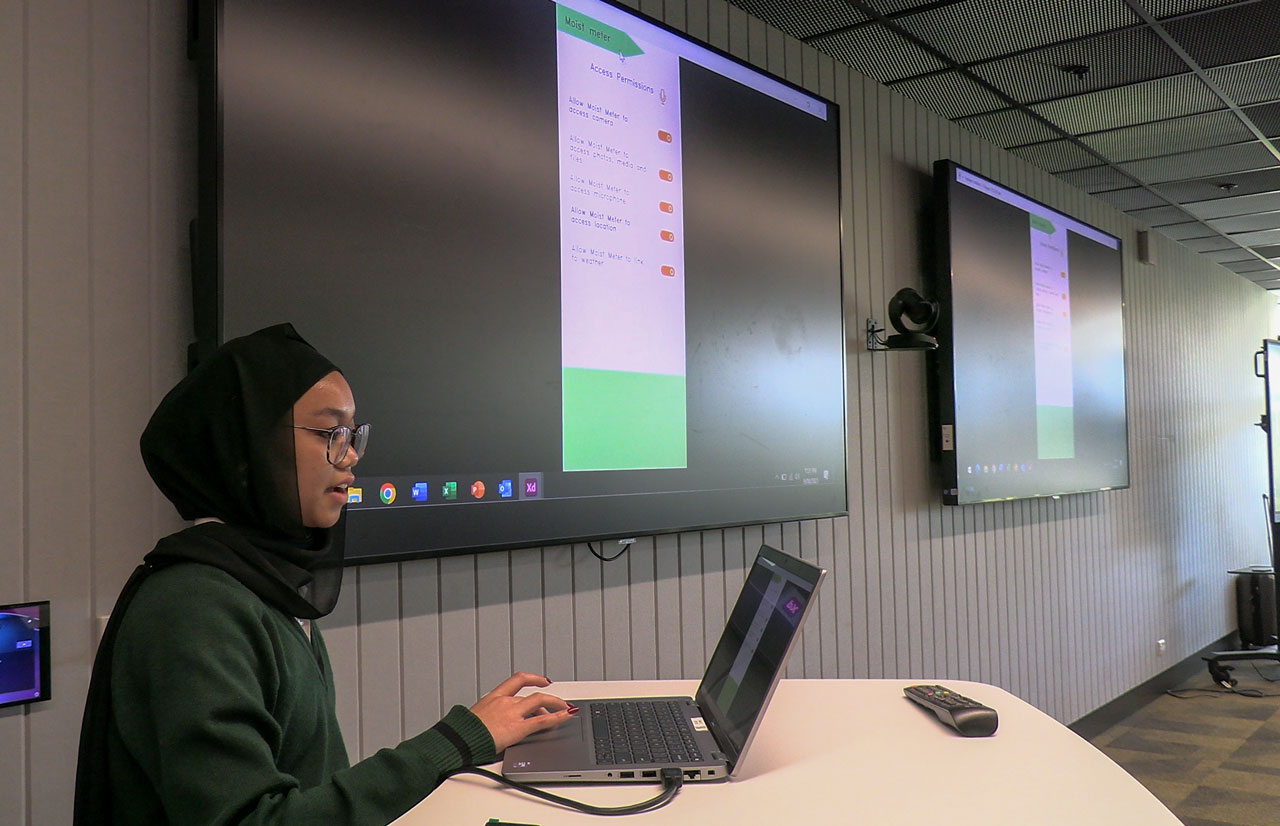
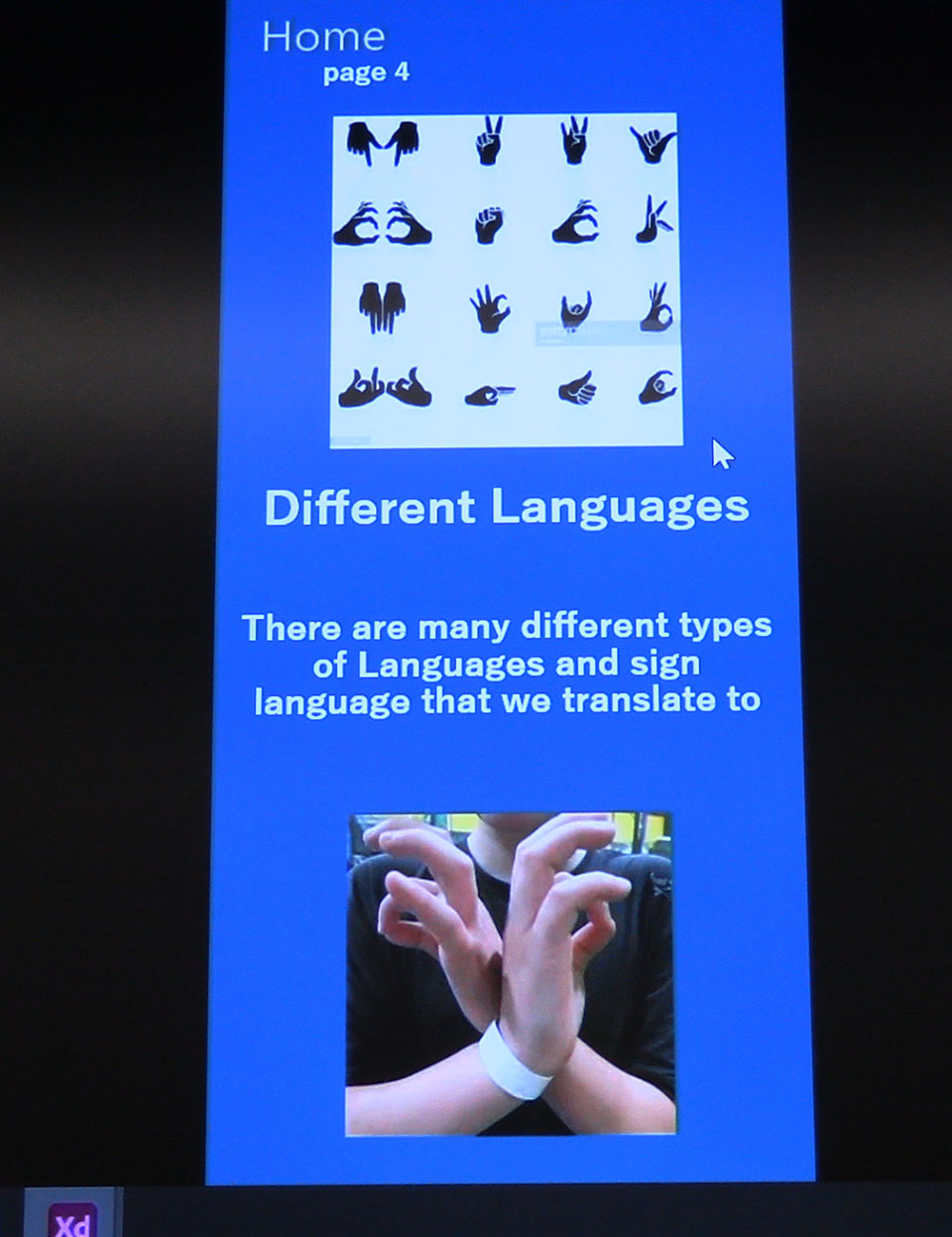
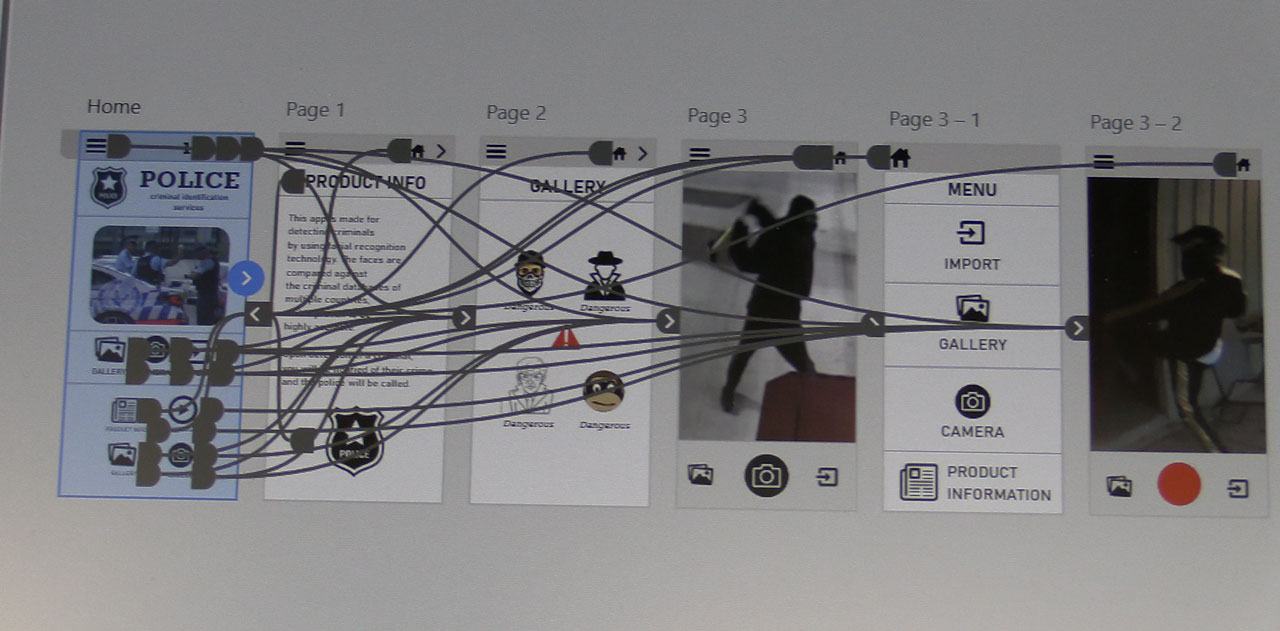
The school encourages their students to work with Adobe Premiere Pro, Photoshop, After Effects and Adobe XD. I introduced them to Adobe Express and Character Animator to help add to the mix.

Earlier this year, Krissa Diamante (Industrial Arts & STEM Teacher) contacted me seeking support with the use of Adobe XD. A couple of months later, she sent me sample of their Multimedia students’ Visual Portfolios using Adobe XD. She said,

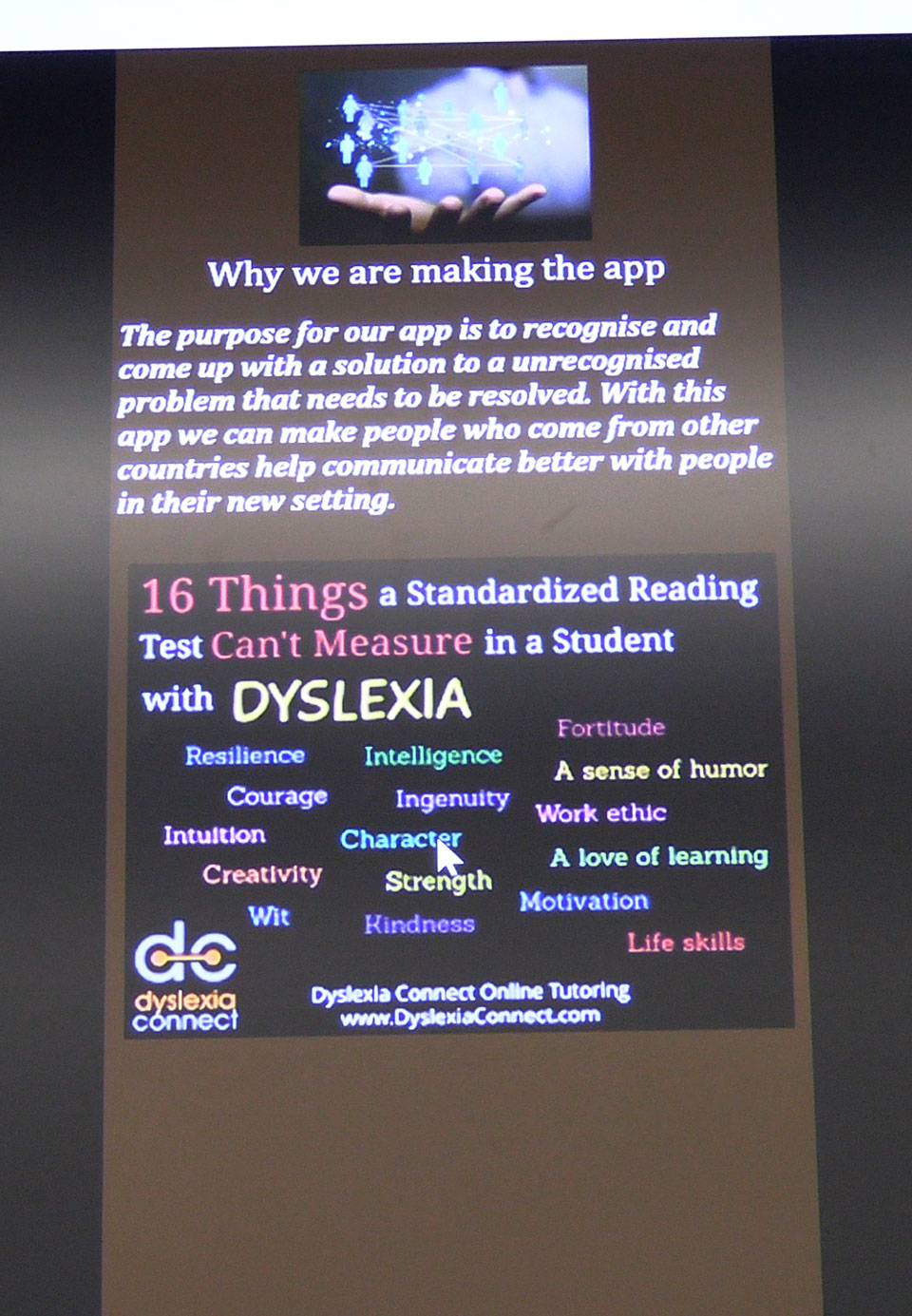
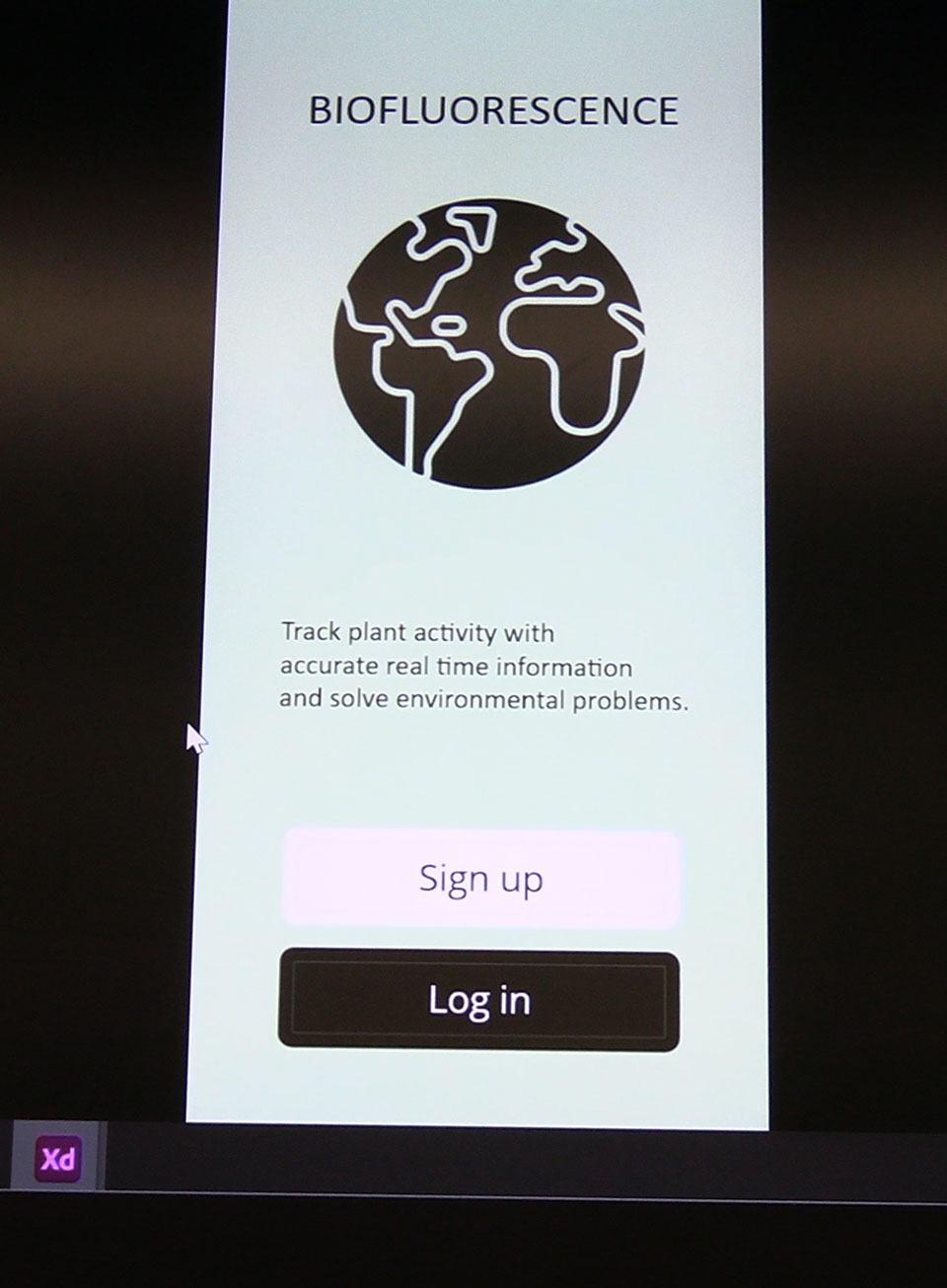
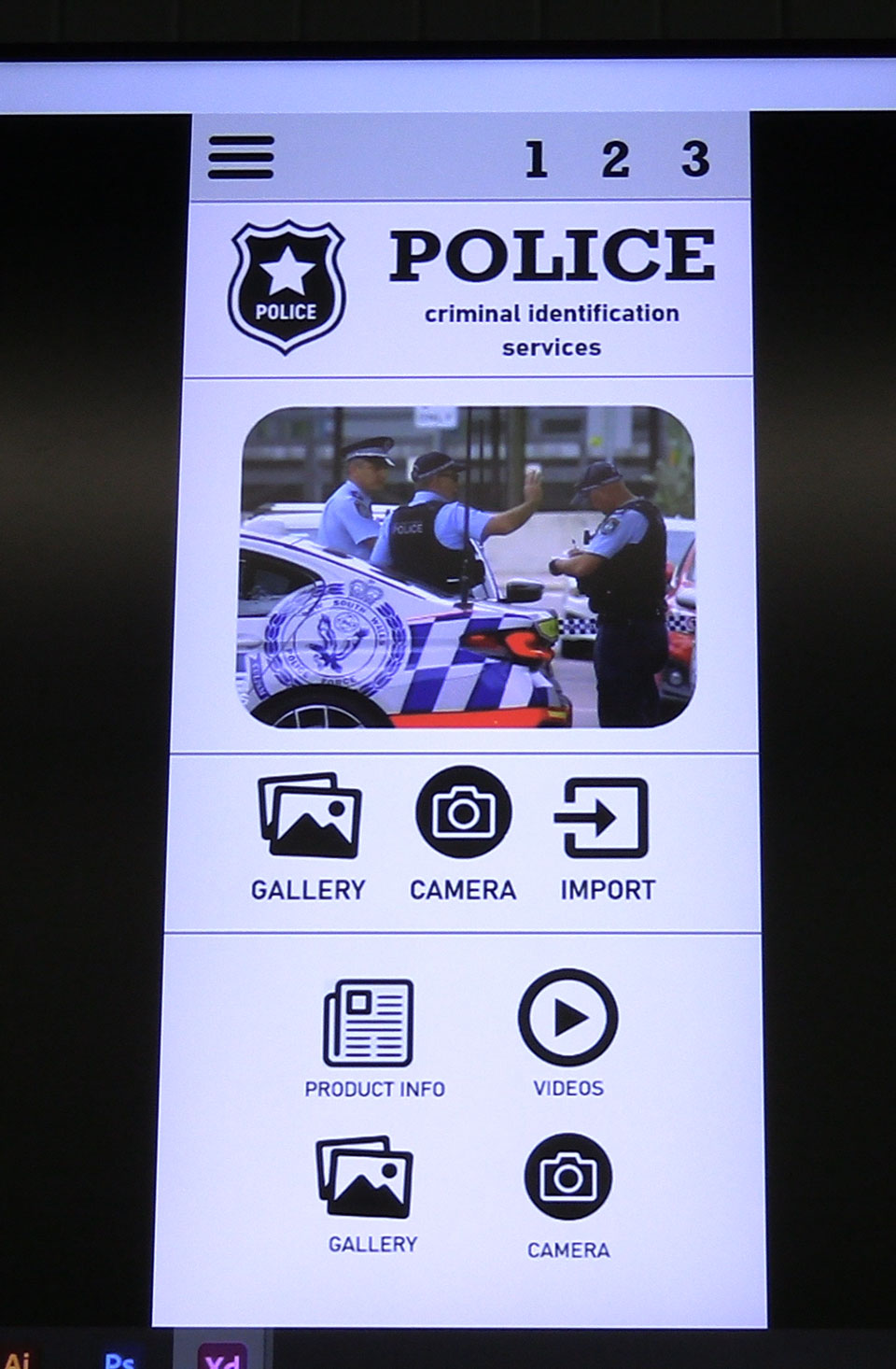
Students were assigned a task to generate a digital resume/portfolio when looking for employment in the Multimedia Industry. The task involved equipping and challenging students in creating interactive UI elements and functions. I’m extremely impressed and privileged to share these portfolios with you as these students continue to surprise me every time they use Adobe!

The following video feature some of this work and captures a couple of interviews with two of the multimedia teachers.

Have a look at Matt Rae’s article – What is Adobe XD and what is it used for?