Chapter 1 – Introductions & CC in Edu overview video Chapter 2 – Spark Post demo with Erin Raethke Chapter 3 – InDesign demo with Adrian Bruch Chapter 4 – Character Animator demo with Craig Daalmeijer-Power Chapter 5 – Acrobat DC demo with Erin Raethke Chapter 6 – Photoshop demo with Adrian Bruch Chapter 7 – Adobe XD demo with Craig Daalmeijer-Power Chapter 8 – Premiere Rush demo with Erin Raethke Chapter 9 – Premiere Pro demo with Tim Kitchen Chapter 10 – Adobe Audition demo with Brian Chau Chapter 11 – Survey & Resources
During session 2 & 3 from this series, we will be doing a deeper dive into some of the above apps.
Session 2 Mon May 3 – 4.30 PM – 6.00 PM (AEDT) Repeated on Tue May 4 – 6.30 to 8.00 PM (AEDT)
Session 3 Tue May 25 – 4.30 PM – 6.00 PM (AEST) Repeated on Wed May 26 – 6.30 to 8.00 PM (AEST)
Click here to find out more about this and similar sessions for K12 teachers.
Last week’s episode of Inject Creativity Live featured an amazing presentation by Adobe Education Leader Emeritus Chris Betcher titled The Cinematic Approach for telling better stories with video. Chris provided so many great tips on how to improve video production and tell stories.
Paul McClean shared about his program for setting up digital mastery within New Zealand schools.
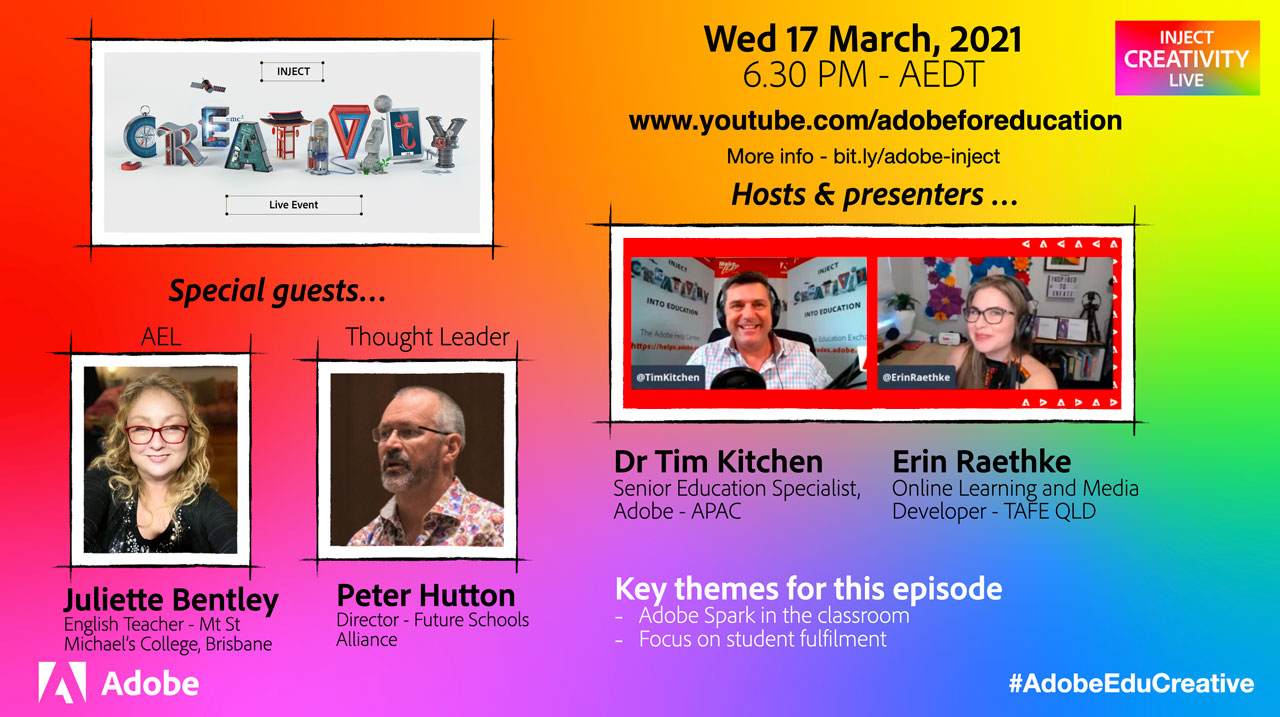
The next episode in on Wednesday March 17 at 6.30 PM AEDT and will feature AEL Juliette Bentley from Brisbane and Peter Hutton, the director of the Future Schools Alliance.
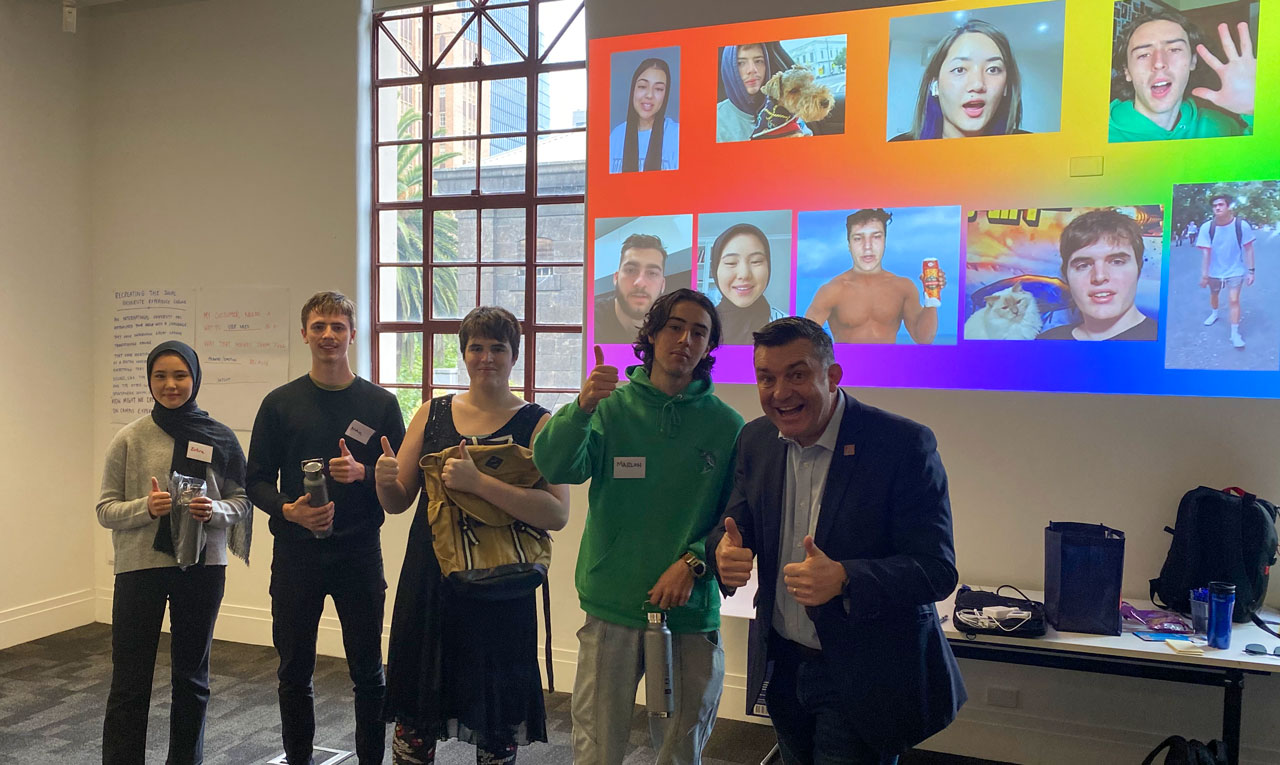
My first face-to-face engagement since March 2020 was with a group of talented RMIT students in Melbourne who are just starting the first year of the Bachelor of Business Innovation and Enterprise course.
We set them a challenge at the start of the week to create a 30 second video about themselves using Adobe Premiere Rush.
This clip explains more …
I had the pleasure of judging what the students created and deciding on which of the students would receive some special merchandise prizes from Adobe.
I also had the opportunity to share with them a short presentation about turning their passions into a job. I highlighted the fact that it is important for them to not wait until they’ve finished their university degree to try and set up a small business and brand themselves in a creative way.
All of these students will be getting access to the Adobe Creative Cloud applications as part of this course and I encouraged them to get to know these tools and to enhance the digital literacy and creativity skills.
Congratulations to Violet, Archer, Marlon & Zuhra for your winning efforts.
A special thank you to RMIT lecturers Simon Thornton, Sam Fearn & Daniel Christiansen as well the wider Adobe Education team for helping to put this event together. We are looking forward to more engagement with RMIT throughout 2021.
Chapter 1 – Introductions & CC in Edu overview video (6:42)
Chapter 2 – Spark Post demo with Brian Chau (8:12)
Chapter 3 – Adobe Premiere Rush with Tim Kitchen (9:06)
Chapter 4 – Acrobat DC demo with Adrian Bruch (10:37)
Chapter 5 – Character Animator demo with Tim Kitchen (4:49)
Chapter 6 – XD demo with Brian Chau (7:24)
Chapter 7 – Photoshop demo with Adrian Bruch (10:34)
Chapter 8 – Premiere Pro demo with Tim Kitchen (9:17)
Chapter 9 – Illustrator demo with Adrian Bruch (4:45)
Chapter 10 – Audition demo with Brian Chau (5:43)
Chapter 11 – InDesign demo with Adrian Bruch (3:49)
Chapter 12 – Survey & resources (4:06)
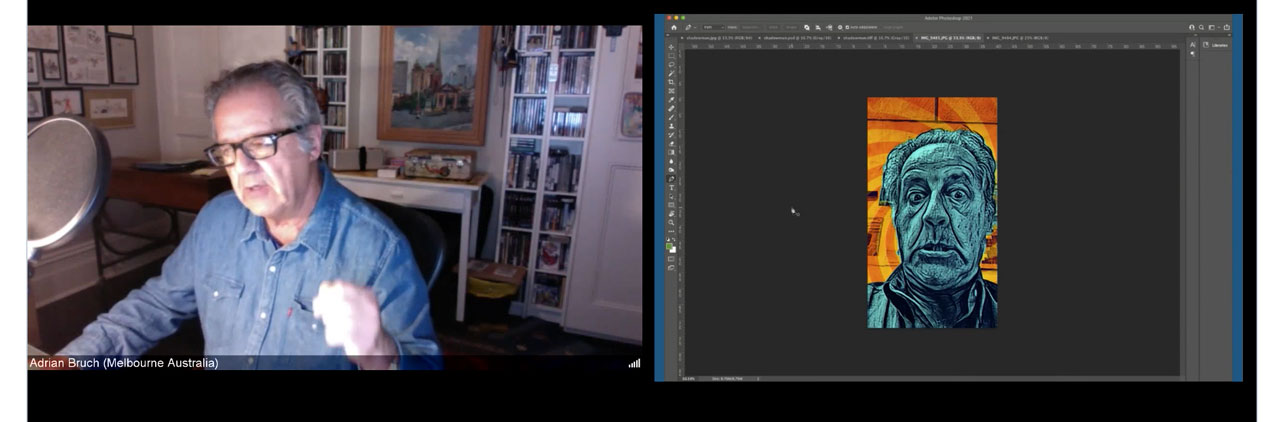
AEL Adrian Bruch demoing Photoshop
During session 2 & 3 from this series, we will be doing a deeper dive into some of the above apps.
Session 2 – Wed April 28 at 4.30 PM AEST repeated on Thurs April 29 at 6.30 PM Session 3 – Mon May 17 at 4.30 PM AEST repeated on Thurs May 20 – 6.30 PM
Click here to find out more about this and similar sessions for senior secondary & higher education teachers.
Join us live if you possibly can – much more fun!
Click here for the Australasian Adobe in Education Update – February, 2021
Chapter 1 – Introductions & CC in Edu overview video Chapter 2 – Spark Post demo with Brett Kent Chapter 3 – Character Animator demo with Tim Kitchen Chapter 4 – Spark Video demo with Brett Kent Chapter 5 – Rush demo with Steve Nichols Chapter 6 – Fresco demo with Brett Kent Chapter 7 – Photoshop Camera demo with Steve Nichols Chapter 8 – Photoshop demo with Brett Kent Chapter 9 – Aero demo with Steve Nichols Chapter 10 – Acrobat demo with Brett Kent Chapter 11 – Resources
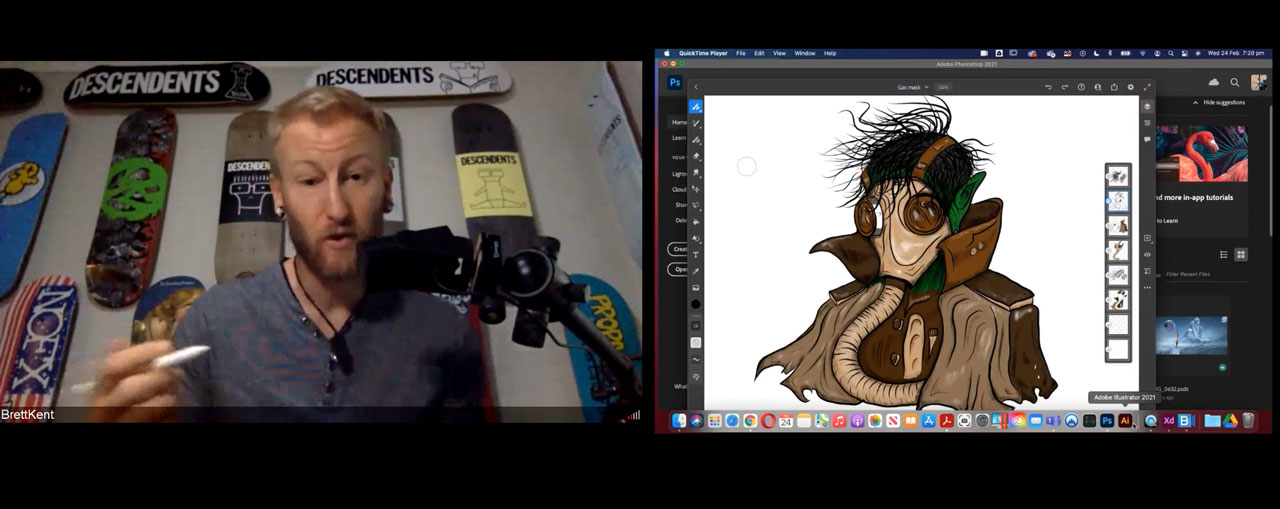
AEL Brett Kent demoing Adobe Fresco
During session 2 & 3 from this series, we will be doing a deeper dive into some of the above apps.
Session 2 – Mon March 15 (4.30 PM AEDT) or Thurs March 18 (6.30 PM AEDT) Session 3 – Tue May 11 (4.30 PM AEDT) or Wed May 12 (6.30 PM AEDT)
Click here to find out more about this and similar sessions for senior secondary & higher education teachers.
Join us live if you possibly can – much more fun!
I’d like to highlight the following Spark Pages that were created during last night’s event as a summary: · Rebecca Frith · Tim Cosgrove
Click here for the Australasian Adobe in Education Update – February, 2021
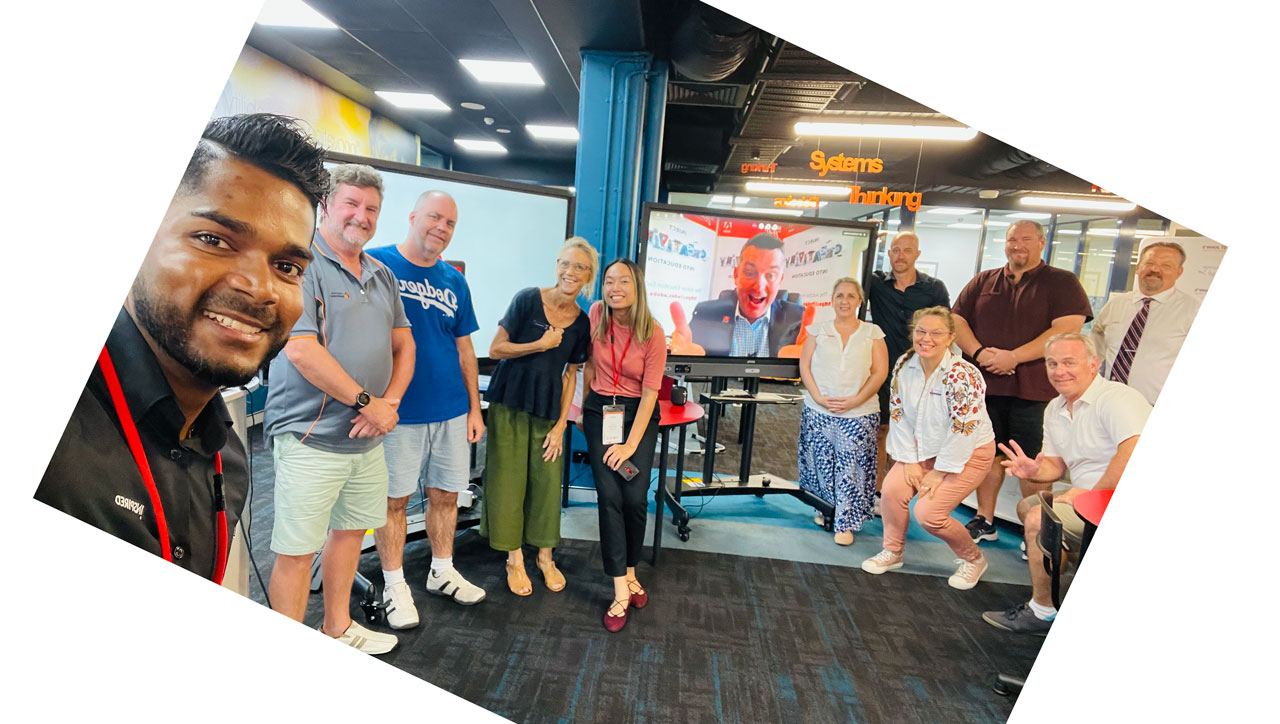
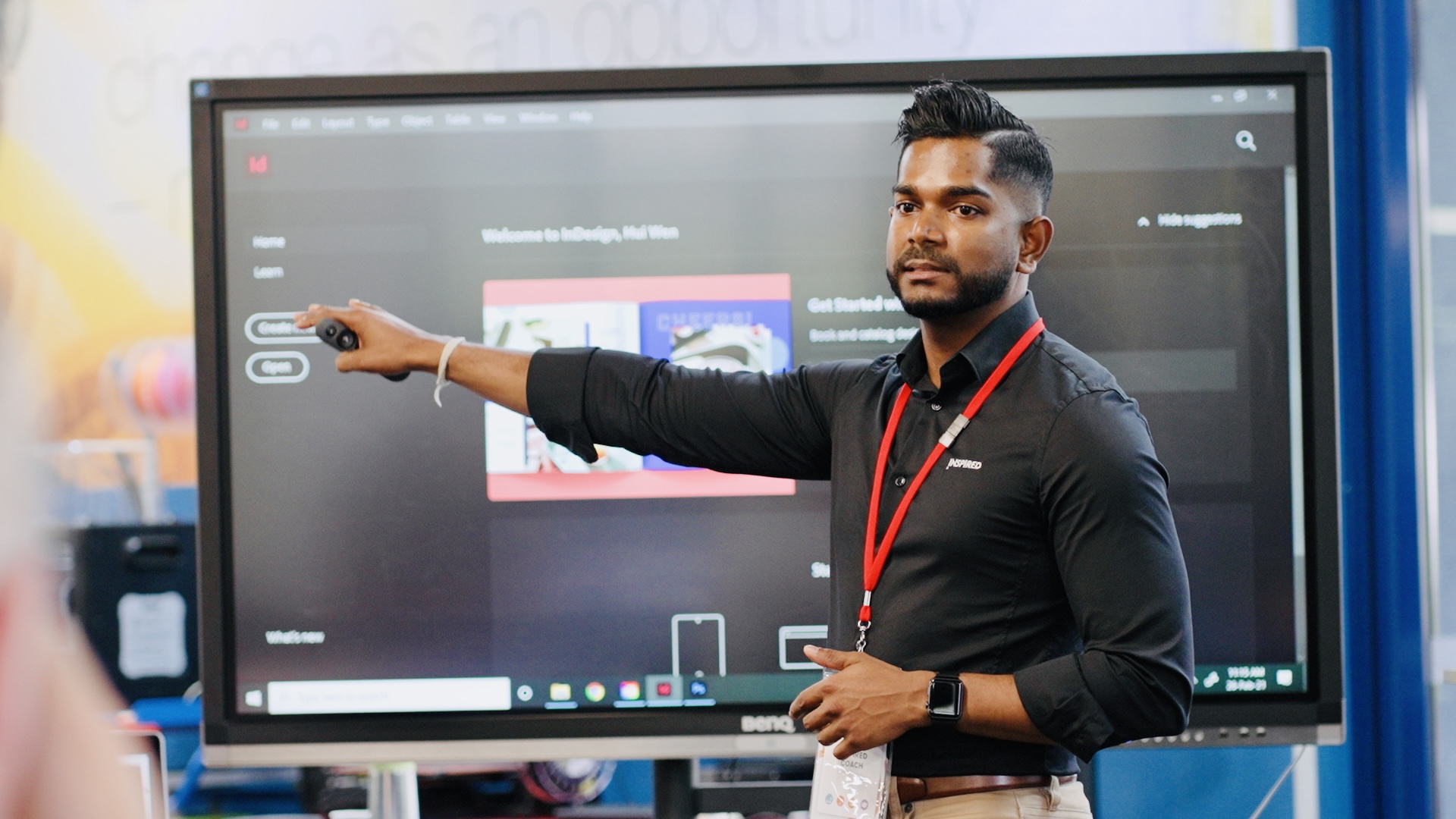
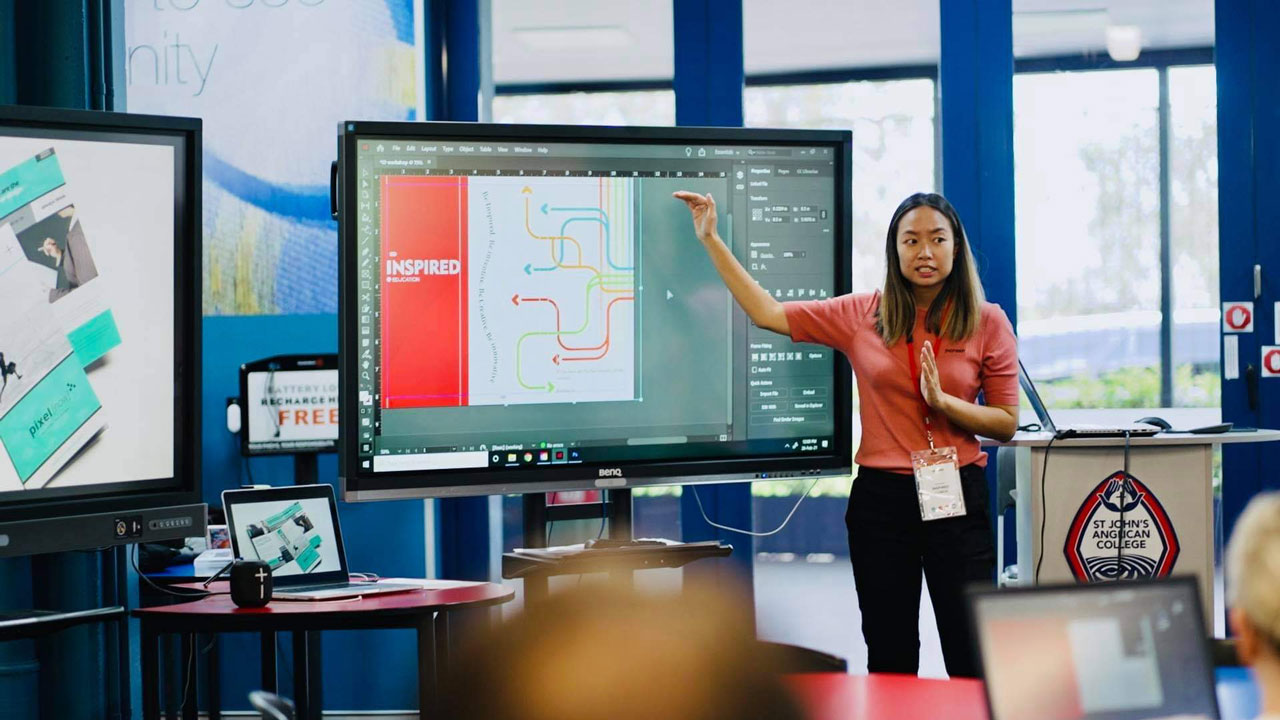
Last Friday 26th February was the first of a series of professional learning events for Queensland teachers that were run by the Inspired Education group in partnership with Adobe.
This event involved about 14 teachers from 12 different Queensland schools, a mix of government and independent.
The focus of these events is encouraging good design and the creative use of a range of Adobe applications such as Photoshop, InDesign, XD and Adobe Spark.
Have a look at this episode of the Inject Creativity Live show featuring Adobe Education Leader Jason Lane demonstrating Adobe Spark with MS OneNote and Dan Haesler sharing about the importance of students feeling a sense of belonging at school.
As I type this introduction, Victorian schools are back in a temporary lock-down. Snap circuit-breaker lock-down periods may well be the norm for many regions until COVID vaccines are fully in place. More so than ever before, during this time, teachers and students need to be patient, flexible and digitally creative in the way they manage the learning & teaching process. Keep an eye on the Free Distance Learning Resources & Project Ideas site on the Adobe Education Exchange for help and inspiration.
Get to know your Adobe apps – webinar series
The new Get to know your Adobe apps webinar series starts on February 23 for Year 4 to Year 9 teachers with other sessions specifically for senior secondary as well as Higher Ed teachers planned up until the end of May.
We have had over 650 registrations so far for these webinars that will be run by the Adobe Education team as well as Adobe Education Leaders.
Register in advance for the sessions that are most relevant for you and share these events with your colleagues and wider education networks.
Get your Adobe Creative Educator Badge
Over 15K teachers have enrolled in Level 1 of the Adobe Creative Educator Program with about 7K graduates. These are great numbers considering the program has only been running for just over 6 months. To achieve Level 1you need to do the On Demand Creativity for All course on the Adobe Education Exchange. If you would like help, we are running another Be a Creative Educator course on March 11 and again on April 13 (school holidays). Click here for more information and registration.
See the recent EduTech & Adobe webinar
Over 650 teachers from around the Australasian Region registered for the recent EduTech & Adobe webinar titled Creativity for All – Together for Student Success. Click here to watch the recording. Activate the Watch on Demand button, register and note that you may need to log into a Zoom account.
Inject Creativity Live
The 2021 season of Inject Creativity Live shows kicked off on Wed Feb 3 with over 400 teachers watching either live or soon after on demand. Inject Creativity Live is recorded live every second Wednesday at 6.30 PM (Aussie Eastern Time) to the Adobe for Education YouTube Channel. Click here to see the program of presenters for 2021 and here to see past recordings.
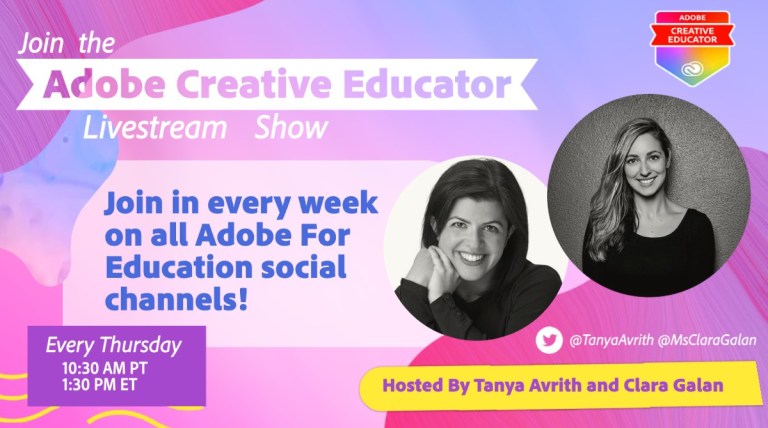
Join Clara Galán and Tanya Avrith on Facebook with expert educators to discuss best practices in distance learning. These events are live at 5.30 AM AEDT on a Friday so click here for recordings and more information via the Adobe Education Exchange.
Note the great episode with US rapper and actor Ludacris.
Adobe Creative Jam for Higher Ed Students
Join Adobe, Twitch and hundreds of university students in a beginner-friendly creative challenge starting March 18. Click here to find our more.
Kick-starter Resources
Explore thesekickstarters to engage your students while improving their learning outcomes within a range of curroulum areas.
ACCE Conference 2021
Dr Tim Kitchen from Adobe will be a keynote presenter at the 2021 ACCE/Digicon Conference along with Pauline Maas, from the Netherlands and Dr Kate Ringland. This will be a virtual event from March 15th to March 19th and will be held each afternoon from 4pm to 6pm. Keep those dates & times free and click here for more information. Click here if you are interested in presenting at this event.
Earth Day Mural Project
Use Adobe Fresco to get involved with the world’s largest digital mural in collaboration with Macquarie University, Venture Café Sydney & Adobe. See this video.
Australasian Adobe Education Community on Facebook
Teaching students to communicate using visuals, web pages, and videos. Motivate students to convey ideas with impact using digital projects in any content area or grade level. Click here for more info.
Adobe Edu Blog – Socially Conscious Consumption in the Classroom with Adobe Spark Video
K–12 lesson – Communicating about social issues – Adobe Spark
In this project by APAC’s very own expert educator Juliette Bentley, students research an important social issue and then write and produce a short presentation.
K–12 lesson – Shakespeare characters in “the hot seat” – Adobe Character Animator
In this lesson by digital media educator Greg Hodgson, students animate a “hot seat” interview with a Shakespeare character.
Higher Ed project – Illustrated reading journal – Adobe Spark
In this lesson by Dr. Amaris Ketcham at the University of New Mexico, students illustrate their reflections on a topic by creating a beautiful web page.
Higher Ed project – Archetypes in STEM – Adobe Illustrator
In this project by Dr. Stephen Moysey at Clemson University, students present research about archetypes in STEM.
AdobeEduCreative
If you would like to discuss any of the above information, please contact Dr Tim Kitchen via kitchen@adobe.com
On Wednesday 10th February, EduTech and Adobe collaborated on a special webinar titled Creativity for All – Together for Student Success. Over 650 teachers registered for this webinar from around the Australasian Region.
Wayne Weisse, Adobe’s Director of Digital Media for ANZ welcomed all the live attendees and set to scene prior to a thought leadership session that I presented for about 10 minutes.
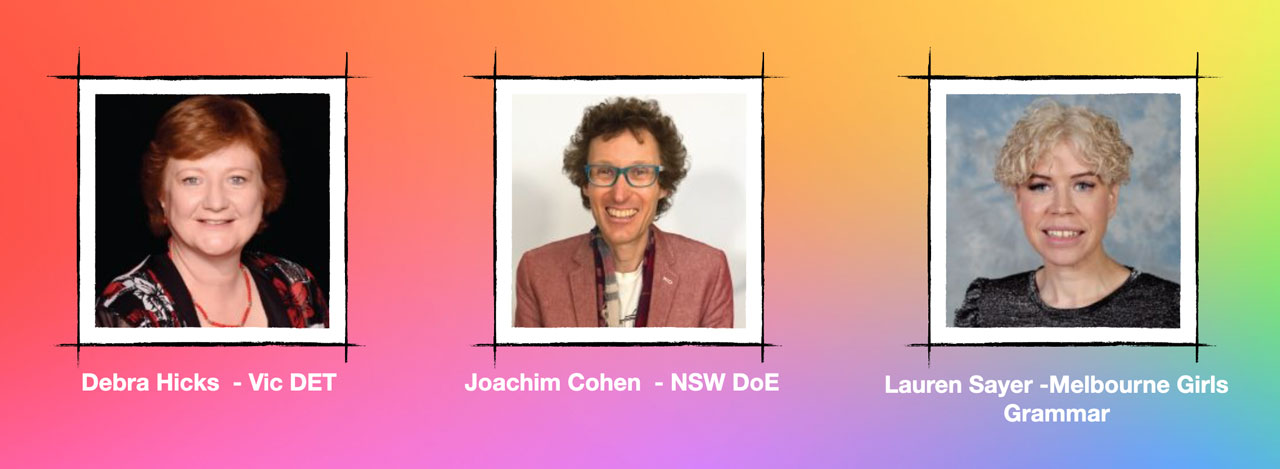
The highlight for me were three amazing panelists, Debra Hicks from the Victorian Department of Education & Training, Joe Cohen from the NSW Department of Education and Adobe Education Leader Lauren Sayer from Melbourne Girls Grammar School. The content and insights they shared about creativity in education was outstanding. The panelists responded to the following key questions:
What does creativity in education mean to you?
How is Adobe making a creative positive difference to learning & teaching with the students and teachers in your context?
What do you recommend teachers do to enhance their awareness and experience with Adobe applications?
What more can Adobe do to help schools become a more creative and engaging learning community for everyone?
Click here to watch the recording. Activate the Watch on demand button, register and note that you may need to log into a Zoom account.


















 Dr Tim Kitchen