Injecting digital creativity in Brisbane

IMG_3790

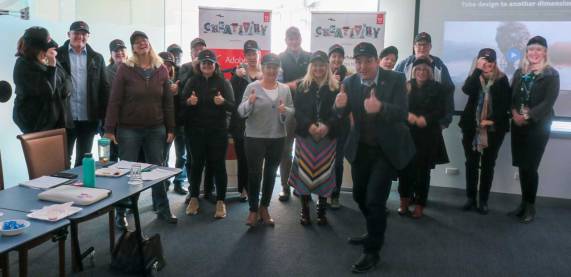
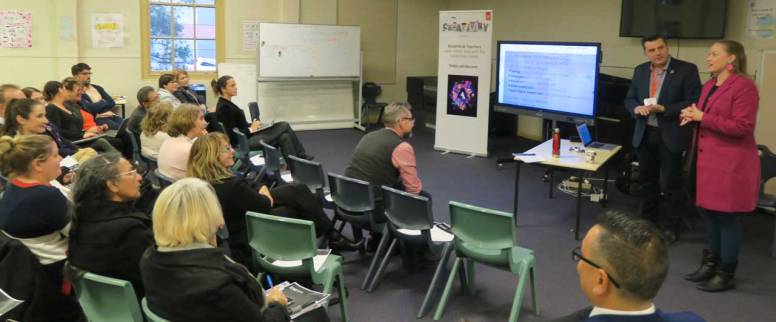
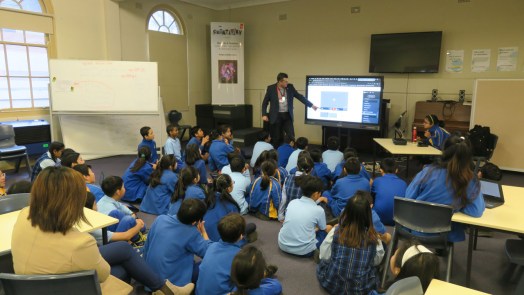
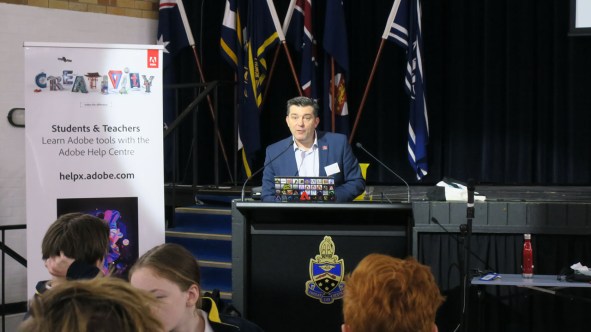
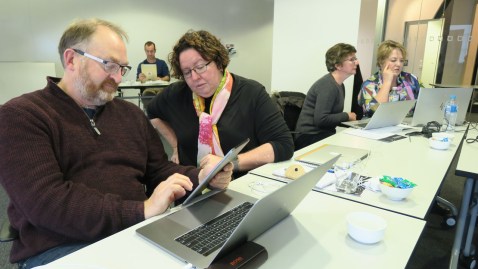
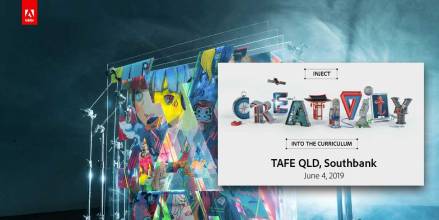
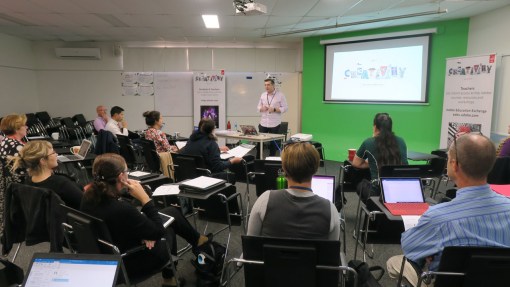
Over 80 educators from about 20 schools and universities around Brisbane came to the TAFE QLD Southbank campus for an Inject Creativity into the Curriculum with Adobe event on Tuesday June 4. About 50 were from TAFE QLD teachers.
InjectBris1

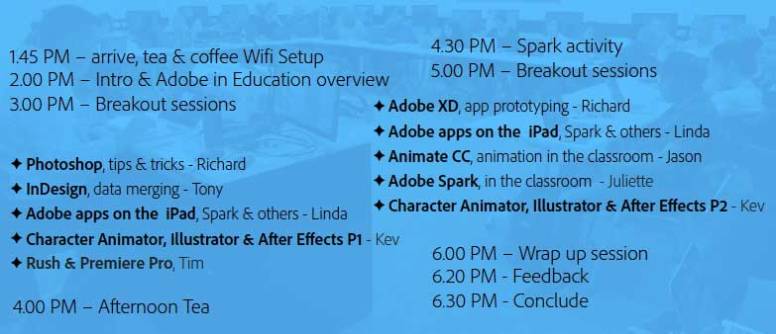
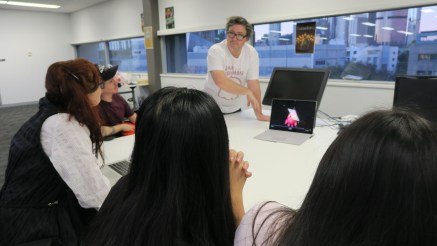
The educators enjoyed a busy program of professional learning activities including some outstanding hands-on activities from a number of experts.
plan1

IMG_3860

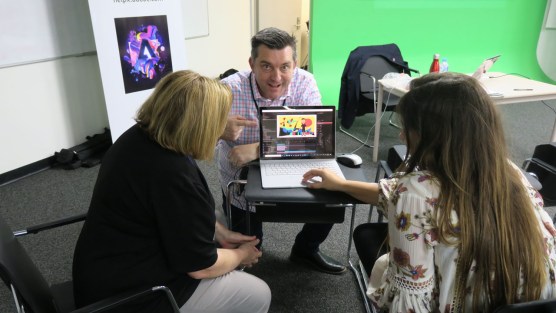
Kev Lavery, Adobe Education Leader from TAFE QLD ran two sessions on Character Animator, Illustrator and After Effects

IMG_3848

Adobe Guru, Richard Turner-Jones ran workshop on Photoshop and then one of Adobe XD

IMG_3849

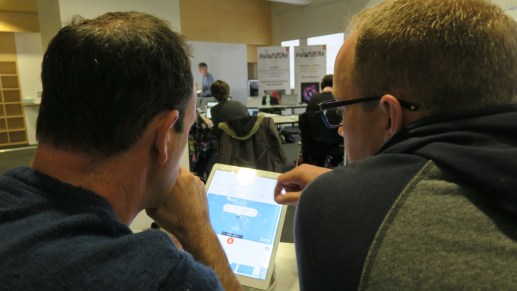
Linda Pitt from Apple ran two sessions on Adobe apps on the iPad, with a focus on Adobe Spark

IMG_3815

Tony McLachlan, Adobe Campus Leader from the University of Southern Queensland, ran a session on data merging with Adobe InDesign

IMG_3859

Adobe Campus Leader Jason Lane from Villanova College ran a workshop on animation with Adobe Animate.

IMG_3844.jpg

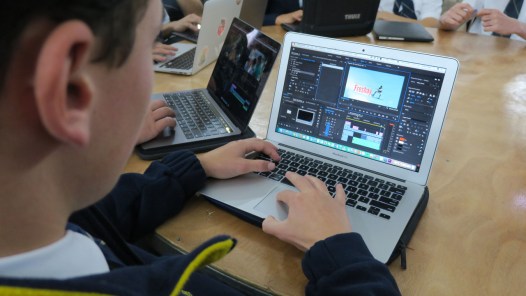
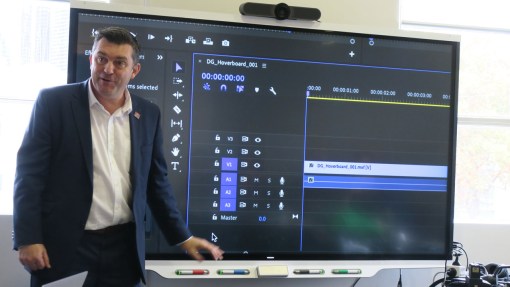
I ran a workshop on Premiere Rush

IMG_3856

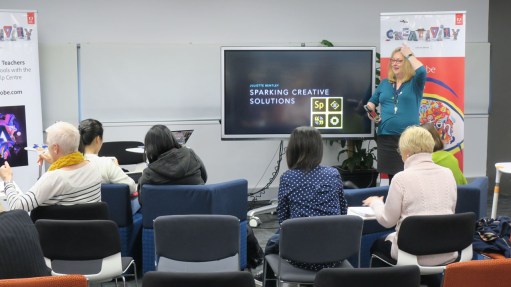
Adobe Education Leader, Juliette Bentley worked her magic with a workshop on Adobe Spark

Based on the feedback, highlights of this event included:

  • Learning how there are many more Adobe programs than previously thought
  • Premiere Rush
  • Being able to find out about new Adobe programs that I can apply in my learning
  • Photoshop and XD Presenter was great
  • Highlighting some extra functionality of InDesign
  • Learning about Adobe Spark
  • I learnt about different Adobe apps and how to fully utilise them in the classrooms with the students.
  • very organised and the presenters are very engaging and informative.
  • Juliette’s breakout session was fantastically informative and interesting- with many tips and items that can be used throughout my teaching
  • Loved learning about Adobe Spark
  • Discovering Adobe products I didn’t know existed
  • It was a fun experience and I enjoyed it a lot.
  • Really fantastic to see such an active education community. I met some interesting people and hearing their backgrounds, how they are implementing creativity, and what they are working on provided some great inspiration. Thanks Adobe!
  • Very enjoyable workshop with fun tools and good presenters.
  • Good opportunity to network and Learn
  • Fab presenters loved Linda and Juliette
  • Collaboration with peers and sharing skills with others

This slideshow requires JavaScript.

Special thank you to Kev Lavery and the team from TAFE QLD for hosting. My resources for the event can be found on the Adobe Education Exchange via – http://bit.ly/adobe4June19

IC1.jpg

 Click here if you are interested in attending a similar event.
Inject Creativity on the Gold Coast

IMG_3734

Twenty-five teachers from nine school around the Gold Coast region registered for the Inject Creativity into the Curriculum with Adobe event that was held on Monday June 2 at Merrimac State High School.

IMG_3742

During this event, the teachers had a choice of the following four hands-on workshop options:

  • Making PDFs come alive with InDesign & Acrobat by Abobe guru Richard Turner-Jones
  • Video in the classroom with Premiere-Pro by Adobe Education Leader Rose Duggan
  • Dynamic visual effects with After Effects by Adobe Campus Leader Stephen Henderson
  • Real-time animation with Character Animator and Photoshop by me

Feedback comments on highlights of this event included:

  • Character Animator and being able to ask other teachers/presenters questions that will support my students.
  • Practical tips for programs.
  • Hands-on activities – Being able to produce something at the end and thinking how to apply them in the classroom
  • The practicability of  character animator
  • Great insight into what can be included to enhance curriculum
  • the event was really helpful
  • Learning about forms in Acrobat
  • Learning about new softwares in the Adobe Suite and how they can be used
  • Tutorials for Adobe After Effects
  • Learning about InDesign could be practical for online exam design.
  • Using interactive forms
  • Learning new skills
  • Learning about how easy character animate is and Stephen Henderson’s tutorials.


Specal thank you to Rose Duggan and the team at Merrimac State High School for hosting. All my resources for this event can be found on the Adobe Education Exchange via – http://bit.ly/adobe3June19

  • IMG_3762

Adobe Day – Merrimac State High School – Gold Coast

IMG_3725

It was a great pleasure to be on the the Gold Coast in Queensland to spend Monday June 3 at Merrimac State High School with Adobe Education Leader Rose Duggan and group of her talented media students.

9dkicri4_400x400

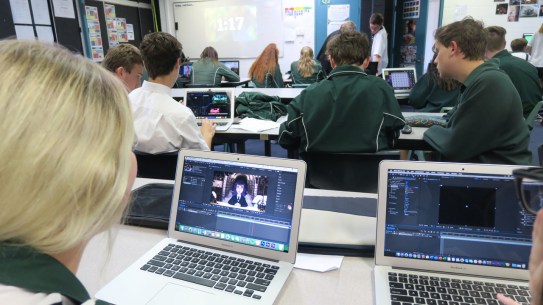
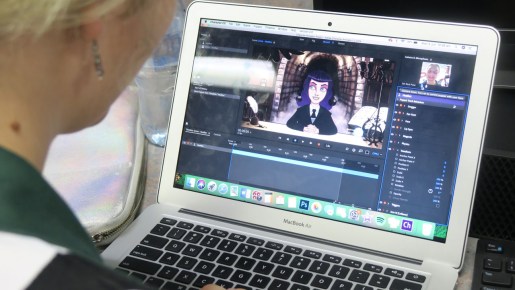
The focus of this Adobe Day was animating with Adobe Character Animator and creating a short video story with Adobe Premiere Pro.

The great thing about Character Animator is that it allows for real-time animation because facial features can be tracked by any web-cam.

IMG_3711

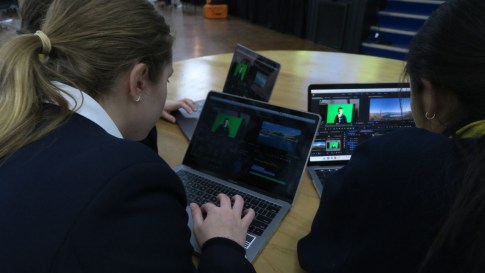
The students were challenged to work with a small team to create a short story that featured at least one digital puppet and, if possible, the incorporation of human talent via a green screen.

IMG_3728

I was very impressed with what the students achieved in a relatively short amount of time. Even though some of the groups didn’t have a finished product at the end of the day, what they achieved in the process of design, collaboration and creativity was very impressive.


Big Day In – Canberra

IMG_3646a.jpg

It has been a couple of years since I have been able to take part in the Big Day In at our nation’s capital, Canberra, This year, it was hosted by the Australian National University on May 30 and well worth attending.

IMG_6317a

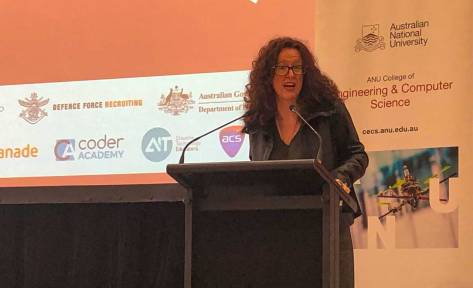
Professor Genevieve Bell, opened the event with a wonderful message to the students about how she was just like them in her youth and how there is no limit to what they can achieve. Professor Bell is the Australian National University’s Director of the 3A Institute (3Ai), Florence Violet McKenzie Chair & Vice President & Senior Fellow, Intel Corporation. After a number of years living and working in the Silicon Valley in California, she still works for Intel while continuing her academic work at ANU.

IMG_6320a

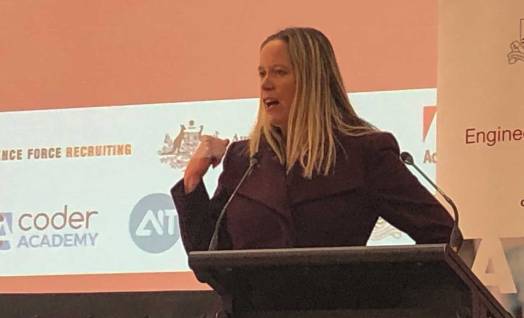
Another highlight was hearing from Anntonette Dailey, Executive Director for the Australian Space Agency. Anntonette manages the operations & communications for the Agency.

It was so inspiring to hear about the work of these two amazing Australian women who have both made such a great contribution to STEM.

It was my pleasure to share a message about the skills required to thrive in the future and provide some guidance about how students can help brand themselves and give themselves a chance to get ahead of the game.

Other presenters included:

  • Dennis Prior, Department of Human Services;
  • WiseTech Global;
  • Adam Smith – Digital Transformation Agency, Australian Government;
  • Anant Vima, KPMG Technology Advisory;
  • Lieutenant Paul Coughlan, Aerospace Engineer, Royal Australian Navy; and
  • Mike Gardiner, Buzzygames

The final Big Day In events for 2019 will be in Melbourne on June 19 and Adelaide on June 20.

Adobe @ Canberra Institute of Technology

IMG_3670a

About 20 educators from Canberra Institute of Technology (CIT) took part in a special Adobe Day event on Friday May 31.

We began the day with an overview of a range of Adobe applications that are used by educators and students to enhance digital creativity around the globe. Then we broke into two video workshop sessions focusing on Adobe Spark video then Premiere Rush.

The main resources shared during this event can be found on the Adobe Education Exchange via – http://bit.ly/adobe-CIT19

Injecting Creativity in Ryde, Sydney

IMG_3610a

About 70 teachers from 13 schools registered for the Inject Creativity into the Curriculum with Adobe professional learning event hosted  by Ryde Public school on May 29.

One of  the highlights of this event were the following hands-on workshops run by Adobe Education Leaders (AELs), Adobe Campus Leaders (ACLs) and Adobe software experts …

  • InDesign, desktop publishing made simple by  Michael Turner (ACL)
  • Adobe apps in STEM – Brett Kent (AEL)
  • Photoshop tips & tricks – Bec Smith
  • Adobe Drawing tools on the iPad – Jane Chen (Adobe Solution Consultant)
  • Spark Video & Premiere Rush, video production made easy – Tim Kitchen

Comments about highlights (from the feedback) of this event included …

  • Learning how to use the programs better and how to implement in a Stage one setting
  • Getting to practise using the character animation program
  • The STEM tools and tips.
  • The capabilities of the programs that Adobe has to offer
  • The overview of all the programs. Looking forward to experimenting with them all!
  • Seeing all the products – I didn’t know there were so many!
  • Adobe mobile/iPad apps are great for infants – e.g adobe draw, spark post and spark video
  • Learning about the new painting app that hasn’t come out yet
  • Seeing the elements of the apps in action
  • Learning about the ADOBE CC applications and how they could be used and implemented in a primary school setting.
  • Choosing a workshop that you were interested in. The small group enabled more attention and ability to ask questions
  • Loved Adobe Spark, simple tool, easy to use but maximum return for time invested. A new story telling tool!!
  • Watching a selection of video grow into a great presentation
  • Learn about use of Photoshop and Premiere Pro with VR
  • Practical tips in InDesign.
  • seeing how to create VR with Photoshop
  • Discovering how I can engage students with presentations without them needing to stand in front of the class- animator.
  • Learning about 3D virtual reality cameras
  • Learning about the applications in Adobe
  • Learning about new programs that can be implemented into the classroom to improve student engagement
  • Knowing more about photoshop
  • Creativity!
  • Tim’s presentation style was excellent.
  • Learning to make a video on Adobe Spark
  • Great Presenter, very personable.
  • Seeing staff have light bulb moments and not being scared of the technology on offer.
  • I thoroughly enjoyed the drawing tool session with Jane.

Click here to access the main resources shared during this event via the Adobe Education Exchange

75f96ff2-da92-4045-83db-19a920d8c11a.f9c50134-f950-49ba-b3e9-f4eb00e715f8(

Adobe Day – Ryde Public School

IMG_3601

On Wednesday May 29, I had the pleasure of working with all the Year 5 & 6 students and teachers from Ryde Public School in Sydney to help enhancing their digital creativity skills with Adobe Spark Video.

IMG_3605

Each student was challenged to work with a partner to create a short video story about their passions.

IMG_3597

The students shared their stories with each of their classes and the teachers were very exciting by the way the students were so engaged with the software and the activity.

Special thank you to Assistant Principal Mrs Ellen Payne for organising this Adobe Day.

VR Editing @ Redlands

IMG_3573

I was invited to run an Adobe Day on May 28 at Redlands focusing on editing 360 degree video for virtual reality with Premiere Pro. Redlands is located on Sydney’s Lower North Shore, in Cremorne and for this event hey organised 90 Year 10 & 11 media students to work with me for the day.

IMG_3595

For many of the students, it was their first time working with Premiere Pro to edit video so we began the day with some simple editing techniques. The students picked up the basic skills really quickly, so we move into some more complected techniques such as how to key out a green screen background.

IMG_3596

In the afternoon, I provided the students with some 360 degree footage and showed them how to apply their newly found techniques in to creating a virtual reality (VR) story.

IMG_3591

They were all given a challenge to create a entertaining 30sec clip to share with everyone. I was very impressed with what they achieved and how much they learned in a day.

Click here if you would like to learn how to edit 360 footage in Premiere Pro


Video workshop with ISV

On Friday May 24, I ran a video workshop with a some independent school educators at ISV (Independent Schools of Victoria) in Melbourne.

We began with the use of Adobe Spark Video to show how quickly a video story can be made with this very popular software.

IMG_3523

Then we progressed to Adobe Premiere Rush to allow more editing options.

IMG_3518

We spent some time going through a range of capture techniques, including filming with a green screen.

Then we spent the rest of the day learning how to do use the industry standard Adobe Premiere Pro to put together a video story.

IMG_3553


Big Day In Junior – Hobart

BDIJ1

The Big Day In Junior hit Tasmania for the first time with a great day of digital creativity at The Hutchins School in Hobart on Thursday 23rd May.

About 400 Year 5 & 6 students from eight Tasmanian schools visited The Hutchins School for a wide range of hands on activities provided by companies and organisation such as Google, Microsoft, Smart, Technology One, Wise Tech Global, The University of Tasmania and of course Adobe.

IMG_3461

I’m quoted in the Big Day In Junior website stating the following …

Digital creativity, digital literacy, ICT skill development, design thinking and computation thinking are all  fundamental aspects of the Australian Curriculum (AC) and are the essence of what is being fostered during each Big Day In Junior (BDIJ) program around Australia.

Within the AC, Critical and Creative Thinking as well as ICT Capability sit alongside Literacy  and Numeracy as core F-10 general capabilities that are expected to be taught and assessed throughout Australia. Central to these general capabilities, is the statement derived from The (2008) Melbourne Declaration on Education Goals for Young Australians, that all young Australians become successful learners – confident and creative individuals – active and informed citizens.

The term multimodal text is found throughout the Australian English Curriculum as well as in other subjects. In the AC, it’s defined as combination of two or more communication modes such as print, image and spoken text, as in film or computer presentations. Examples of multimodal text include slide presentations, animation, book trailers, digital storytelling, live action film making, music videos and various web texts and social media (http://creatingmultimodaltexts.com). The focus of multimodal text in the AC encourages teachers to allow students to use the modern 21st century tools available to them to construct their learning in a multitude of creative ways.

The Digital Technologies Curriculum is based on encouraging students to develop computational thinking skills, a fundamental part of great software development. The BDIJ program provides a number of hands on workshops run by industry and university experts to help students develop their computation thinking skills and learning simple coding operations.

There are also a number of links between the BDIJ and the Media Arts Curriculum. Industry experts from leading digital creativity companies like Apple, Microsoft, Google and Adobe are proud to be involved with the Australian Computer Society Foundation to help provide opportunities for participants in the BDIJ to enhance their digital media and communication skills.

Here is the link to an article I wrote in 2016 following taking part in a BDIJ program titled What schools should be like every day – https://timkitchen.net/2016/12/19/jbdi/

Here is a link to a more recent BDIJ video I made to help support this amazing program that links so well to the AC and provides teachers and students with valuable connections to industry and universities.