

It’s is nice to be featured in the 2018 The Big Day In highlight video.
Check the following Big Day In events directly involving Adobe in 2018 …
Wagga Wagga
Sydney
Melbourne
Newcastle
Brisbane
Click here to see other Big Day In events held in 2018
It’s is nice to be featured in the 2018 The Big Day In highlight video.
Check the following Big Day In events directly involving Adobe in 2018 …
Click here to see other Big Day In events held in 2018

A stunning traditional Maori welcome commenced a professional learning hosted by Auckland University of Technology on Tuesday 12th June, 2018.

Just under 100 teachers registered for this event from 17 different (K12 & Higher Ed) schools around Auckland, New Zealand; mostly from Auckland University of Technology and the University of Auckland.
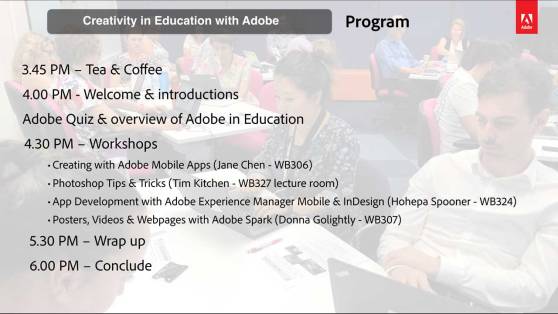
Following the introductions and Adobe Quiz we broke into a range of workshop options
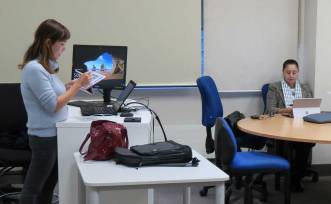
Adobe Solution Consultant, Jane Chen ran a session on Adobe’s mobile apps. Click here to see more information on the wide range of free Adobe apps available on iOS & Android.

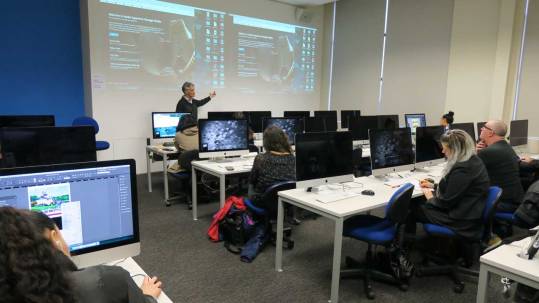
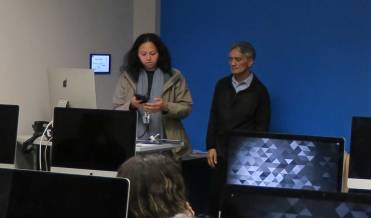
Hohepa Spooner, AUT lecturer and his team ran a workshop/presentation about the way AUT are working with Adobe Experience Manager and InDesign to build a series of culturally significant apps for AUT and the wider NZ community.
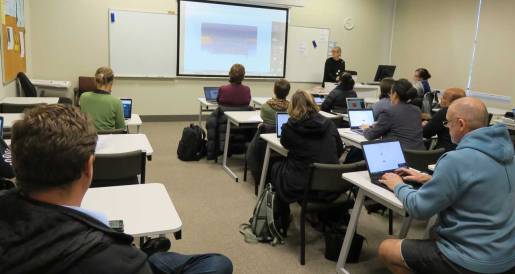
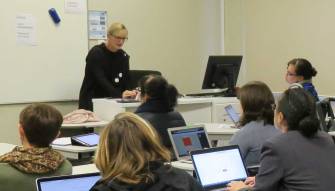
Donna Golightly, is an Auckland based teacher and local Adobe Spark user. She is an Apple Teacher, Google Certified Educator and a Microsoft Innovative Educator – soon to hopefuylly be an Adobe Campus Leader. Donna ran a wonderful Adobe Spark workshop.
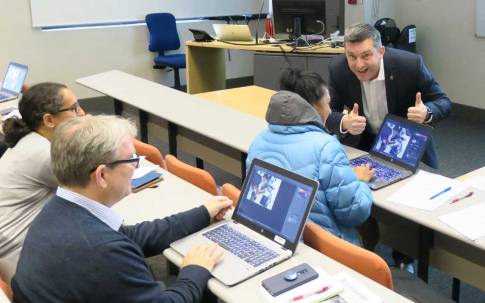
I ran a workshop on Adobe Photoshop.
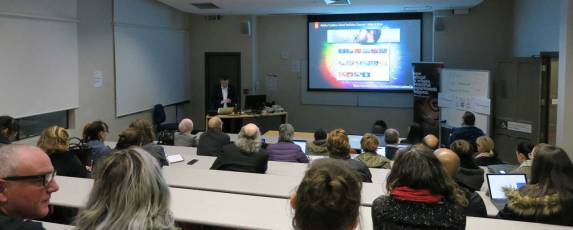
During our wrap up session we shared a number of resources including the amazing Adobe Make It Now channel on YouTube.
The resources I shared for this event can all be found on the Adobe Education Exchange via – http://bit.ly/adobe13June18
Special thank you to Auckland University of Technology for hosting this event, we are looking forward to with you again in the future.
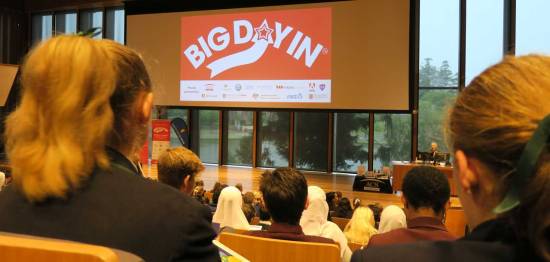
Over 500 Queensland secondary students visited the University of Queensland on 7th June for the final Big Day In event for 2018.
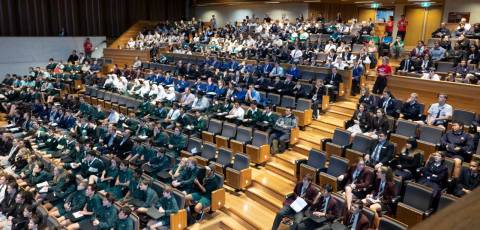

Senator the Hon James McGrath, Assistant Minister to the Prime Minister Malcolm Turnbull, opened the event with a clear message about how important it is for for young people to develop skills in Science, Technology, Engineering & Mathematics.
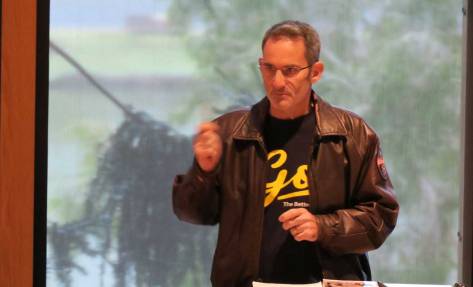
The opening keynote session was from Steve Baxter, Queensland’s Chief Entrepreneur, very well known as one of the ‘Sharks’ of the Channel 10 show Shark Tank Australia. Steve is the founder of the River City Labs, an incubator for start up companies focusing on mobile, Internet, telecoms, and the technology field.
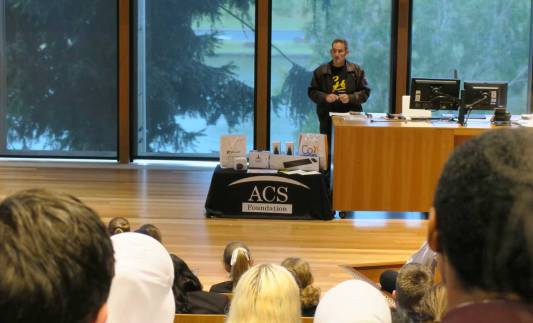
Steve encouraged the students to start early on their entrepreneurial endeavours. He said, the more experience you can get in turning your passions into a job as a young person the better. He encouraged the students not to be scared to take risks with their ideas, especially while they are young and have less financial commitments.

Rob the Robot and I had the pleasure to share with the students some of the research around what skills are required to thrive in the future workplace.

I asked the students to identify if they currently have passions for coding, design or video production. I encouraged them to start turning those passions into a job now while they are at school by asking their parents/relatives if they need help with a website, a mobile app or a video for their businesses. I challenged them to not wait till they have finished school or university to develop these skills.

We looked at the future workplace and the threat of automation/computerisation taking over many of today’s jobs and how to best prepare for that future. I shared with them some of the findings from the recent Innovation Science Australia study that recommended that today’s students should be developing interpersonal skills as well as skills in entrepreneurialism and creative problem. These are skills that computers don’t have (yet) so they are skills that will be required most in the future workplace.

It has been a real pleasure and a privilege to be invited to present at the Big Day In events around Australia this year. I would like to thank John Ridge and Kerrie Bisaro from the Australian Computer Society Foundation for all the work they do to make sure, these events are successful.
I’m looking forward to being involved in some of the Junior Big Day In events later this year and hopefully continuing Adobe’s support in the future.
The Adobe Education Exchange has just welcomed its 500,000 member!
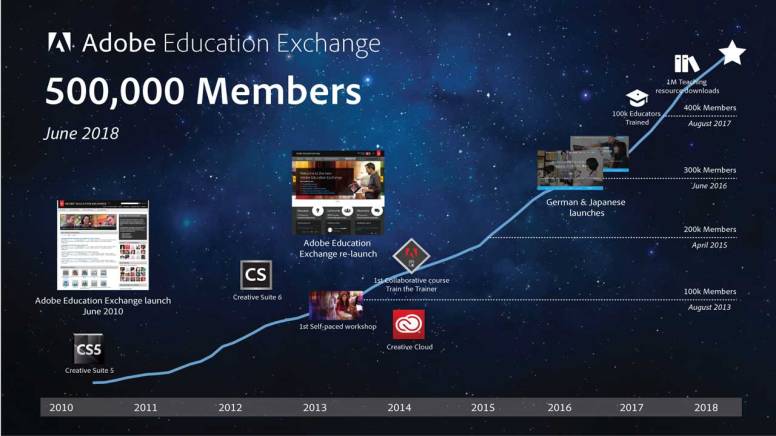
Growth in membership since 2010
The Adobe in Education team would like to thank everyone who has shared the value of this amazing resource to their education colleagues and wider networks. Not a week goes by where I don’t hear a teacher reflect how this portal has made a positive impact to their professional growth and provided inspirational ideas to enhance creativity in their classrooms.
Special thank you to Matt Niemitz @mattniemitz (Head of Adobe Education Exchange) and his team for the work they do to make the Adobe Education Exchange such a valuable resources.

The University of Newcastle was the venue for over 300 students from the Hunter Valley and Central Coast of NSW who attended the Newcastle Big Day In on Tuesday 5th June.

It was my pleasure to again be the opening keynote presenter at this event and share with these students some of the skills required to prepare for the future workforce.

A highlight for me was to bring Adobe Intern Nick Stubbs onto stage and interview him about lessons he has learned as he finishes off his University studies. Being only a few years older then the students at this event, Nick was able to pass on very relevant key advice. Two key skills he highlighted, that the students should proiritse to thrive in the future, were resilience and creativity.
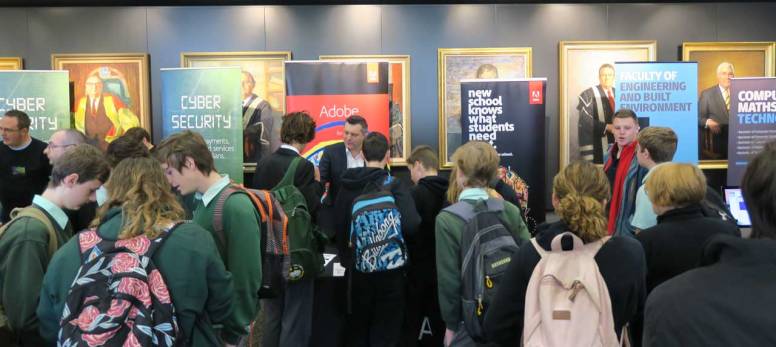
Nick and I met hundreds of the students during the breaks and shared with them ways that Adobe tools can help them enhance their creativity and help them brand themselves. A key resources we shared with the students was the Adobe Help Center. This is a great one-stop-shop to get beginners guides and advanced tutorials on just about every one of Adobe’s products.


Special thank you to the Australian Computer Society Foundation for the great work they do putting together these Big Day In events around Australia.

Rowellyn Park Primary School, in outer south-eastern Melbourne, has a very special Media Arts teacher named Carol Sieira who is passionate about enhancing her students’ digital literacy skills with Adobe tools.

It was delightful to recently visit one of Carol’s classes and Assistant Principal Alistair Sproal. Her classroom was surrounded with many examples of Adobe tools in action.


While I was there, the students were asked by Carol to use Adobe Photoshop Sketch on their iPads to draw a none stereotypical images of a male or female at work. This will later become part of an Adobe Spark video that the students will be working on. The topic complemented what the students were doing with their normal class teacher. Carol tries to link the techniques and concepts she is teaching in Media Arts as much as possible with the other work the students are doing.


Carol maintains a blog to help keep her students, colleagues and parents informed about the progress her students are making – http://rowellynparkps.global2.vic.edu.au/
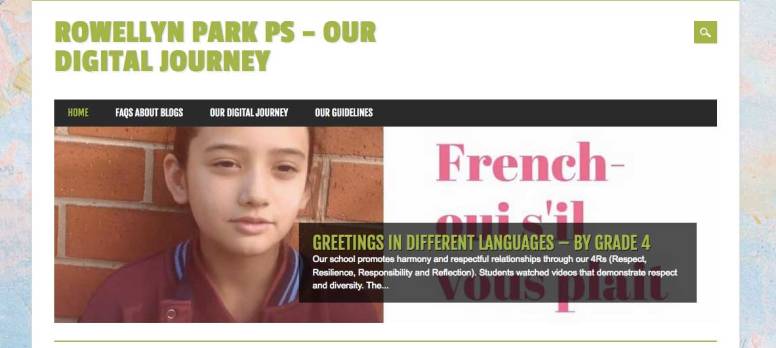
Within the blog, there are many examples of how Carol uses a range of Adobe applications to enhance the student’s digital literacy and creativity skills.
I would like to congratulate Carol on recently becoming an Adobe Campus Leader.
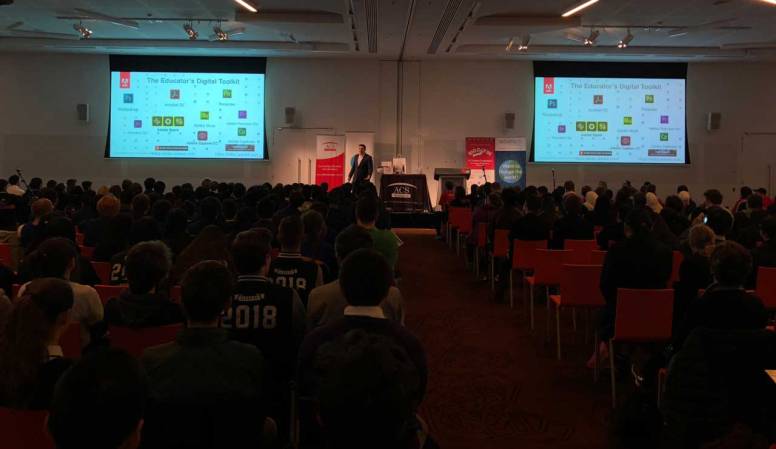
About 450 secondary students from a wide range of Melbourne schools met at the Melbourne Convention Centre for a fabulous Big Day In event on Wednesday 30th June.

The Big Day In is a series of events across Australia run by the Australian Computer Society Foundation with an aim to encourage students to consider a future in the IT industry.

I had the pleasure of being the opening keynote presenter, challenging the teenagers to develop a range of skills that will help them prepare for a future workplace.
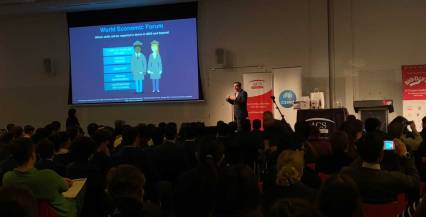
I shared with them how the World Economic Forum rated the top 5 skills required for thrive in the future as:
www3.weforum.org/docs/WEF_Future_of_Jobs.pdf
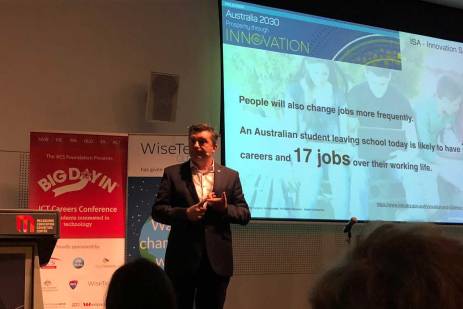
We looked at some of the findings of the recent Australia 2030 – Prosperity through Innovation study by Innovation Science Australia stressing the importance of interpersonal, entrepreneurial & creative problem solving skills.
https://www.industry.gov.au/Innovation-and-Science-Australia/Australia-2030/Pages/default.aspx

I shared some of the work of Marc Prensky who lists vital skills of the future into three categories Effective Thinking, Effective Action & Effective Relationships.
http://marcprensky.com/wp-content/uploads/2013/05/Prensky-5-The-World_Needs_a_New_Curriculum.pdf
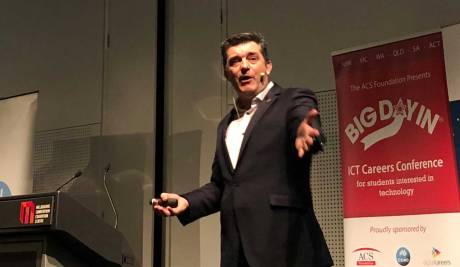
I challenged the teachers in the audience to set assessment tasks that help enhance the above skills and incorporate skill development in these areas into their existing curriculum.


I encouraged the students to develop the skills to brand themselves in creative ways through video, image manipulation, special effects web publication, app development and audio production. All areas led by Adobe’s amazing software tools.
Many of the students were from Victorian Department of Education Secondary Schools who all have free access to Adobe’s amazing Creative Cloud software such as Photoshop, Premiere Pro, Illustrator, InDesign, Acrobat, Animate and more. A number of the students and teachers were not aware of the agreement between the Victorian Government and Adobe that allowed students access to this great industry standard software. I encouraged them to ask their IT Admin support to help provide access on their BYOD devices via EduSTAR. See http://diglearning.global2.vic.edu.au/2017/07/25/secondary-school-software-suite/ for more information.
Students and teachers from Independent & Catholic school can also take advantage of similar agreements, but each school does need to opt-in to take advantage.
Other presenters for this event included:
Special thank you to John Ridge (AM) & Kerrie Bisaro from the Australian Computer Society Foundation for the work they put into organising the Big Day In events across Australia. I’m looking forward to speaking in Newcastle & Brisbane this coming week to round up a wonderful season of events for 2018.

InterfaceXpo is a series of education conferences in New Zealand for teachers and education leaders to find out what is new in the world of digital technologies and education.
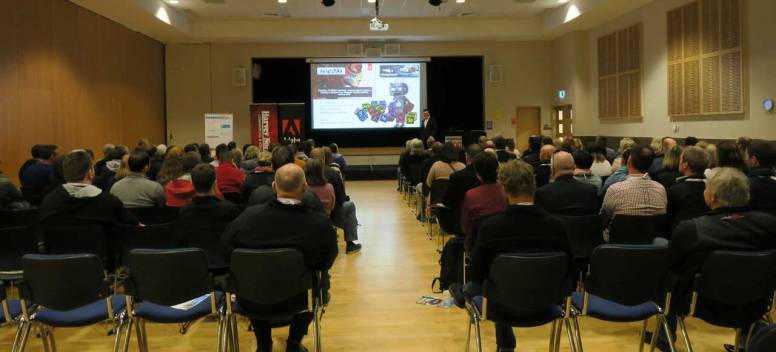
I had the privilege of being the opening keynote presenter at their conference in Christchurch attended by about 250 educators.


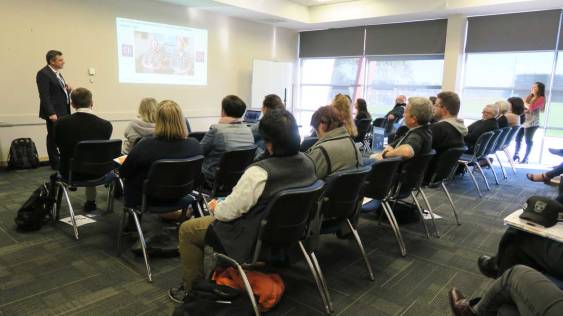
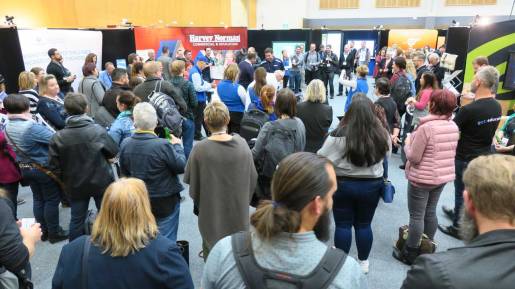
Special thank you to Fruen Purnell from Adobe and Rosie Sue from Ingram to organised Adobe’s involvement in this event and helped me run a workshop in the afternoon focused on Photoshop Tips & Tricks and the use of Adobe Spark.
The resources I shared for this event can be found on the Adobe Education Exchange via – http://bit.ly/adobe-christchurch18
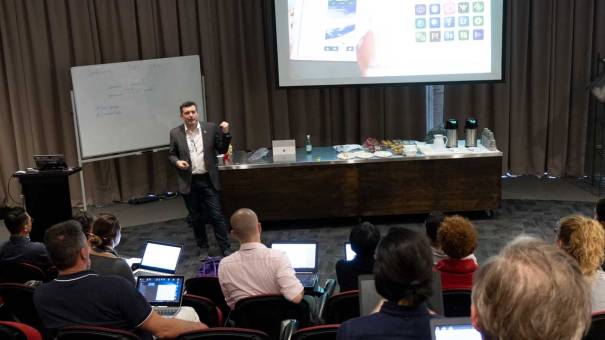
Over 60 Queensland educators registered for the Adobe in Education Professional Learning event hosted at the TAFE QLD Southbank Campus on 23rd May.
It was lovely to work with Kev Lavery (AEL from TAFE QLD), Juliette Bentley (ACL from Brisbane) and Richard Turner-Jones (Adobe Consultant) for this event.
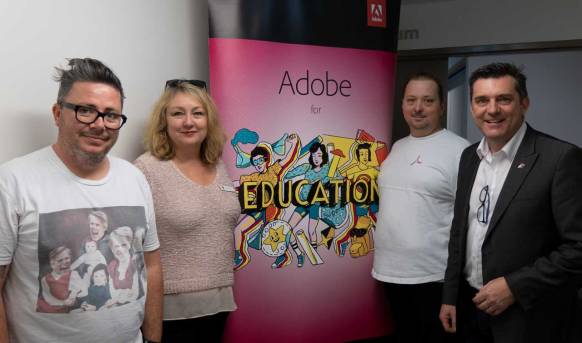
Kev, Juliette, Richard & Me
Workshops for this event included …


The resources I shared at this event can be found on the Adobe Education Exchange via – http://bit.ly/adobe-23May18
Special thank you to Kev Lavery for helping to organise the venue.
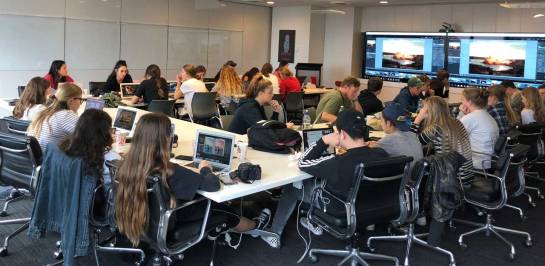
A group of photography students from Northern Beaches Christian School (NBCS) visited the Adobe Sydney Office on Thursday 24th May for an Adobe Day with Adobe Solution Consultant Jane Chen.
NBCS is a world renowned school that has been driving innovation in classroom & building design as well as curriculum for many years. On their website, they say they want learning to be fun, passionate, deep, authentic, personal, engaging, serious and relevant.
I was very pleased that Jane was able to host this session to help enhance the student’s photography skills with Adobe tools.
This event was organised by Mitch Layland (Head of Design at NBCS) and Chris Woldhuis (Assistant Principal and Adobe Education Leader). Here is Chris talking about some of the ways they work with Adobe tools.
 Dr Tim Kitchen