

My recent presentation to staff at Swinburne University in Melbourne has just become available on YouTube. This focused on preparing students for the 21st Century Workforce.
[youtube:https://www.youtube.com/watch?v=SIv1CicIeqo&feature=youtu.be%5D
My recent presentation to staff at Swinburne University in Melbourne has just become available on YouTube. This focused on preparing students for the 21st Century Workforce.
[youtube:https://www.youtube.com/watch?v=SIv1CicIeqo&feature=youtu.be%5D
It was a pleasure to speak at the QSITE (Queensland Society for Information Technology in Education) Conference in Townsville today.

Keynote address at the QSITE conference in Townsville. Images thanks to my friend Roland Gesthuizen https://twitter.com/rgesthuizen
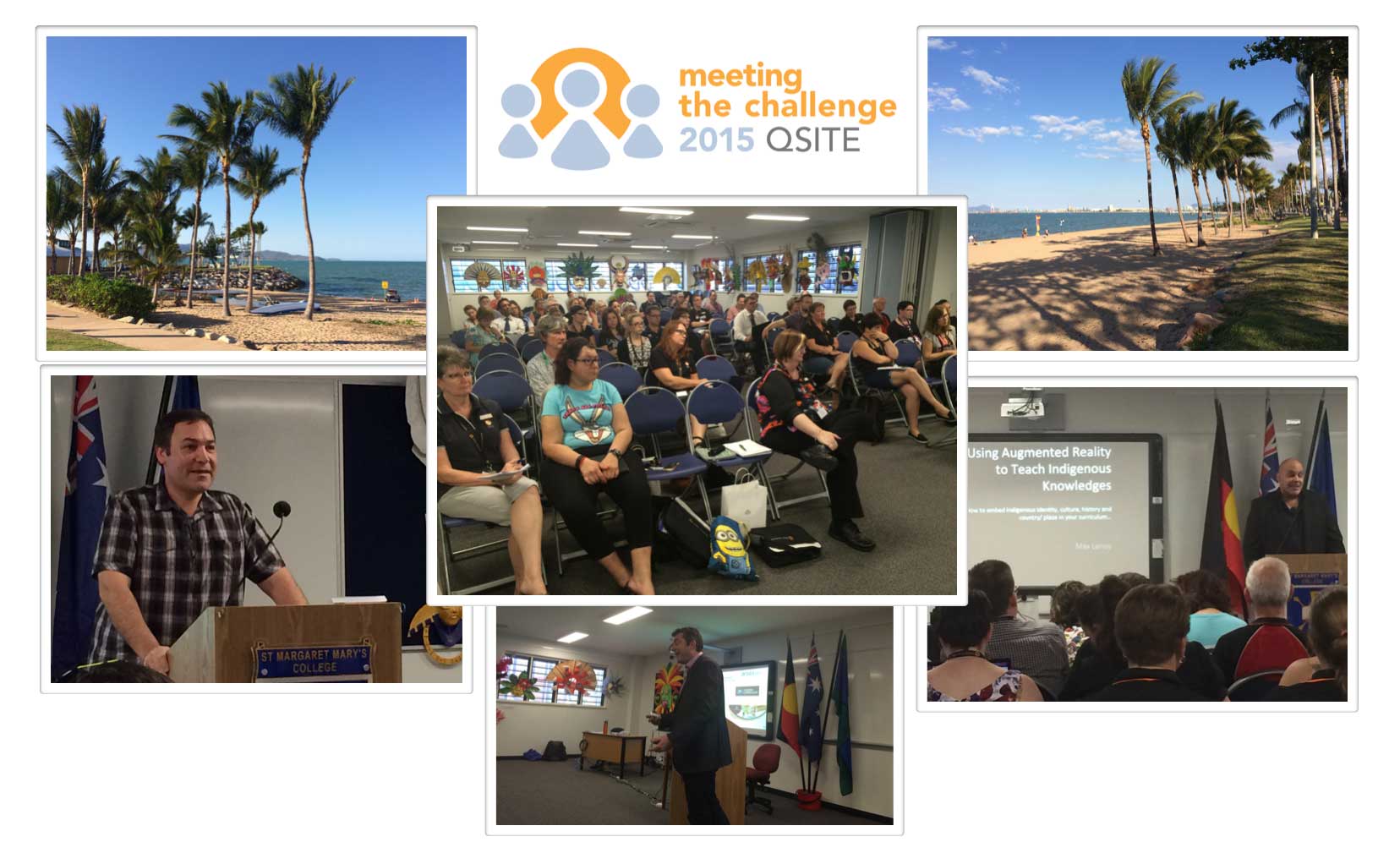
I enjoyed seeing Dr Michael Henderson in action again. We both keynoted the equivalent event in Perth earlier in the year, the 2015 ECAWA Conference.
Here is a very short interview I did with Roland & Amanda at ACCELN (Australian Council for Computers in Education Learning Network.
[youtube:https://www.youtube.com/watch?v=yH_wSH2Ud_c%5D
Special thank you to QSITE for putting on this great event.
Resources I shared during my keynote and workshops can be found on teh Adobe Education Exchange via:

Nine students, and a number of teachers and parents, from Sydney Distance Education High School visited the Adobe office in Darling Harbour yesterday (Thursday September 17) for a video workshop.
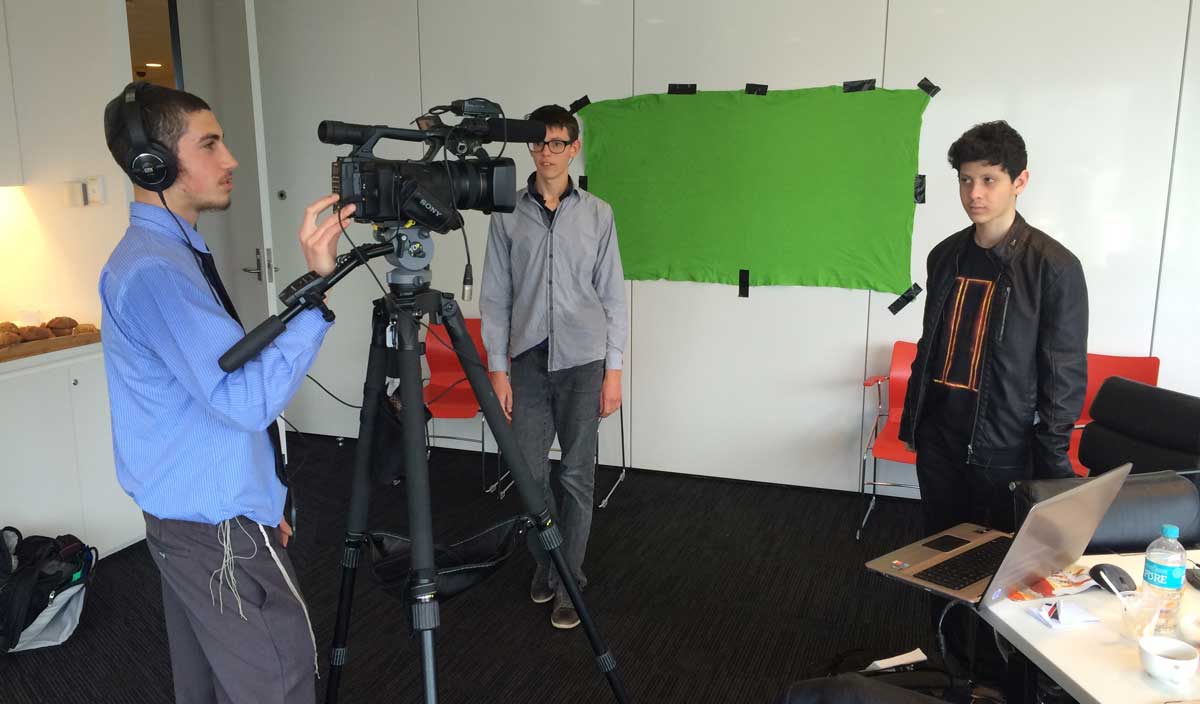
After planning their stories, the students worked in groups to capture a range of footage.

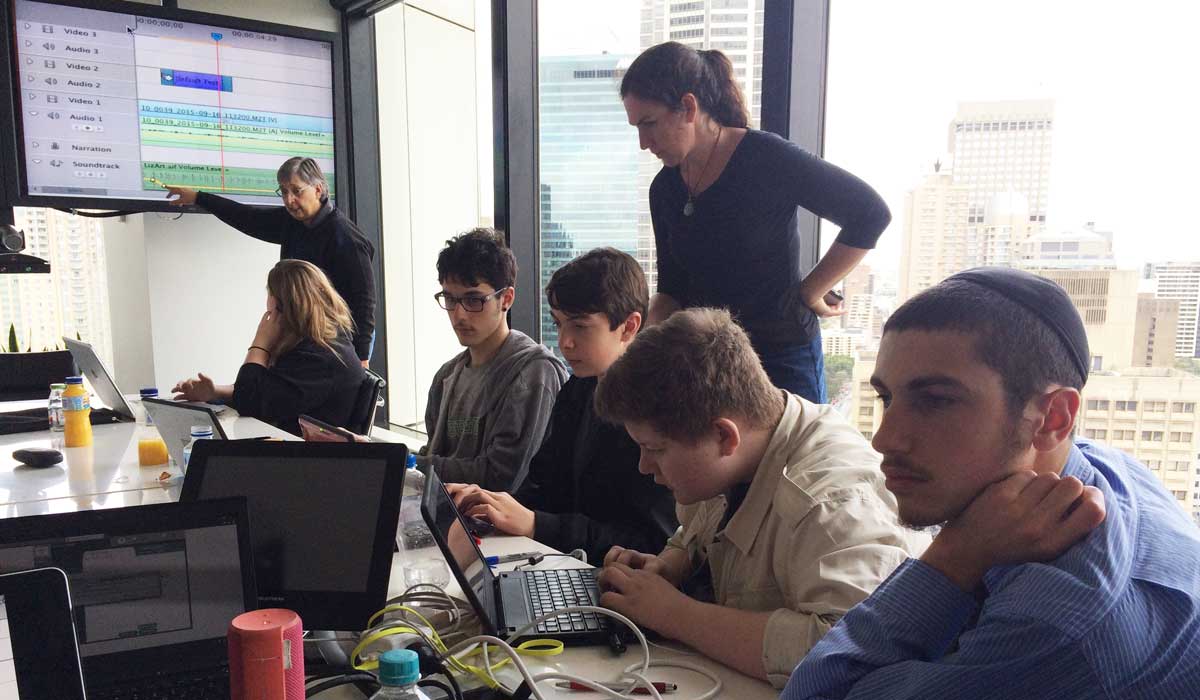
Using Adobe Premier Elements, the students edited their stories with the help of their teachers.
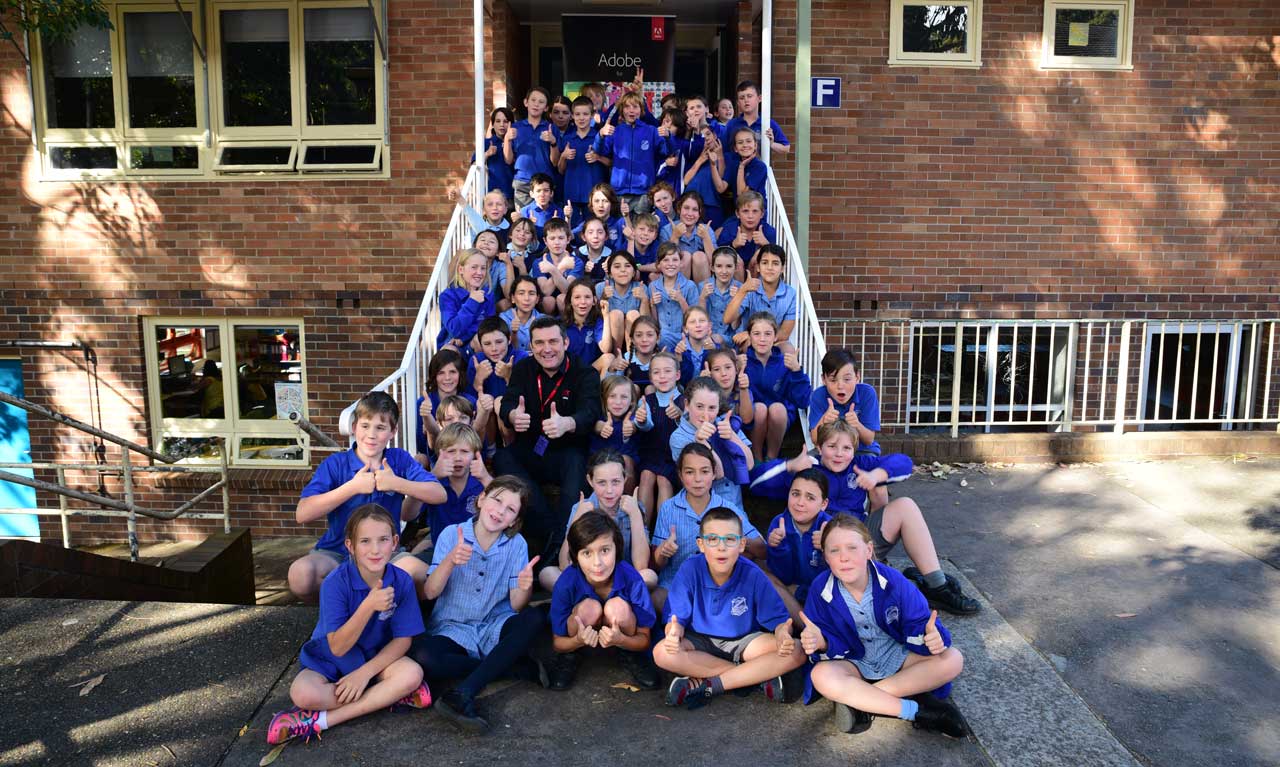
Today, I had the pleasure of working with about 60 Year 4 students at Elanora Heights Public School in beautiful North Sydney. The aim of the day was to plan, film & edit a range of video news stories for the school newsletter. I was very impressed with the way the students worked together in their production crews and took on board all the editing techniques I showed them about filming and editing with Adobe Premier Elements.
Check the school’s newsletter article on this day
http://www.elanorahts-p.schools.nsw.edu.au/gallery/adobe-visit
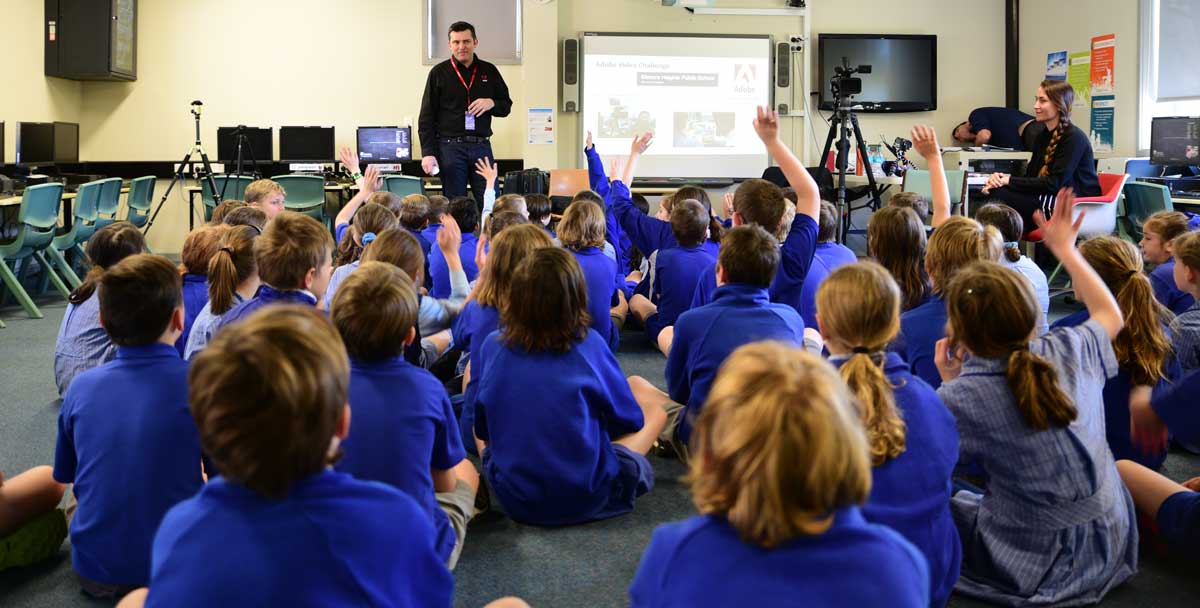
We started the day finding out what the student already knew about Adobe.
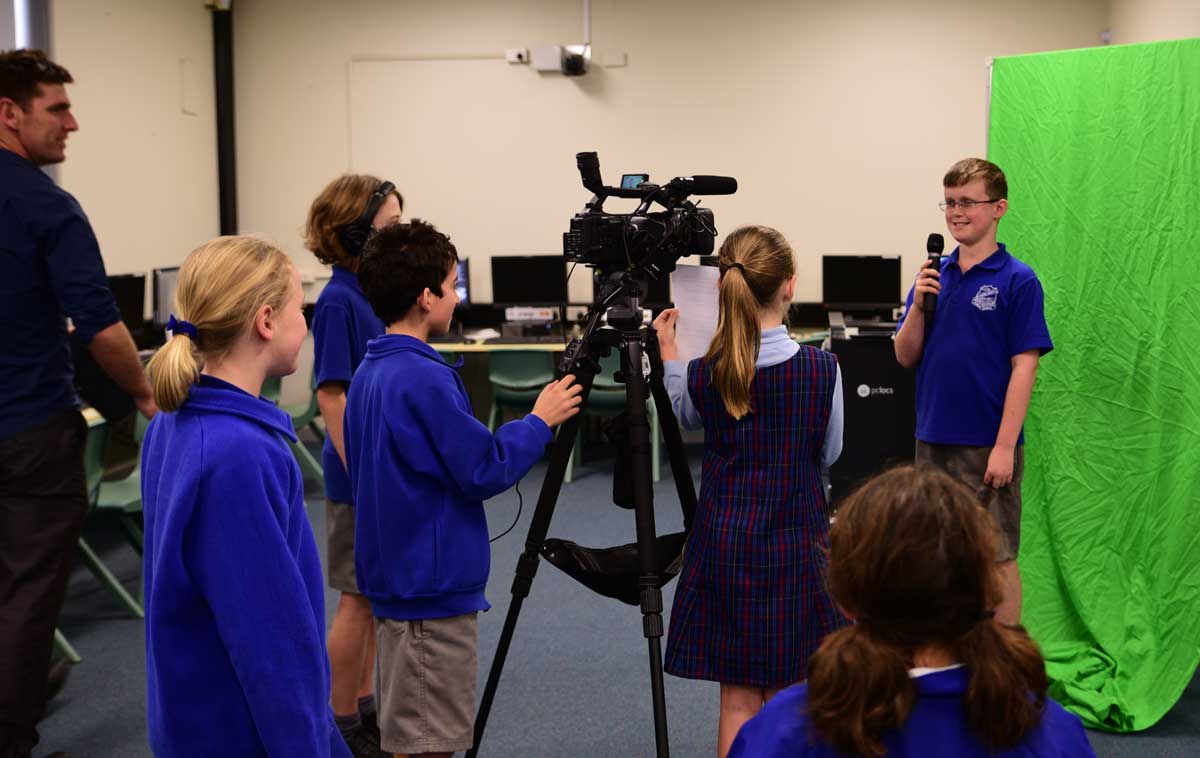
The students divided into production crews to capture all the footage for their school news story.

A number of the stories were based around the beautiful and unique flora & fauna within the school.
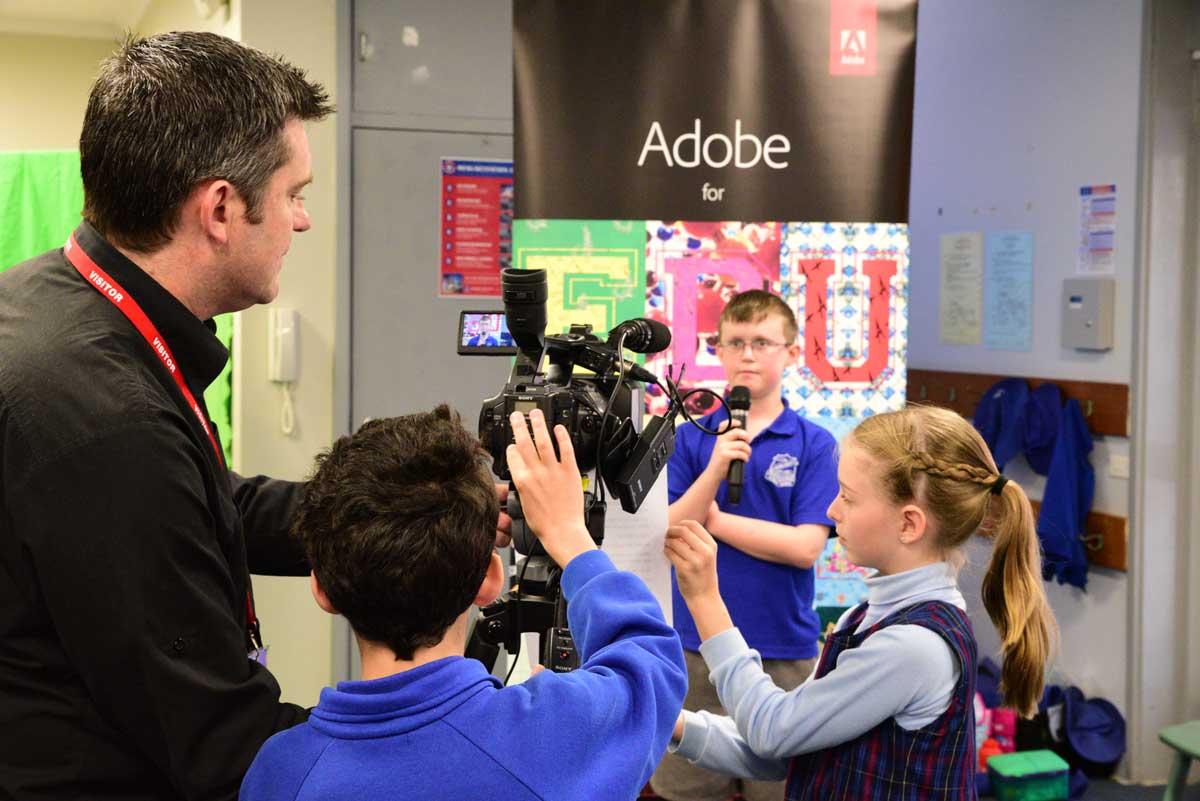
One of the groups decided to do a story about their special Adobe Day.

The students were taught how to use Adobe Premier Elements to edit their video stories.

I love these special Ah Ha moments when the student get to see the finished products.
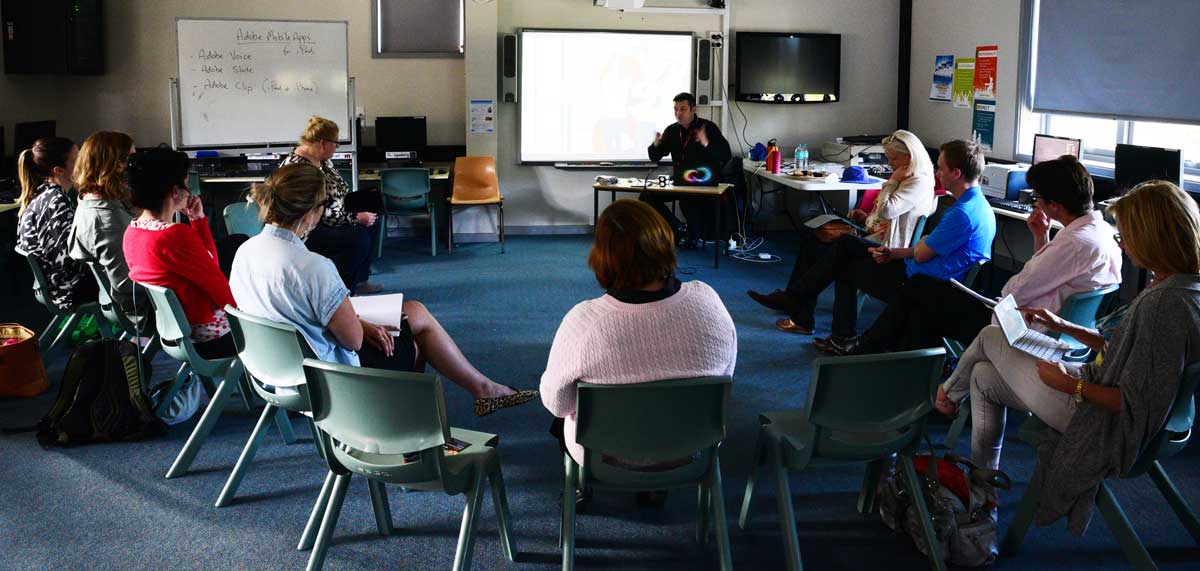
After school, a number of teachers from surrounding schools took part in a special PL session on ways of working with Adobe Voice, Adobe Clip & Adobe Slate
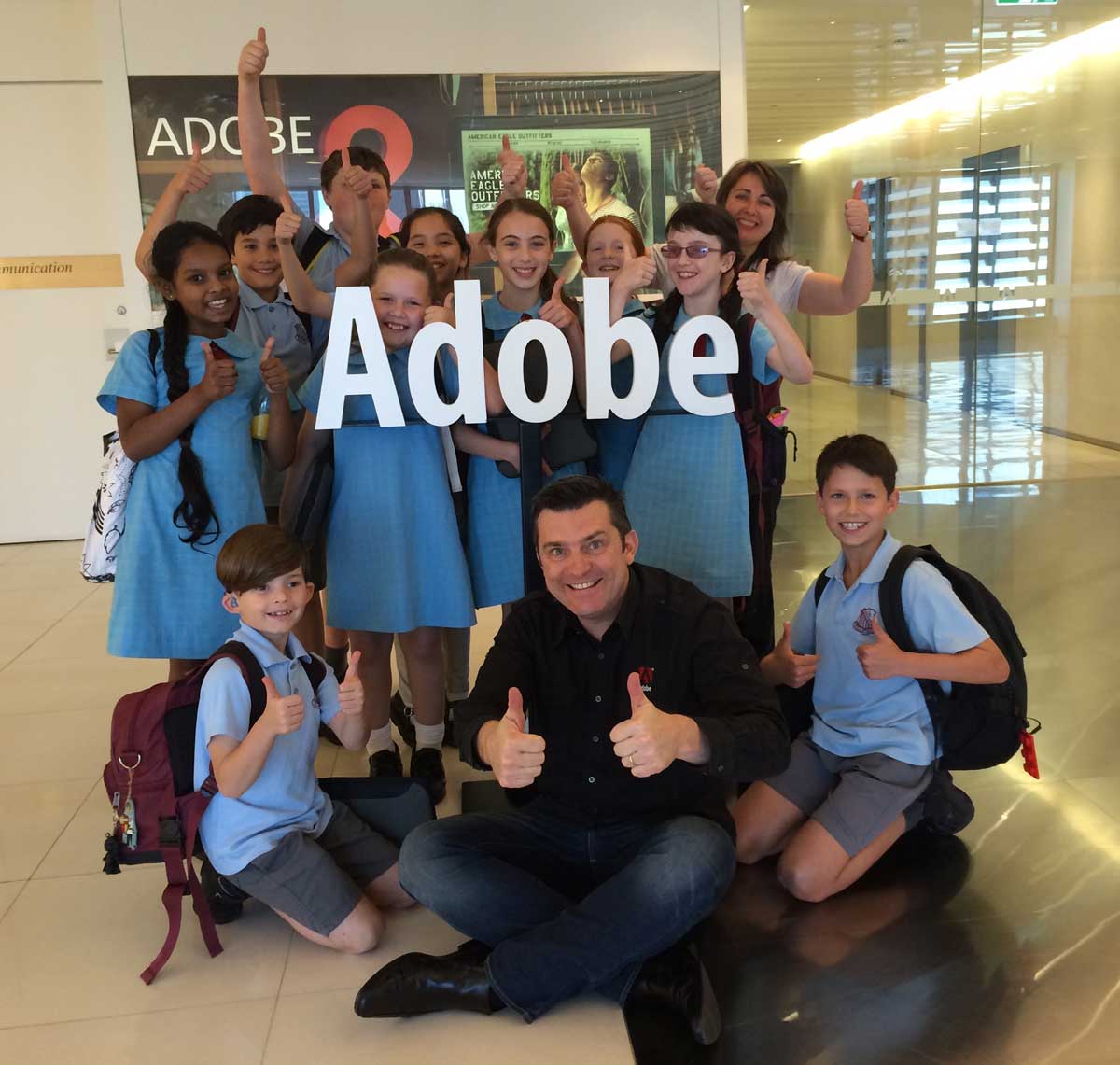
A group of budding young journalist from Rydalmere East Public School spent the day with me today refining their video production skills with Adobe Premier Elements. A number of these students make up the school’s news crew and I’m looking forward to seeing what they come up with after learning a range of new recording and editing techniques.
Join over 225,000 educators on the Adobe Education Exchange
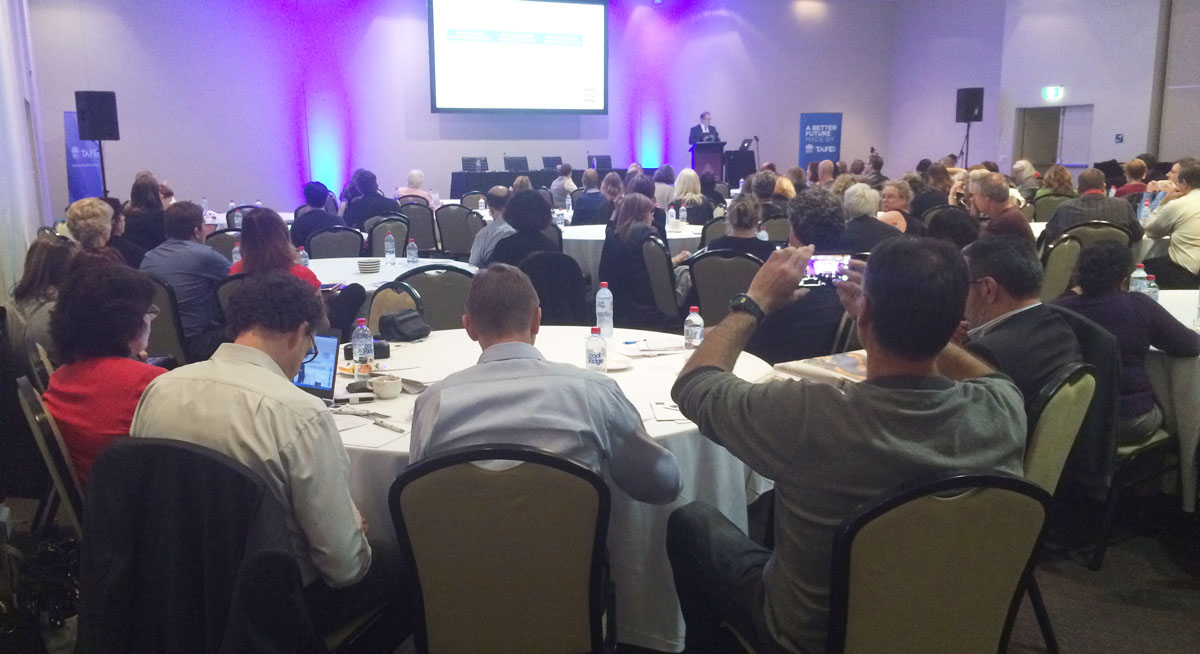
On Friday September 11, I had the pleasure of presenting to about 200 NSW TAFE Teachers their Engage 2015 conference in Wollongong on .

This event focused on developing and delivering quality flexible and personalised online learning for Vocational Education and Training and Higher Education. I enjoyed sharing the stage with Professor Mike Keppell, Pro-Vice Chancellor Learning Transformations at Swinburne University.
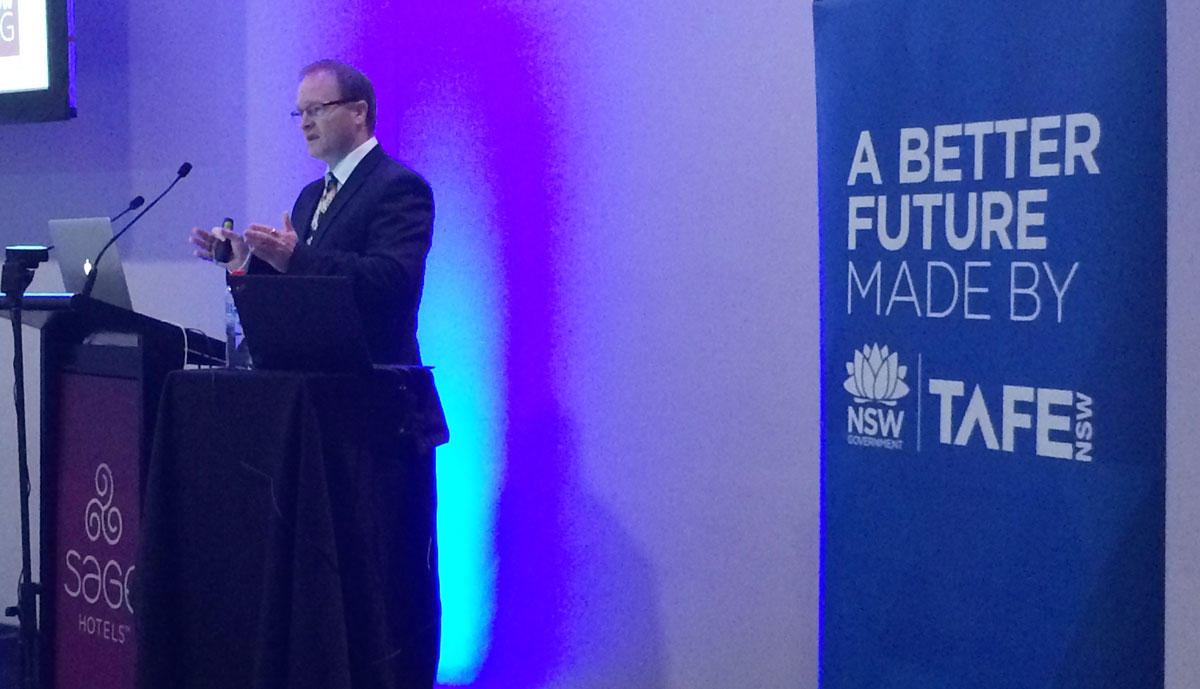
Professor Keppell defined personalised learning as …the knowledge, skills and attitude that enable learning and act as a catalyst to empower the learner to continue to learn. He outlined how modern technology is such an enabler for personalised learning.
I was able to provide some examples of how technology can be used to enhance creativity in the learning and teaching process with a particular focus on Adobe Captivate and Adobe Presenter.
There was also a lot of interest in the Adobe Education Exchange as a resources for sharing ideas and professional learning.

Victorian Teacher (and Adobe Education Leader) Joel Aarons, organised a two day ICT conference for all the Year 6 students at Bentleigh West Primary School last Tuesday 8th September, 2015.
Joel asked me to run a keynote presentation to the whole group to start the event based on new technologies and how we communicate in the 21st century.

I then ran a series of video workshops based on using Adobe Voice to make stories about what makes the students happy.

The students started by brainstorming all the things that make them happy.
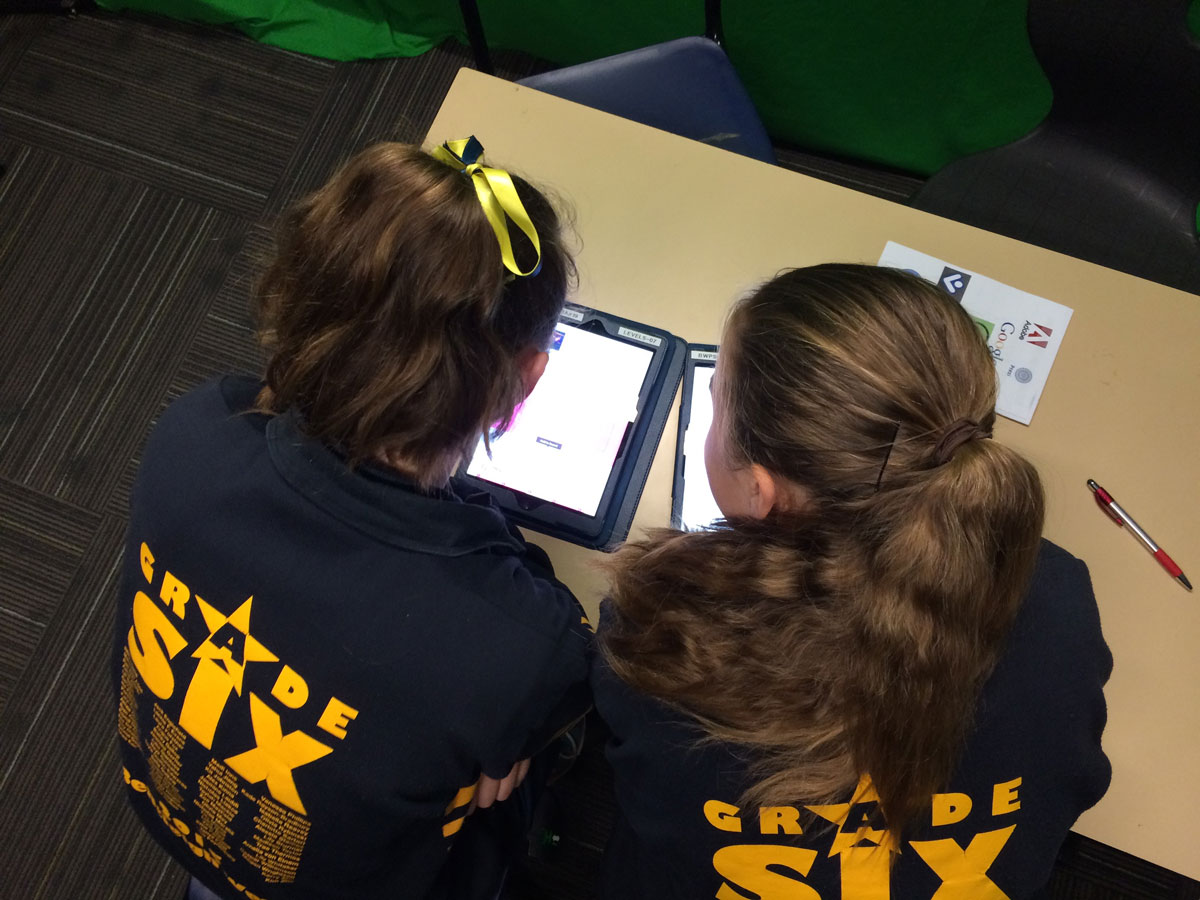
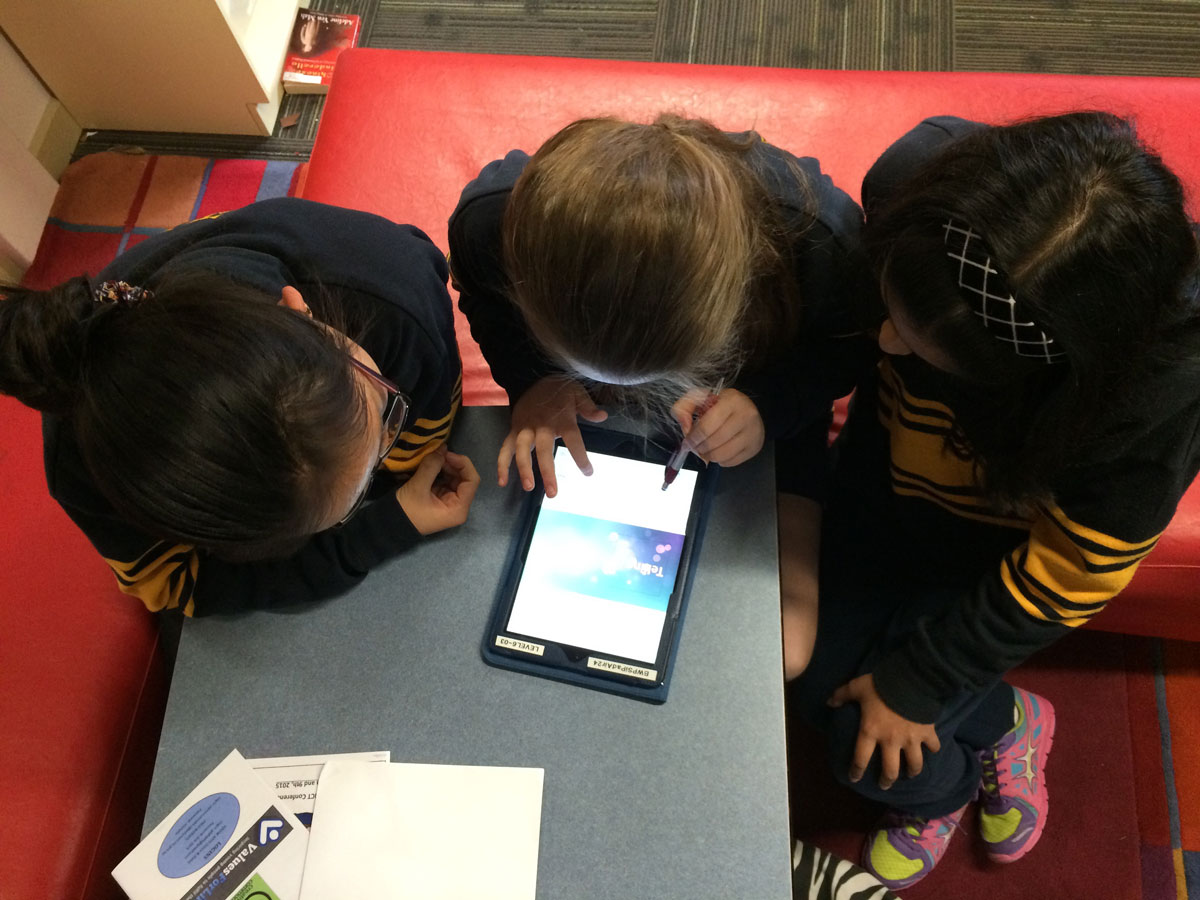

They produced some great videos and obviously enjoyed the experience.

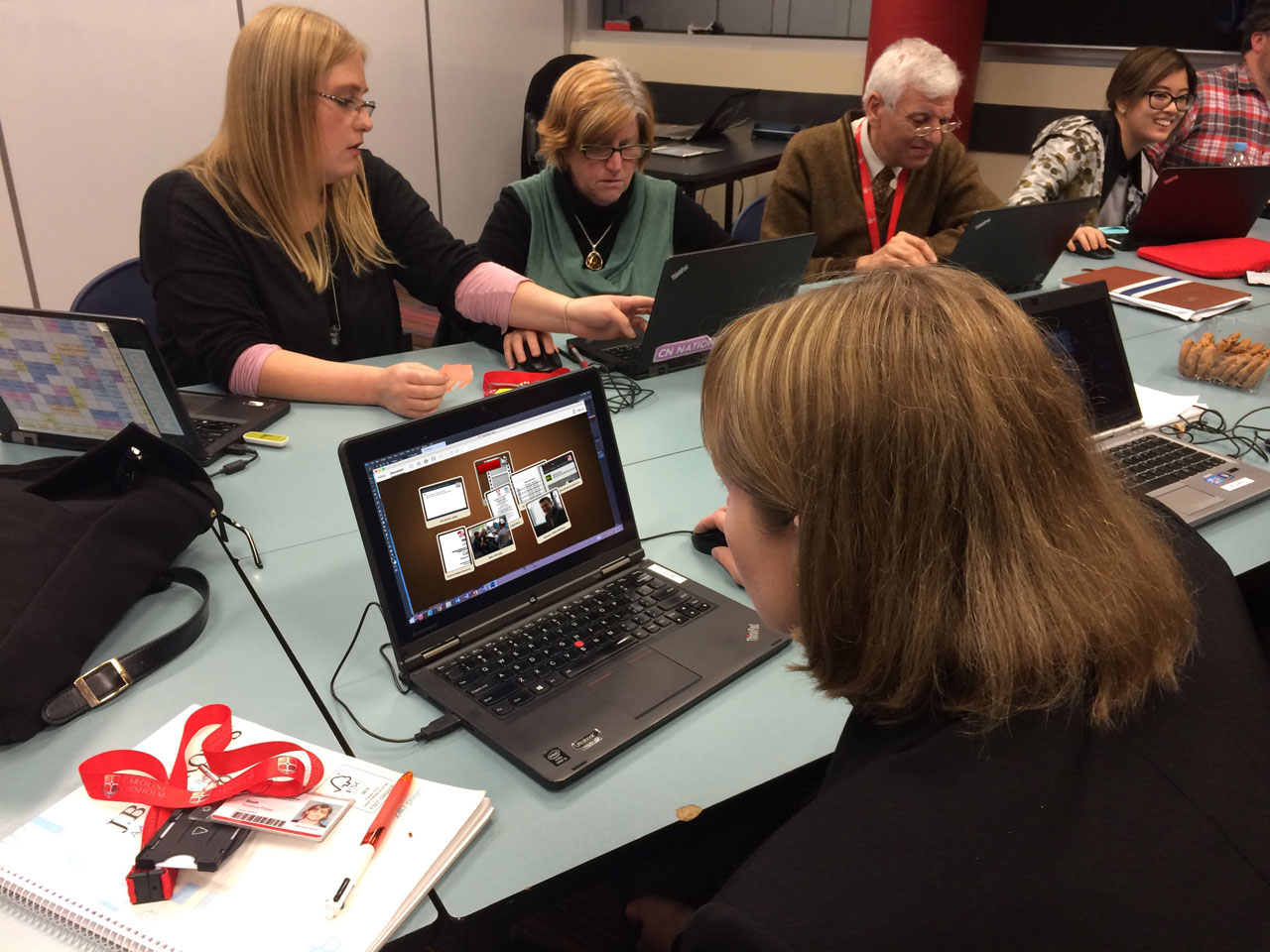
On Thursday the 3rd September 2015, Caroline Chisholm Catholic College in Braybrook (Melbourne) hosted another in a series of Adobe in Education sessions in association with Digital Learning & Teaching Victoria. The focus of this professional development session was the use of Adobe Acrobat Pro to make digital portfolios.

Before exploring the portfolio builder within Acrobat Pro, we discussed if the term digital portfolio or ePortfoilio is still relevant. I suggested that digital solutions to these types of publications should be the norm these days so why do we need to focus on the word digital and add an ‘e’ to the word portfolio. Surly we can just use the term ‘portfolio’ and assume that digital technology will be involved?

It is a bit like the term eLearning which is still common today, as if learning with computers is a different type of learning. I would hope that digital technology has immersed itself into the learning and teaching process these days sufficiently enough so we can drop the ‘e’ from elearning and just call it ‘learning’.

We looked at four different types of portfolios …
Reflection
Demonstration
Development
&
Assessment
A reflective portfolio is used to consider what was learned, how concepts were learned and what could be improved in future learning experiences.
A portfolio for demonstrating learning is aimed at a collection of artifacts and commentary that explains and displays what has been learned in a specific unit of work, subject or experience.
A portfolio focused on development aims to support decisions about future learning.
An assessment portfolio is aimed at providing evidence of learning.
More info on this and the slide resources shared during this session can be found via the following Adobe Education Exchange resource:
http://bit.ly/adobe-cccc-3sept15
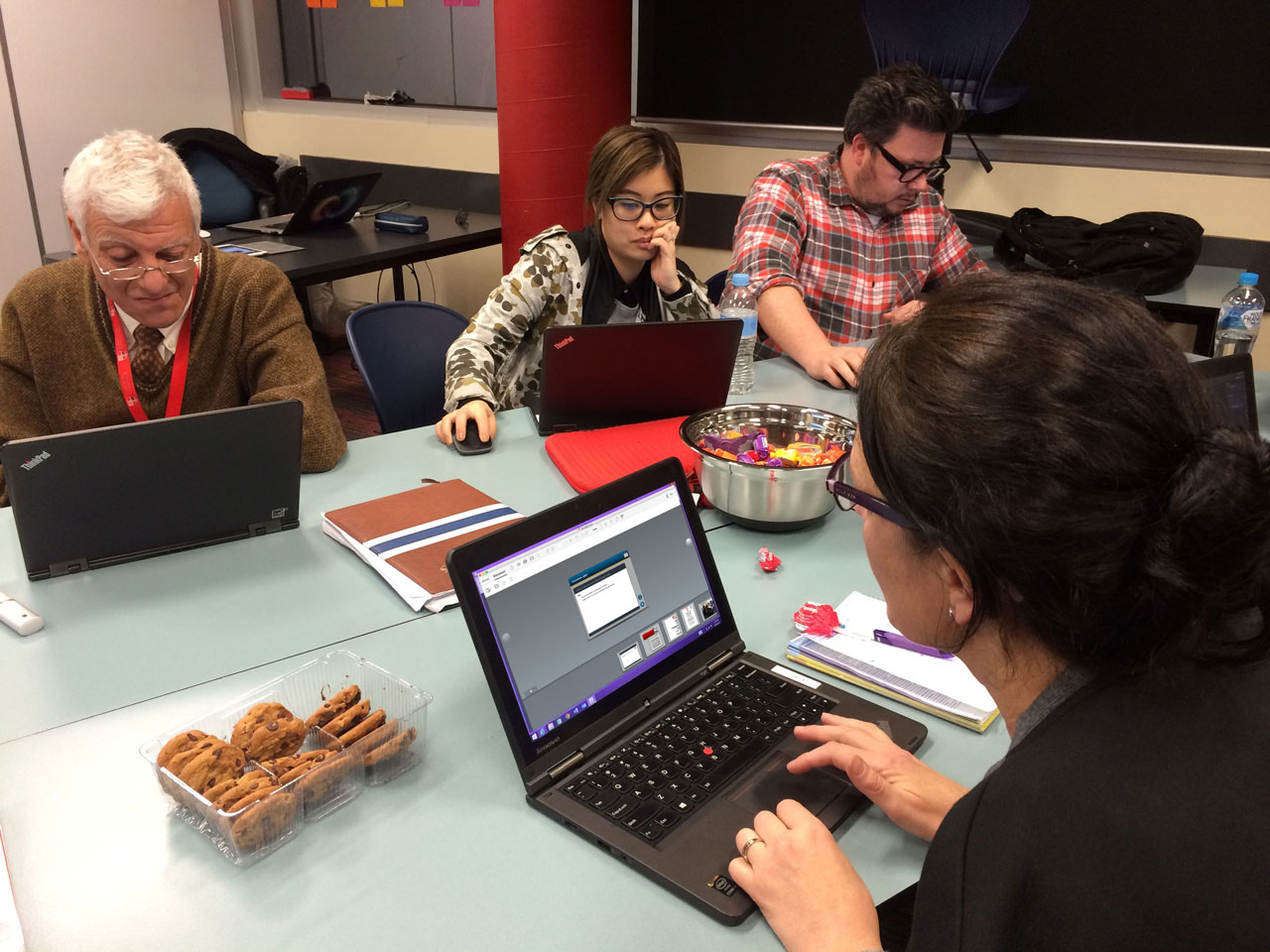
The process of building a portfolio in Acrobat Pro is a simple as:
File > Create > PDF Portfilio
Then choose your layout, add your files (any format), click Finish and watch your portfolio develop in seconds right before your eyes.

So simple, yet so effective.
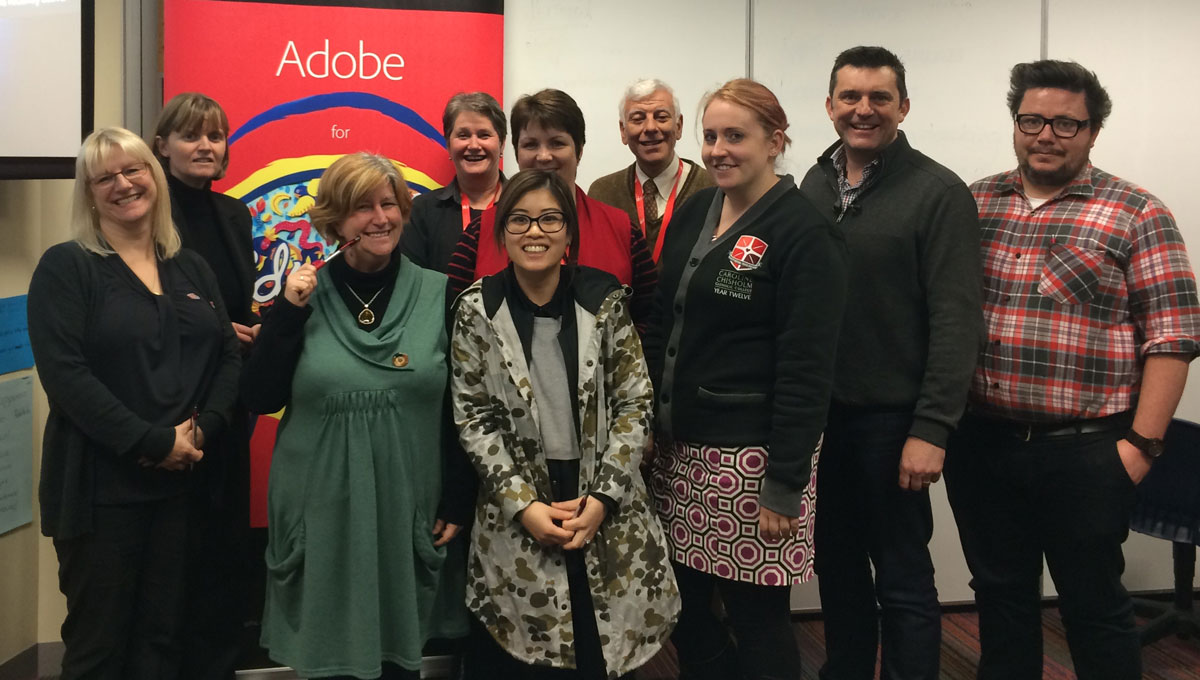
It was a delight to work with these enthusiastic educators from Melbourne’s west and share with them the power of Adobe Acrobat Pro as a learning and teaching tool.
Special thank you to Adobe Education Leader, Kev Lavery for helping to plan this event.
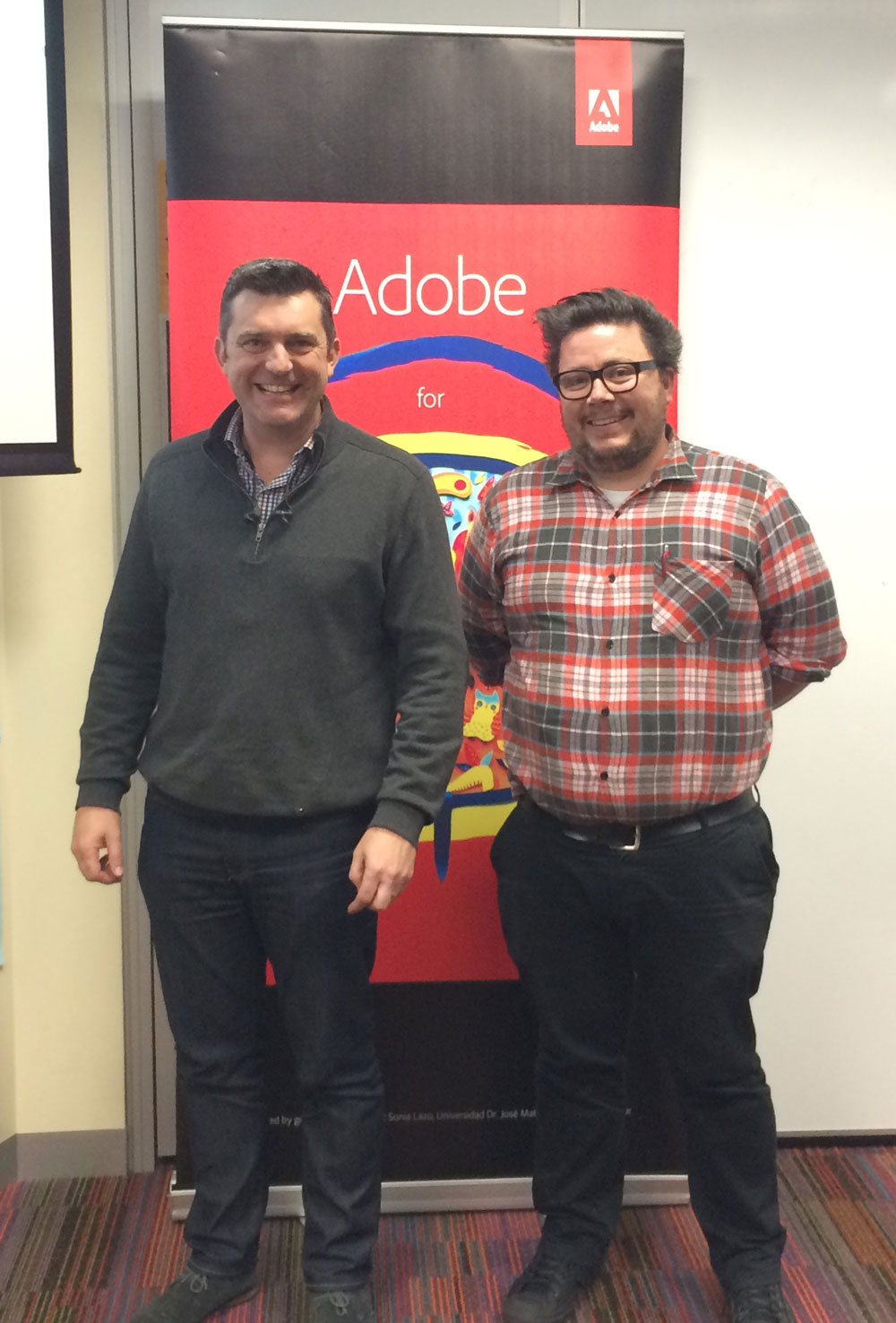
The final in this series of events with DLTV will be held in Melbourne’s east at Strathcona in Canterbury on November 16 and will be focused on Flipped Learning with Adobe. Click here for for information.
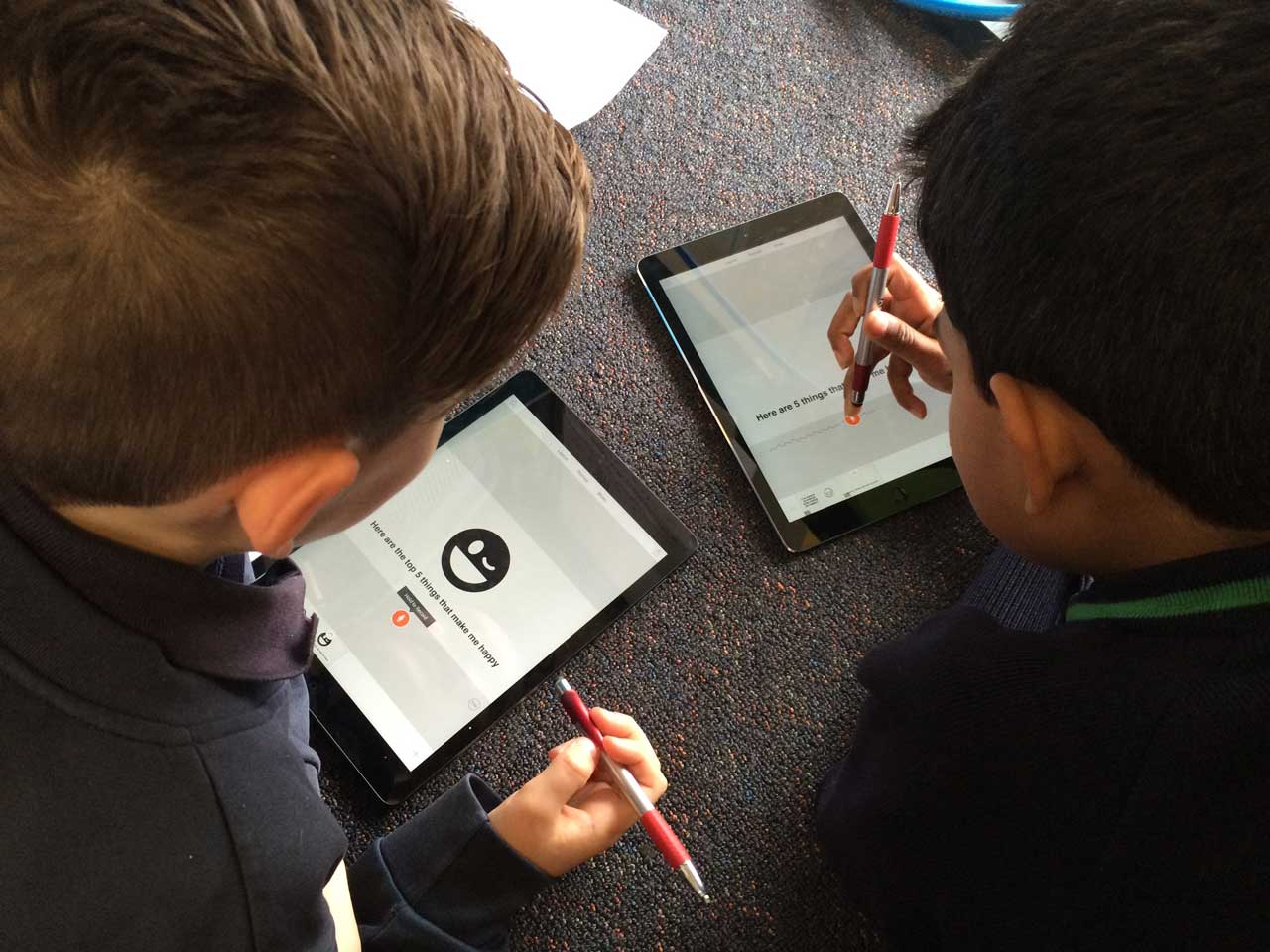
Adobe Voice & Adobe Premier Clip were the two apps a group of Year 4’s at Brookside College in Caroline Springs (Melbourne) worked with on Monday 31st August, 2015 during a special ‘Adobe Day’.
The morning was all about encouraging the students to think about what makes them happy. After some brief instructions and planing (Pre-Production) each student worked with a partner to build an Adobe Voice video outlining the top 5 things that make them happy.

Brainstorming about what makes the students happy.

Building the voice overs and images for each slide on Adobe Voice.
The afternoon was all about video editing with Adobe Premier Clip. The students were taught a process for producing a quality news story then worked in a group (Production Crew) to plan, script, film and edit their own news story relating to the school.

This production crew made a story about Adobe’s visit to their school.
Special thank you to Aaron Davis and the staff at Brookside College for organising this day of creativity.
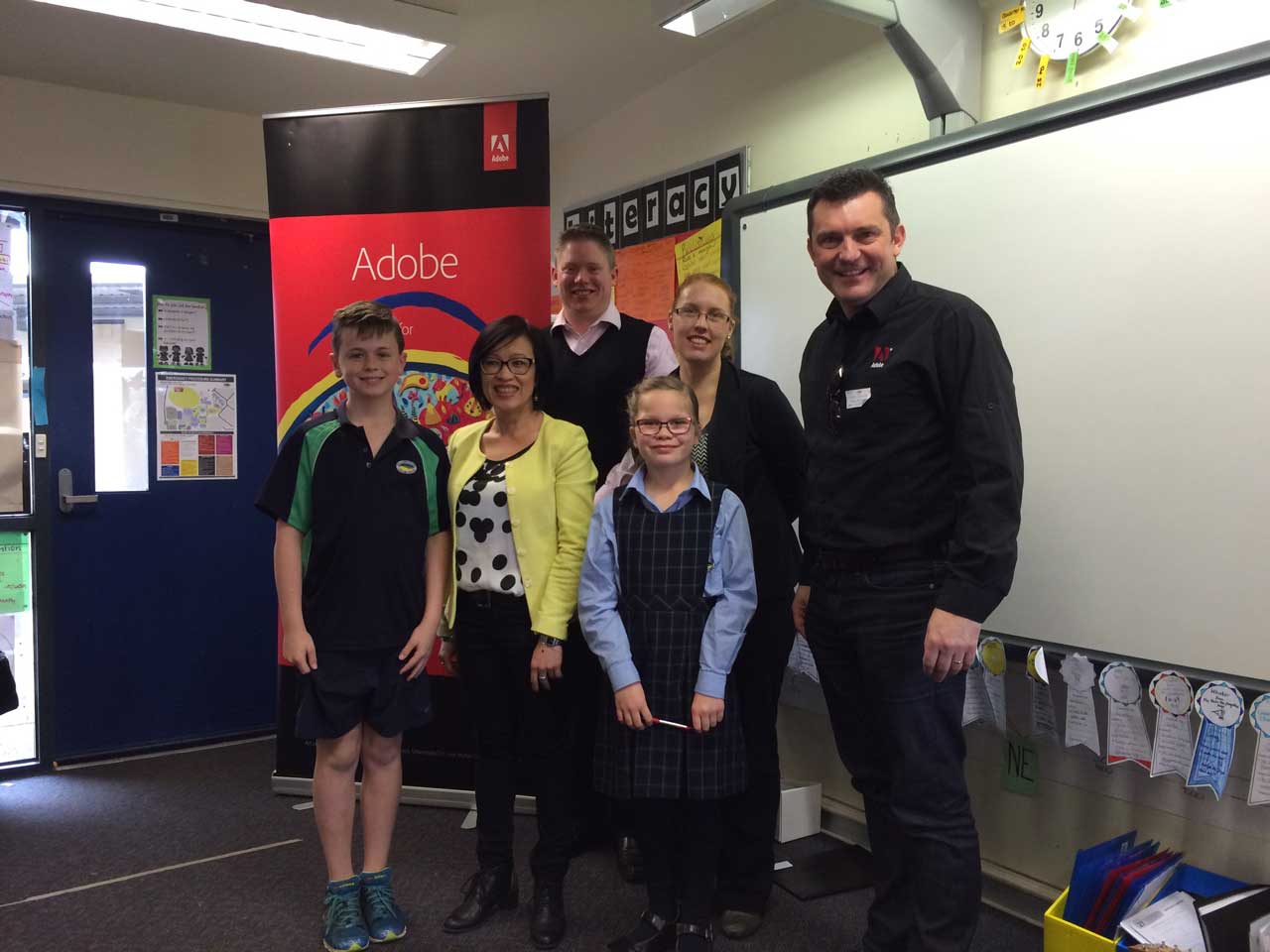

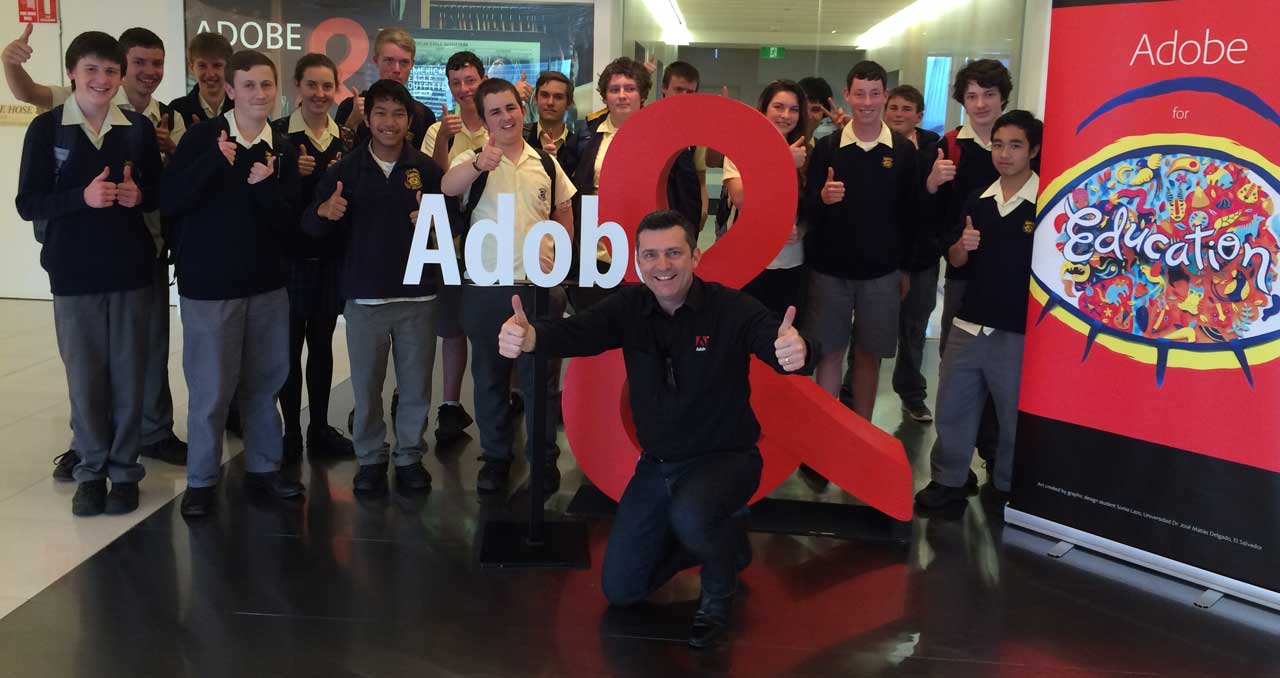
Special thank you to Goulburn High School teacher John Paopeng for organising this excursion for his students.
It was a long day for this group of Year 10 & 11 students from Goulburn High School who traveled several hours by train to meet with me at the Adobe office in Sydney on Thursday August 27, 2015.

The students enjoyed the muffins and the view of the city from level 27.
The aim of the day was to show the students around the office, give them a taste of city working life and go through a number of the Adobe Creative Cloud applications that they have at school and home.
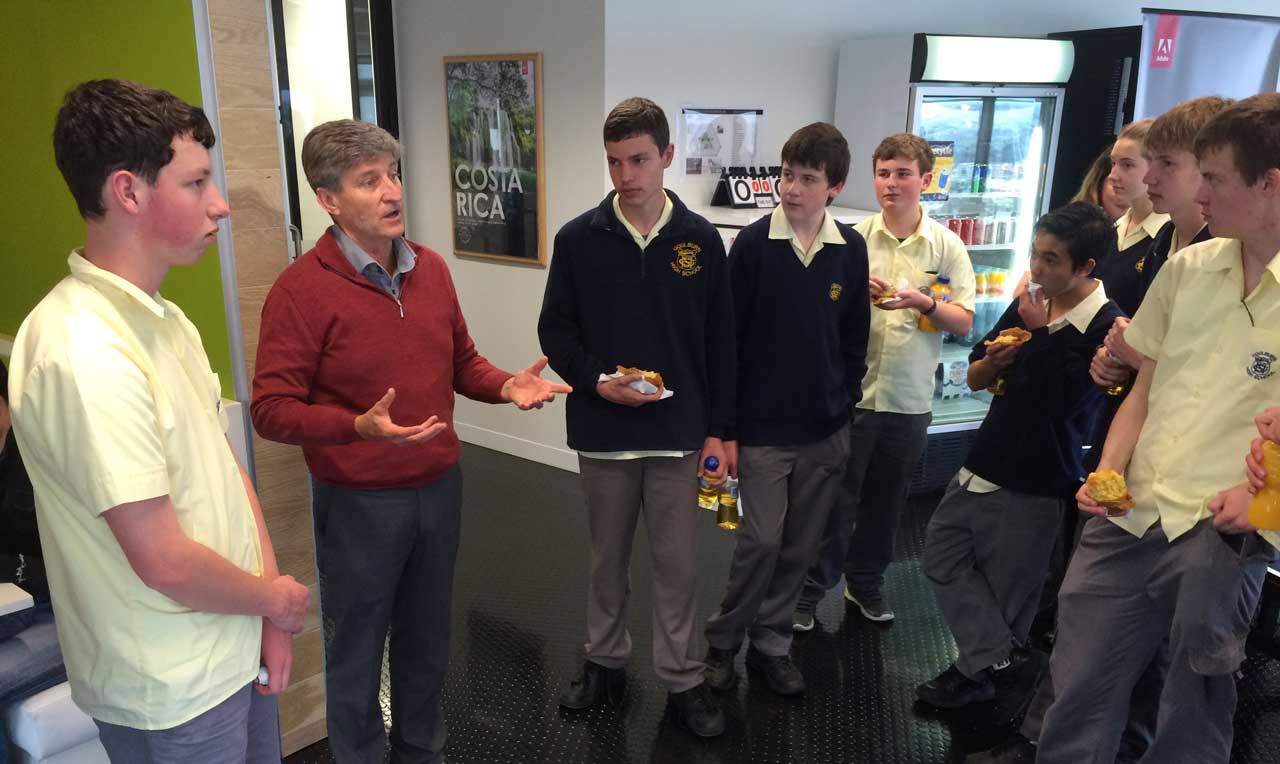
The students met Wayne Weisse (Adobe’s Senior Education Business Manager).
During the workshop session, we went through tips and techniques with Adobe Photoshop, Voice, Slate, Clip, Muse, Acrobat Pro and Premier Pro. It was a long day for the students but one they will no doubt remember for a long time.
 Dr Tim Kitchen