Australasian Adobe in Education Update – December, 2021

Special Adobe Creative Cloud Express edition

Welcome to the December 2021 edition of the Australasia Adobe in Education Update Newsletter.

This edition includes:

  • Introducing Adobe Creative Cloud Express
  • The 2022 Adobe TeachMeets program
  • Inject Creativity Live
  • Special events for NSW & Victorian teachers
  • Video Editing Workshop 2022
  • Adobe in a Box with Khan Academy
  • New resources on the Adobe Education Exchange – and more …

Welcome to Adobe Creative Cloud Express

Next time you open up Adobe Spark, you will notice an exciting new re-brand to Adobe Creative Cloud Express.

https://www.adobe.com/express/

Adobe Creative Cloud Express is Adobe Spark plus a new range of editing features for images and video. Just like Adobe Spark, the base version is free for anyone 13 or over. The premium version also includes Premiere Rush and Photoshop Express plus premium assets including Adobe Stock access.

Introducing Adobe Creative Cloud Express for Education

Adobe Creative Cloud Express for Education is a special premium version, free for all K-12 schools. It provides students and educators everything they need to create stunning graphics, flyers, photos, presentations, web pages, and videos — and express themselves in unique and beautiful ways both inside and outside the classroom.

Adobe Creative Cloud Express for Education includes the Creative Cloud Express apps and services plus mobile apps including Adobe Premiere Rush, Adobe Photoshop Express, Adobe Spark Video, and Adobe Spark Page. It also includes features designed to support student learning and safety, such as premium creative assets, student-friendly Adobe Stock images, safe search for images and videos, the ability to create and export PDFs, and an option that enables IT admins to restrict sharing, and more.​

Adobe Creative Cloud Express resources on the Adobe Education Exchange

The Adobe Education Exchange has a wide range of new and re-branded resources to help teachers integrate Adobe Creative Cloud Express into the classroom. Click here to find out more.

Adobe Creative Cloud Express clips on the Adobe for Education YouTube Channel

Other Adobe Creative Cloud Express information & resources:

Share this news with all your colleagues and let them know that Adobe Creative Cloud is now accessible for everyone.


Register for the 2022 Adobe TeachMeets

Each Adobe TeachMeet session involves a variety of great professional learning opportunities for new and experiences users of Adobe tools in Education. Click here to register for the planned 2022 events and encourage your colleagues to get involved.


Coming events from Adobe for teachers

Share the following URL with your colleagues and wider education networks to help promote a range of coming events from the ANZ Adobe in Education Team – https://adobe.ly/eduevents. Note that teachers outside of ANZ are very welcome.


The explainer video challenge – international student competition

As part of the Adobe in a Box is a project-based series, we are running an international competition titled The explainer video challenge to encourage students to create a 1 to 2 minute video explaining a concept. Open to student 13+, prizes include a mobile video production kit as well as 1:1 coaching with an Adobe content producer. Click here to find out more.


Special events for NSW & Victorian teachers & students

  • Click here for Adobe Teacher Professional Learning events for NSW Department of Education teachers in 2022
  • Click here for Adobe Teacher Professional Learning events for Victorian Department of Education & Training teachers in 2022
  • Click here to register your Year 5-9 students for a 2022 Adobe Creativity Challenge

April 2022 Holiday Premiere Pro video intensive workshop for Vic & NSW students and any teacher
Victorian and NSW teachers are encouraged to register themselves and their (Year 9-12) students for the April 2022 Holiday Video Challenge. This is a free and online 2.5 day intensive workshop with Adobe Premiere Pro. No prior experience is required other than a interest in taking video production to the next level with this industry standard software.

There are two iPads, Apple Pencils and an DJI Pocket Gimble/Camera up for grabs for the best showcased work.

Share this opportunity with your Vic & NSW teaching colleagues via – adobe.ly/video-workshop22


RMIT – now an Adobe Creative Campus

Big news from RMIT – they are now an Adobe Creative Campus, providing all RMIT students and staff individual subscriptions of Adobe Creative Cloud. This is following on from the success of Swinburne University as Australia’s first Adobe Creative Campus. Click here to read more.


Inject Creativity Live episode 55

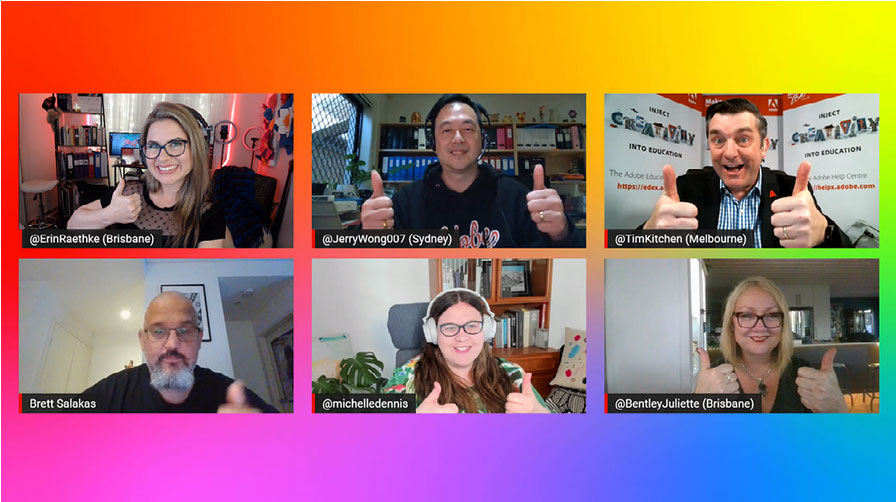
The final Inject Creativity Live episode for 2021 was episode 55 and we announced the winners of the 2021 ANZ Adobe Education Leaders of the Year – Craig Daalmeijer-Power (NSW), Juliette Bentley (QLD) & Mark Christie (NT). Ross Johnson also shared some of the work he has been doing with Adobe tools and assessment in NSW.


During the holidays, catch up on some of Tacy Trowbridge’s amazing podcasts for The Creative Educator. In the most recent installment, Adobe’s Brian Johnsrud joins Tacy to discuss lessons learned, the process of community-building, and creative instructional strategies for the year ahead.


EduMAX 2021 recap: Together for student success around the globe

Click here to read Sebastian Distefano’s blog post that recaps what was EduMax 2021.


Check out the latest from the …

Click here to see recent updates to teaching resources and professional learning opportunities on the Adobe Education Exchange.


DigiCon Conference

Adobe will again be involved with the fully inline DigiCon conference Feb 21-24. Click here for more information.


National Education Summit – Melbourne & Brisbane

Adobe is proud to be involved in the 2022 National Education Summits planned for Brisbane & Melbourne.

Click here to find out more about the Melbourne event on June 17 & 18 and here for the Brisbane event on August 5 & 6.


Australasian Adobe Education Community on Facebook

If you haven’t already, please do join the Australasian Adobe Education Community Facebook group to keep regularly up to date with the world of Adobe in Education for the Australasian region.


Don’t hesitate to contact the Adobe Education team for any support.

Keep Being Creative!


Inject Creativity Live – Dec 7, 2021

The Inject Creativity Live show recorded on 7th December featured Adobe Education Leader Ross Johnson (NSW Department of Education) sharing assessment options with Adobe tools. We also announced the winners of the 2021 ANZ Adobe Education Leader of the Year.

Here is Erin’s summary Spark Page

The next episode is planned to be recorded on Wed 9th Feb at 6.30 PM AEDT. Click here to register for the next episode and other planned Adobe Education events for the APAC region.

Click here to find out more about the Adobe Creative Educator program.

Click here to keep up to date with coming Adobe in Education events.

Join the next Adobe TeachMeet event and encourage your colleagues to get involved via – https://adobe.ly/teachmeets

Adobe Education Exchange Curations

FREE lessons, projects, activities, and courses

Click here to access a list of some of the most popular curations created by the Adobe for
Education team for the Adobe Education Exchnage. The curations are generally organized by academic subject or discipline, grade level, project type, or partner.


Adobe Creativity Challenge – Victoria

Over 400 students from 10 Victorian schools registered for a recent Adobe Creativity Challenge.

Adobe Creative Challenges are all about working with a team to design & share a digital solution to a problem. In this case, the problem was that many people tend to rush the important process of good hand hygiene. The solution was to work in a team of between 3 and 5 to produce either a 1 min video, webpage or poster.

The students had less than 1 week to work with their groups and some were not able to meet the deadline but we emphasised that the process is just as important as the outcome and praised their efforts.

Problem solving, collaboration, digital literacy and creativity are vital skills for students to develop and all were on show during this challenge.

Here are some of the submissions that were showcased live last Wednesday with parental/guardian permission to be published…

Rivercrest Christian College

Video by Coco, Varsha, Jessica & Elysha

Academy of Mary Immaculate

Spark Page webpage including videos by Alice, Evie & Elise

Rivercrest Christian College

Video by Kiara, Ari, Harini & Brodie

Newtown Primary School

Video by Myah, Ivy, Edie, James and Seb

Rivercrest Christian College

Spark Page webpage including videos by Bhavreen, Aikamjot, Lily & Viv

Rivercrest Christian College

Video by Raquel, Kai, Ray and Nazier

Inject Creativity Live – 17th Nov, 2021

The Inject Creativity Live show recorded on 17th November featured Adobe Education Leaders Ali Blackwell (WA) and Mark Christie (NT). The app focus for this episode was the making vector art with Adobe Illustrator and using the anchor link feature within Spark Page. Clara Galan from Adobe’s Global Education Team also joined us.

Here is Erin’s summary Spark Page

The next episode will be recorded on Wed 1st Dec at 6.30 PM AEDT. Click here to register for the next episode and other planned Adobe Education events for the APAC region.

Click here to find out more about the Adobe Creative Educator program.

Click here to keep up to date with coming Adobe in Education events.

Join the next Adobe TeachMeet event and encourage your colleagues to get involved via – https://adobe.ly/teachmeets

Australasian Adobe in Education Update – November, 2021

Australasian Adobe in Education Update newsletter banner

Welcome to the November 2021 edition of the Australasia Adobe in Education Update Newsletter.

This edition includes:

  • Adobe Max review
  • New Adobe TeachMeets program
  • Inject Creativity Live
  • Student Creativity Challenge – Victoria
  • Video Editing Workshop 2022
  • Adobe in a Box with Khan Academy
  • Livestreams
  • Inject Creativity Live
  • News from DLTV
  • New resources on the Adobe Education Exchange – and more …

How good was Adobe Max!

Adobe Max logo 2021

Free, online and on-demand, Adobe Max was outstanding again this year with so many amazing presenters sharing new Adobe tools and features as well as great ideas on how to use the Adobe Creative. This year, there was a special education track and content can be viewed via – max.adobe.com/sessions/educators/.

Click here for Dr Kitchen’s published summary of Max highlights.

Have a look at this Adobe blog about new features announced during the 2021 Adobe Max Conference.


Adobe TeachMeets

Adobe TeachMeets logo

The first of the new series of Adobe TeachMeets were held live and online on November 10 & 11 with over 100 registrations and 10 different topics all aimed to help develop teachers digital literacy, communication & creativity skills.

83% of participants who completed the feedback strongly agreed and 17% agreed that they would recommend these sessions to others.

Get involved in the next sessions on Nov 24 & 25 and click here to register for the 2022 Adobe TeachMeets.


Adobe Creative Educator Program

Over 42,000 teachers have enrolled in at least level 1 of the Adobe Creative Education program. Click here to find out more and share with your colleagues. This program is not about Adobe, it’s about creativity in education. If you prefer to be guided through level 1, register for the next Be a Creative Educator live course.


Register for free coming events from Adobe

Share the following URL with your colleagues and wider education networks to help promote a range of coming events from the ANZ Adobe in Education Team – https://adobe.ly/eduevents. Note that teachers outside of ANZ are very welcome to also register for most events.


Creativity Challenges for NSW & Victorian students

Throughout 2022, we are running Adobe Creativity Challenges for NSW & Victorian students in years 5-9 with a focus on encouraging students to work with a team to design & share a digital solution to a brief or a problem with your Adobe tools. Get your school involved and share this opportunity.

Have a look at this submission from a recent Adobe Creativity Challenge from Rivercrest College in Victoria …

  • Click here for Adobe Teacher Professional Learning events for NSW Department of Education teachers in 2022
  • Click here for Adobe Teacher Professional Learning events for Victorian Department of Education & Training teachers in 2022

April 2022 Holiday Premiere Pro video intensive workshop for Vic & NSW students and any teacher

Victorian and NSW teachers are encouraged to register themselves and their (Year 9-12) students for the April 2022 Holiday Video Challenge. This is a free and online 2.5 day intensive workshop with Adobe Premiere Pro. No prior experience is required other than a interest in taking video production to the next level with this industry standard software.

There are two iPads, Apple Pencils and an DJI Pocket Gimble/Camera up for grabs for the best showcased work.

Share this opportunity with your Vic & NSW teaching colleagues via – adobe.ly/video-workshop22


Adobe in a Box with Khan Academy

We’ve recently launched Adobe in a Box with Khan Academy, a project-based series for learners of all ages! In the first module, learners of all ages can practice creative thinking and video editing skills while developing an explainer video. They’ll get help along the way with tips, guidance, and structured activities from experts at Khan Academy and Adobe.


The explainer video challenge – international student competition

As part of the Adobe in a Box is a project-based series, we are running an international competition titled The explainer video challenge to encourage students to create a 1 to 2 minute video explaining a concept. Open to student 13+, prizes include a mobile video production kit as well as 1:1 coaching with an Adobe content producer. This video explains more:


Explore Adobe and Khan Academy lessons, projects, and activities

Teach creativity in Science, Mathematics, Humanities and other curriculum areas with this resources from Adobe and Khan Academy. These unique resources encourage students to apply creative and communication skills across science, humanities, social science, and digital media as they make videos, infographics, websites, presentations, and more.


Livestreams

Community livestreams, conferences, and free learning events for developing creative and digital skills in all students and subjects. Explore here.

Have a look at the most recent Inject Creativity Live episode …

Here is Dr Kitchen’s post about this episode


The Climate Change Challenge

This challenge is designed to get you thinking about solutions, both big and small, that could reduce climate change. Use Spark Page or Spark Video to bring your writing to life! Share this with your English, Humanities & Science colleagues.


Spotlight on the Adobe Education Exchange

Self-paced course

Inspire students to develop game-changing skills with our Cultivating Digital Literacy course

Adobe’s creative tools can support digital literacy initiatives and provide all students with life and career skills. In this self-paced course, you’ll learn what digital literacy is, how it enhances students’ lives and careers, and the impact it has on student success. Enroll here.

Curation

New curation: teaching media literacy in social science, humanities, and STEM

Explore a brand-new resource collection designed to help you create an engaged and conscientious classroom; cultivate students’ interest in current events; and explore digital topics like UI/UX design, civic responsibility, and media analysis. Explore here.

Challenge

Media literacy challenge kits

In this activity sequence, primary and middle school students use Adobe Spark to introduce themselves to their peers, reflect on the qualities that make them who they are, and practice using digital tools to represent themselves online. Find out more here.

In this expanded activity sequence, students in high school and college draft a digital citizenship compact, examine and reflect on their digital footprints, and create a video introducing themselves to their classmates. Find out more here.

Teaching resources

This collection of dynamic, engaging activities is designed to help students practice critical thinking and problem-solving and to provide a bridge between self-regulated learning and digital content-creation practices. Explore here.

Explore lesson plans and projects designed to help students reflect on the relationship between humans and nature and consider ways they can help fight climate change. Explore here.

In this activity sequence, students use an XD template to design a mobile app for reviewing ecology materials. Use as-is or substitute alternative content to fit your syllabus. Explore here.


DigiCon – Call for presentations

DLTV is pleased to invite submissions for the next DigiCon event, to be held from the 21st to 24th February 2022 on a fully online platform. This exciting event will bring together educators and experts from around the country over four afternoons of events. Click here to submit your submission.

Have a look at a recent Adobe Spark webinar with Adobe & DLTV


Australasian Adobe Education Community on Facebook

If you haven’t already, please do join the Australasian Adobe Education Community Facebook group to keep regularly up to date with the world of Adobe in Education for the Australasian region.


Don’t hesitate to contact the Adobe Education team for any support.
Keep Being Creative!


Adobe TeachMeets – great professional learning & networking

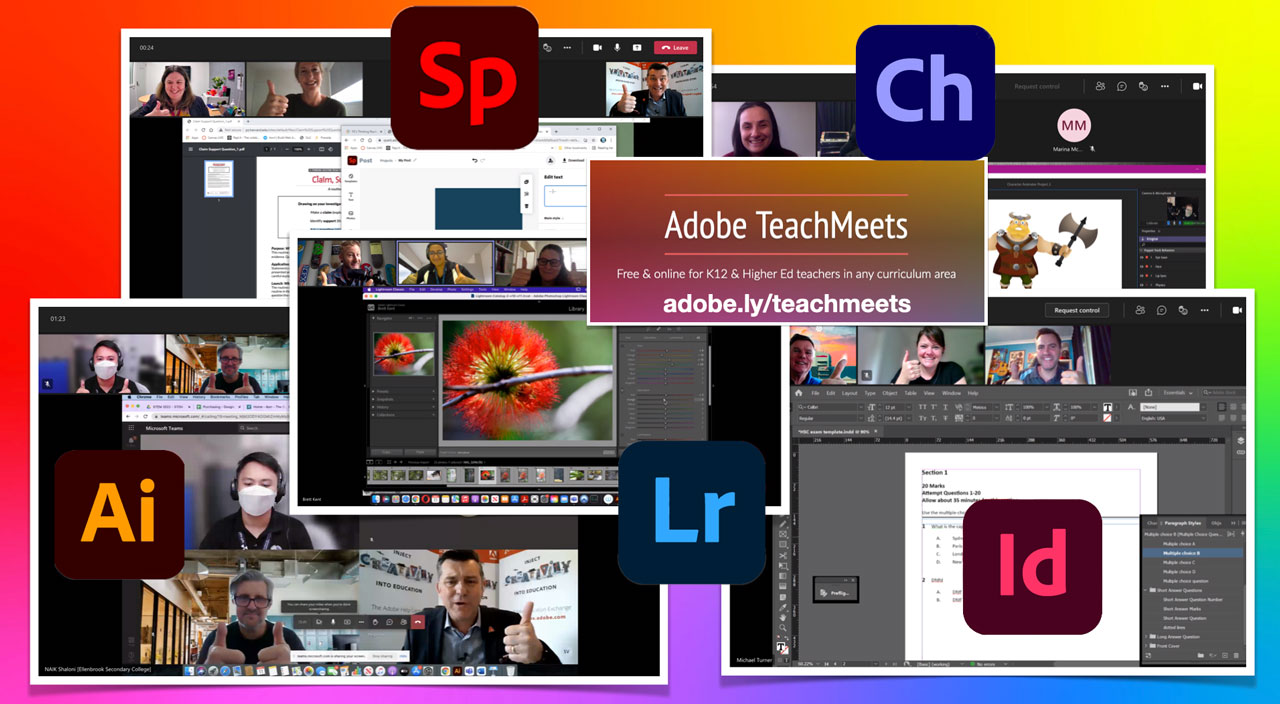
Last Wednesday & Thursday, the new Adobe TeachMeets program commenced with over 100 registrations and 10 different topics all aimed to help develop teachers digital literacy, communication & creativity skills.

Here are some of the feedback comments:

  • We learnt new things, shared stories and encountered challenges to be researched while thinking about how this could be delivered to students in classes.
  • A highlight was seeing how InDesign can be used practically in schools for day to day (not just visual arts/design people)
  • It was so relevant and being able to ask questions for clarification makes these TeachMeets fantastic.
  • Lightroom is exactly what I needed. Brett did an amazing session covering all the basic and advance features to get the job done easily next time. Thanks Brett and Adobe.
  • Adobe TeachMeets is a great opportunity to network.
  • 88% strongly agreed that the content was relevant and useful. Everyone else agreed.
  • 70% strongly agreed that the overall quality of these sessions was excellent. Everyone else agreed.

  • 83% strongly agreed that they would recommend these sessions to others. Everyone else agreed.

Note the next opportunity to be involved in an Adobe TeachMeet:

Wednesday November 24, 2021 – 4 PM AEDT

  • Topic 1 – Spark Page (A new way of presenting assignments) with Michael Turner
  • Topic 2 – Rush (Using Rush to support Video newsletters) with Lauren Sayer
  • Topic 3 – Premiere Pro (Cinematic VR and 360 video production) with Dr Max Schleser
  • Topic 4 – Photoshop (Making your own typeface in Photoshop) with Craig Daalmeijer-Power
  • Topic 5 – Aero (Creating Augmented Reality experiences on your desk) with Steve Nichols

Thursday November 25, 2021 – 4 PM AEDT

  • Topic 1 – Spark Post (Simple browser based desktop publishing) with Erin Raethke
  • Topic 2 – XD (Design thinking in XD) with Craig Daalmeijer-Power
  • Topic 3 – After Effects (Fun stuff in AE for beginners/intermediate) with Mark Woszczalski
  • Topic 4 – Audition (Audio recording, manipulation & podcasting) with Brett Kent
  • Topic 5 – Character Animator (Build a hand drawn character from scratch) with Kev Lavery

Click here to find out more and register. Please share this link with you colleagues via https://adobe.ly/teachmeets

Note that we deliberately do not record these session because they are aimed to be live hands-on workshop. So only register if you are able to attend live.

If you prefer on-demand options, click here to see what is currently available via the Adobe Education Exchange and also share these options with your colleagues and wider education networks.

Inject Creativity Live – 3rd Nov, 2021

The Inject Creativity Live show recorded on 3rd November featured Adobe Education Leaders Eden Carey (Santa Maria College, Perth) and Steven Kolber (Brunswick Secondary, Melbourne). The app focus for this episode was the making of Cinemographs in Adobe Photoshop. Steven’s thought piece was about competition and challenge networks for leaders. We also shared a special interview about new research from Tacy Trowbridge (Adobe Global Education Programs Lead).

Here is Erin’s summary Spark Page

The next episode will be recorded on Wed 17th Nov at 6.30 PM AEDT. Click here to register for the next episode and other planned Adobe Education events for the APAC region.

Click here to find out more about the Adobe Creative Educator program.

Click here to keep up to date with coming Adobe in Education events.

Join the next Adobe TeachMeet event and encourage your colleagues to get involved via – https://adobe.ly/teachmeets

Adobe Max Keynote Highlights – 2021

Adobe Max is the worlds largest creativity conference and the 2021 event is now available to watch free and online via max.adobe.com

This post features some of the highlights from the keynote session that relate to educators and other creatives.

Here is the YouTube link to the keynote …

watch from 1 min 14 sec in the keynote

Following an outstanding opening video, Adobe’s Chairman, President & CEO Shantanu Narayen shared his thoughts on the event, what has been achieved in 2021 and he provided an overview of some of the new Adobe Creative Cloud features to be announced during the rest of the keynote and the conference.

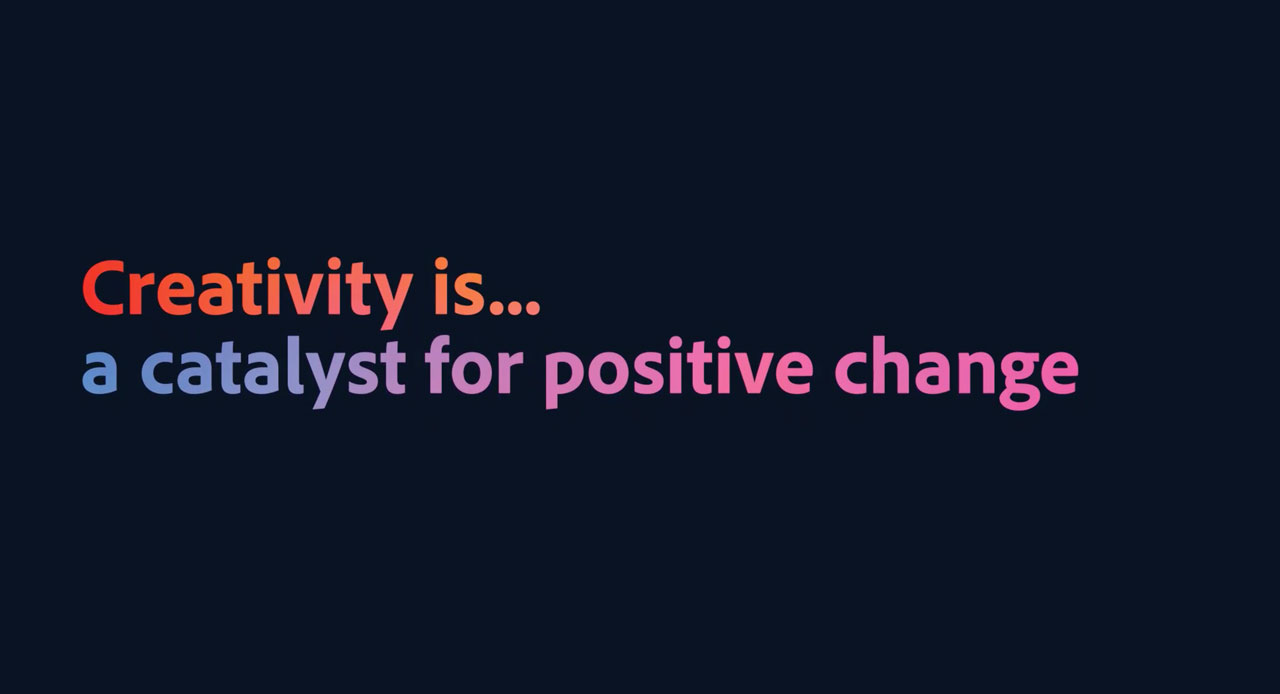
Under the heading of creativity is a catalyst for positive change, Adobe’s partnership with the Khan Academy was visually highlighted

In closing Shantanu said, if the past 18 months have taught us anything, it is that the power of creativity can unite and change the world … Keep telling your stories, learn from each other, inspire each other. The future belongs to those who create. Now let’s create tomorrow together.

Scott Belsky, Adobe’s Chief Product Officer and EVP, Creative Cloud hosted the keynote session and introduced a number of guest presenters.

watch from 9 min 34 sec in the keynote

Early in his opening dialogue, Scott said, it’s amazing how creativity helps us make sense of the world, keeps us inspired and heals us when we need it most. It is fueled by emotion and suffering but it yields healing and hope.

He looked back in history and reflected on how repeatedly, a period of despair spawns a creative rebirth. He said a new renaissance is a upon us,a resurgence of making and artistic collaborations using new technologies (watch from 10 min 38 sec).

Scott said that at Adobe we firmly believe got the coming years will be about renewal and invention for creative careers for broken industries in need of re-imagination and for society at large. He encouraged us all to rise to this occasion together.

Scott said that the Adobe Creative Cloud roadmap was created with three goals in mind, to:

  1. enable connected creativity
  2. unleash creative potential
  3. empower creative careers

Collaboration & connectivity

Adobe creative cloud is now as much about collaboration as it is about creativity. It is also now more accessible than ever via a web browser.

watch at 16min 18 sec in the keynote

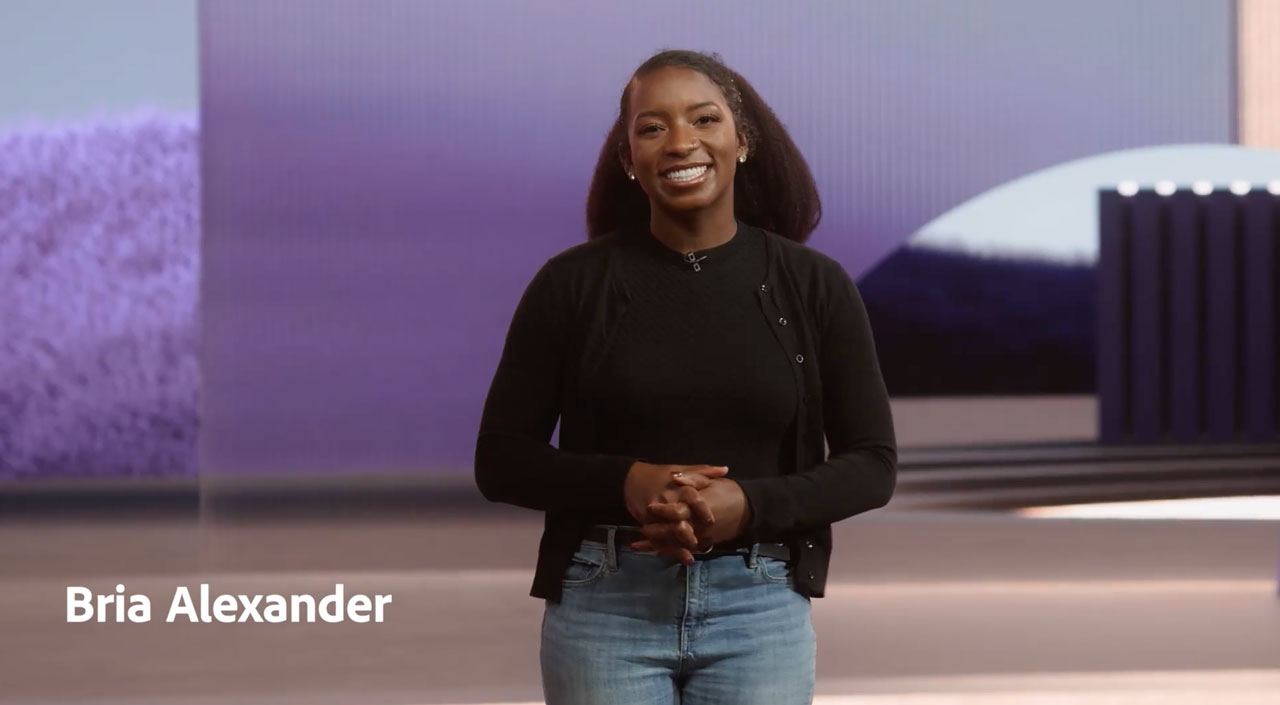
Bria Alexander from the CC Design Team shared some new CC Libraries features such as next groups, team libraries all aimed to enhance collaboation. She also proved a sneak peak on versioning within librarian which will be a soon to come feature.

Adobe’s Principal Creative Cloud Evangelist Terry White demonstrated the new share document feature within Photoshop that allows users to share their work via a public web-link and open up live comments & mark-ups that pin directly to elements of the image design.

Terry also introduced the new Photoshop on the Web (Public Beta) that allows users to do a lot of Photoshop techniques on a browser.

This will be great for schools who are working with Chromebooks.

watch at 18 min 23 sec in the keynote

Adobe and Google

Google’s SVP for Android, Chrome, Chrome OS Play, Comms and Photos, Hiroshi Lockheimer was interviewed by Scott and he shared about the important relationship Adobe has with Google especially in the browser space.

watch from 23min 42 sec in the keynote

New apps for 2022 – Creative Cloud Spaces and Canvas – the next generation of collaboration

watch from 27min in the keynote

Adobe’s Director of Product Management, Zorana Gee introduced the world to the new Creative Cloud Spaces and Canvas apps to be launched early in 2022.

CC Spaces is a browser based collaborative tool that allows for all project content to be in one web-based location that can be shared and interacted with a team in real-time.

CC Canvas is an infinitive whiteboard that allows for assets to be seen and worked by a team in real-time on in one browser-based location.

Real-time co-editing with Adobe files.

It even has real-time audio & video communication functionality with anyone who is linked to the project.

Unleashing creative potential

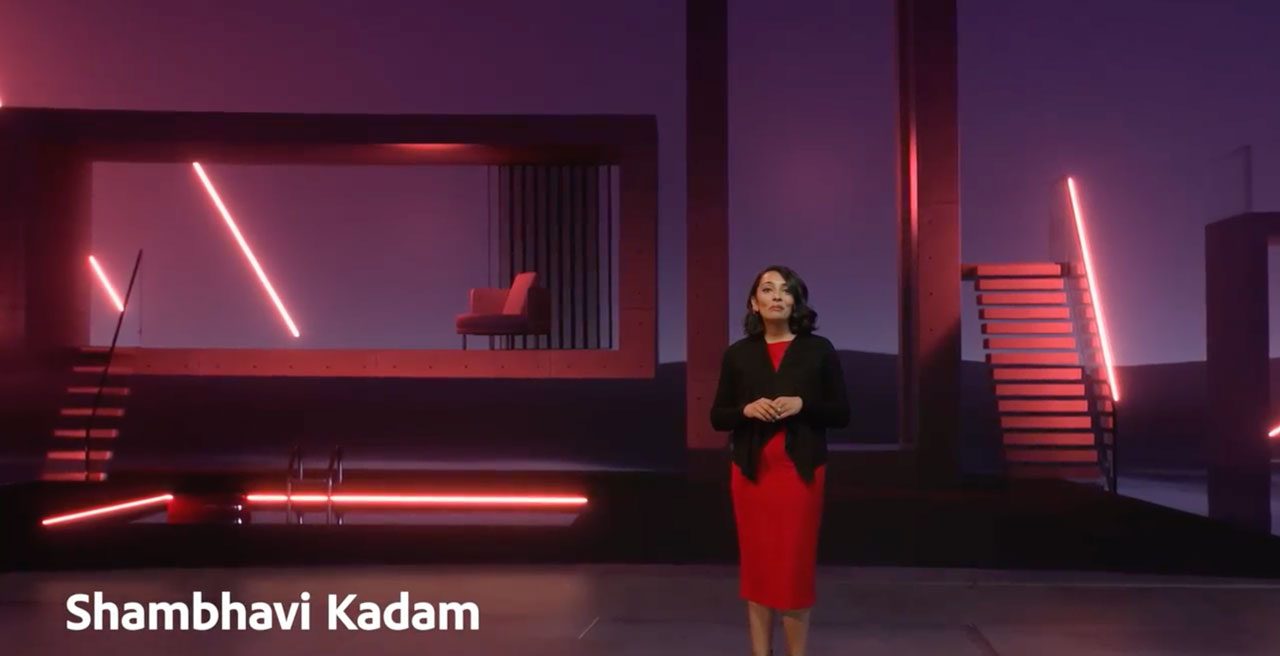
Shambhavi Kadam, Director, Product Management – Adobe Stock shared some new features within Adobe Stock including a new AI engine that makes it easier to find music for any project, find the right footage shot you are looking for as well as teh right still image.

watch from 35 min 5 sec in the keynote
watch from 37 min 36 sec in the keynote

Terry White returned to the main stage to share some other new features from the Photoshop team. These included:

  • new AI additions like auto masking within the Object Section Tool.
  • inserting Adobe Illustrator project layers into Photoshop
  • improved new & imporved neural filters such as landscape mixer & colorize

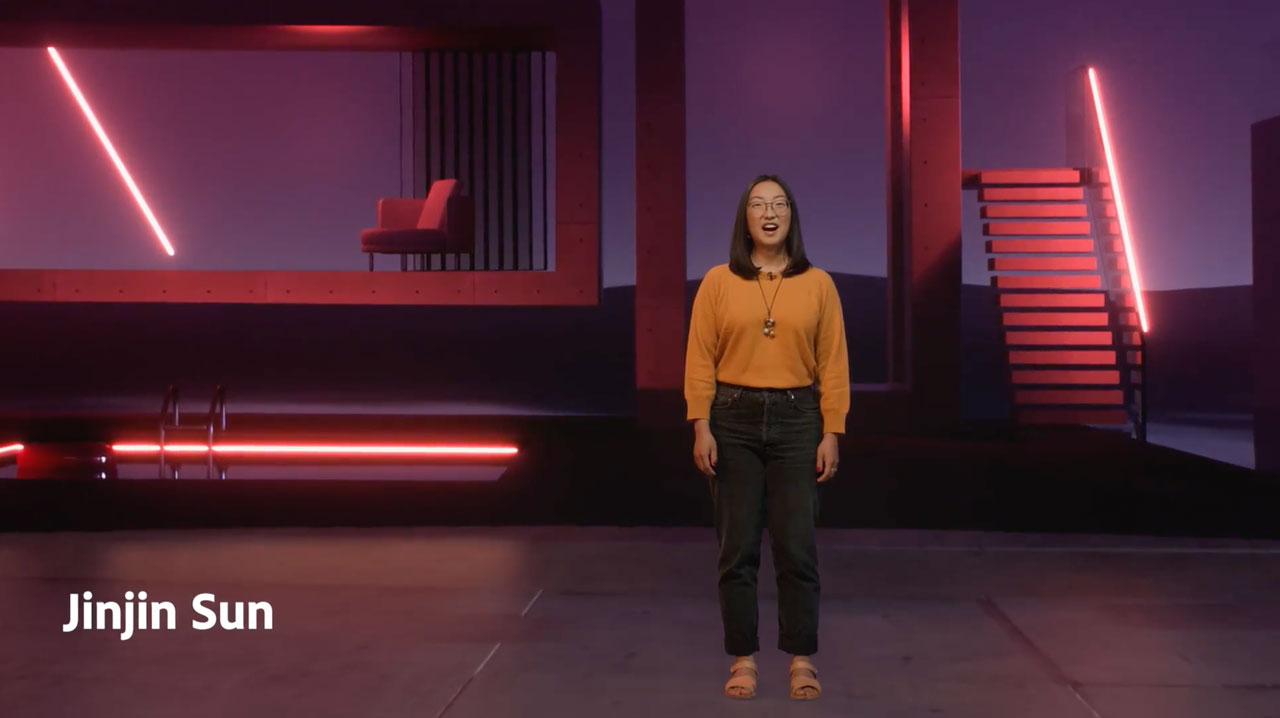
Adobe Senior Experience Designer Jinjin Sun shared teh laters updates to Adobe Fresco including:

  • adjustment layers
  • perspective grids
  • new motion features for animating your drawings

watch from 42 min 19 sec in the keynote
watch from 45 min 12 sec in the keynote

Khoi Vinh, Adobe’s Senior Director of Product Design presented an overview of what’s new within Adobe XD including:

  • Support for the coming CC Spaces
  • importing Lahti (vector) animations
  • importing video into XD
  • interactivity with video

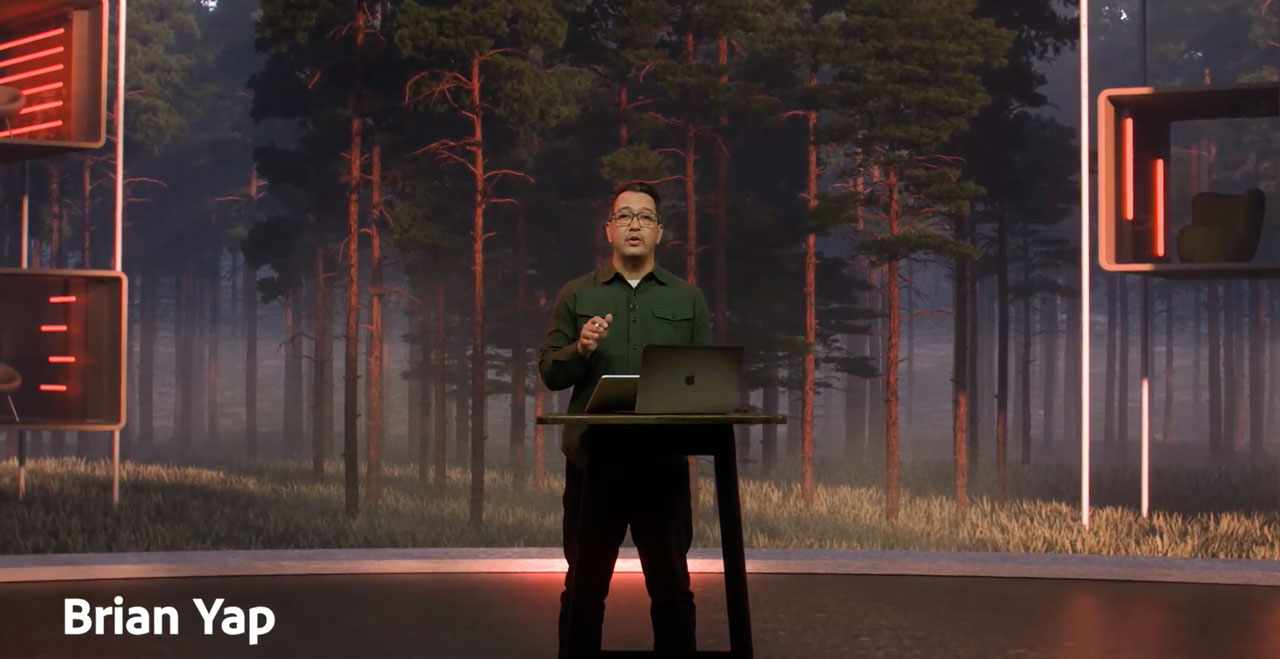
Adobe’s Creative Director Brian Yap shared some new and updated features in Illustartor such as:

  • new pen tool improvements to Illustator on the iPad
  • Vectorize, a new feature that converts any image into a vector graphic.
  • custom brushes into Illustrator on the iPad
  • improved 3D features with Illustrator for desktop
  • share Illustrator projects via the web and allow for feedback and markups via a browser
  • Illustrator on the web (private beta)
watch from 46 min 11 sec in the keynote
watch from 56 min 17 sec in the keynote

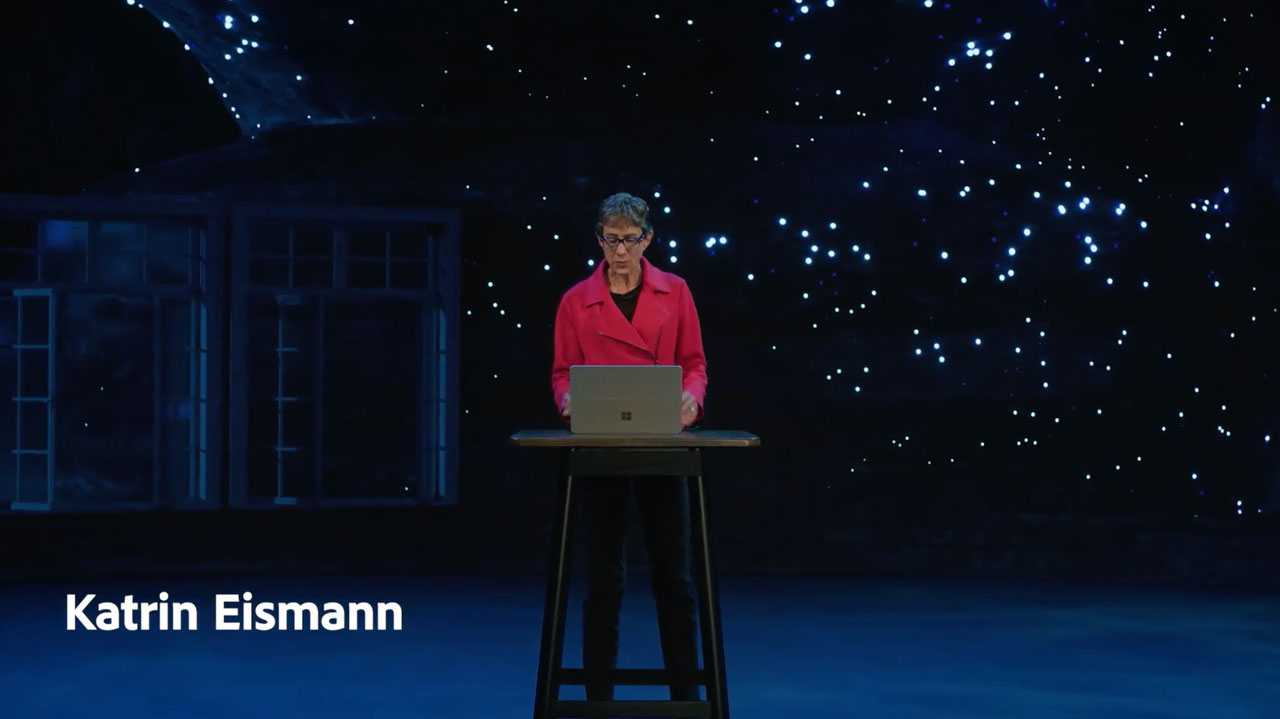
Adobe Lightroom Product Manager Katrin Eismann introduced the new Lightroom masking feature via the new select sky button.

Prior to the new release segment for video, it was great to see Adobe Education Leader from California David Dodds featured in a special video postcards sequence along side Hollywood film director David Fincher.

watch from 1hr 1 min 13 sec in the keynote
watch from 1hr 3 min 4 sec in the keynote

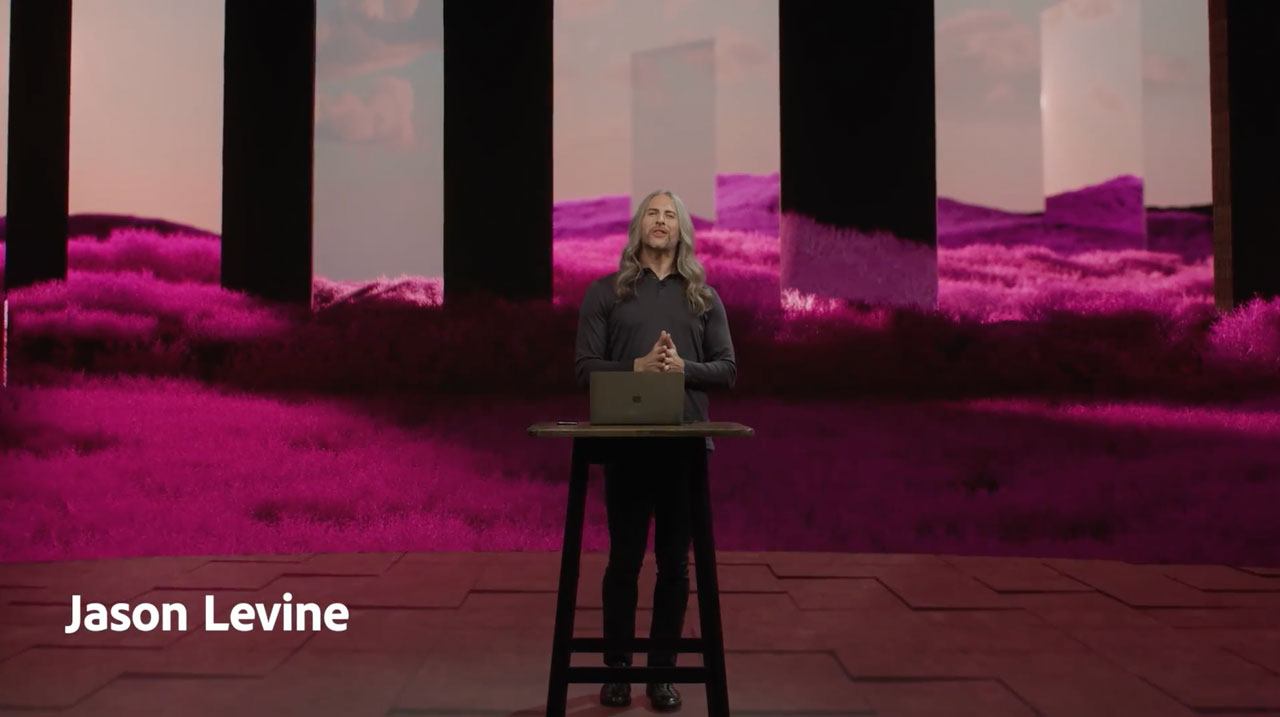
Adobe’s Principal Worldwide Evangelist for Creative Cloud/Video Tools Jason Levine provides an insight into some new features for Premiere Pro & After Effects such as:

  • a new import feature
  • automatic speech to text captioning
  • new multi-frame rendering for After Effects to speed up project creation
  • the Frame.io acquisition to provide a while new set of video sharing and marking up options via a browser

Emery Wells, the Head of Frame.io, was interviewed by Scott Belsky about Adobe’s new acquisition. He talked about the origins of the company coming out of the post-production industry and new coming features.

He claimed that the next version of Frame.io will be the future of how video gets made.

Scott indicated that together Frame.io & Adobe will be pioneering the future of video

Find out more about Frame.io via https://www.frame.io/

watch from 1hr 8 min 8 sec in the keynote
watch from 1hr 10 min 9 sec in the keynote

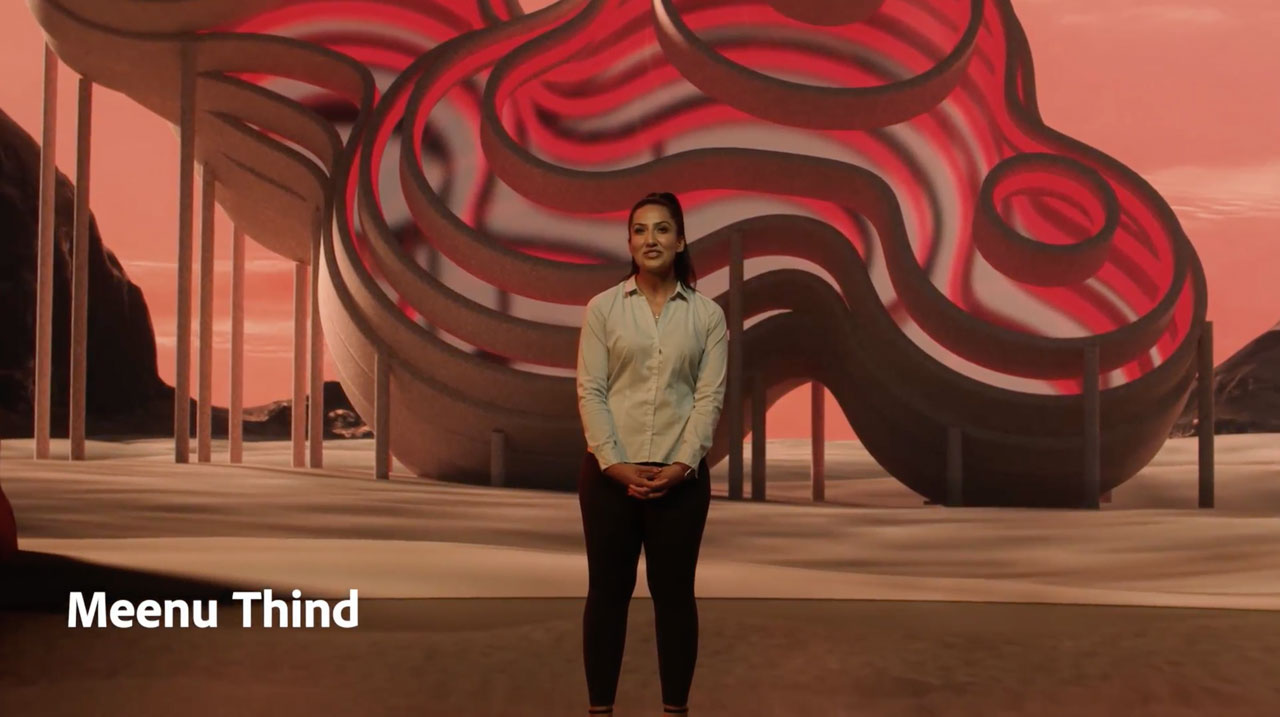
Technical Evangelist, Meenu Thind shared a presentation about new features in the latest version of Adobe Acrobat including the new liquid mode format of reading PDFs.

Adobe’s recent acquisition of the Substance 3D tools was highlighted by Scott and Wes McDermott (Creative Producer, Art & Development Team, 3D & Immersive at Adobe).

watch from 1hr 11 min 26 sec in the keynote
watch from 1hr 23 min 45 sec in the keynote

Scott Belsky was very proud to share the progress that has been made with the open source Content Authenticity Initiative during 2021.

This is to ensure that artists get credit for their work and ti help people know what content they can trust.

Scott announced that anyone can now turn on content creditials in Photoshop.

What’s new in the Adobe Creative Cloud

Summary of the new Adobe CC features

Have you downloaded the latest updates?

Adobe Sneaks

Adobe Sneaks is about getting a sneak peek into what’s brewing in Adobe Research. MAX Sneaks is where Adobe engineers give a first look at potential future technologies, which may or may not make it into upcoming versions of Adobe products.

Over 400 sessions

Check max.adobe.com to view over 400 sessions from hundreds of inspiring presenters.

Take special note of these sessions from Australian presenters

Session S292 – Giving students a voice with Character Animator

S291 – Fostering Digital Literacy in the K–12 Creative Classroom

S807 – Transforming Education with Creative and Digital Skills

Inject Creativity Live – 20th Oct, 2021

The Inject Creativity Live show recorded on October 20 featured Adobe Education Leaders Brett Salakas (HP Adobe Ambassador), Michelle Dennis from Haileybury College and Juliette Bentley (Adobe Master Teacher, APAC). The app focus for this episode was Adobe Spark Video for encouraging creating writing. Michelle’s thought piece was about girls in tech and we had a special interview with Dom Traynor (Adobe Evangelist from Europe) who shared a new Spark Climate Change writing & video challenge.

Here is Erin’s summary Spark Page – https://spark.adobe.com/page/1SmFgOMxIty8r/

Dom’s Spark Climate Change Channege – https://bit.ly/sparkclimate

The next episode will be recorded on Wed rd Nov at 6.30 PM AEDT. Click here to register for the next episode and other planned Adobe Education events for the APAC region.

Click here to find out more about the Adobe Creative Educator program.

Click here to keep up to date with coming Adobe in Education events.