Developing video literacy skills has become more important than ever for teachers and for students. These two teachers demonstrate what is possible in a primary & secondary context and have provided excellent examples of how to do video well.
Make sure you keep the time aside to join us live at the final Inject Creativity Liveevent broadcast for 2020 on Wednesday, 16 December at 6:30 pm AEDT.
Check out some of the comments from this last episode …
Highlights:
The films from Freshwater
Andrew’s chat with Tim was fascinating, and I always enjoy Joel’s enthusiasm.
The videos created by those students were inspirational and the quality was unbelievable. Thank you for that session.
Being inspired by the videos shared
Andrew Lai’s use of Adobe Premiere Pro with Adobe After Effects – professional quality short films produced by his senior students; the other being Joel Aarons with his very useful tips on applying the Adobe Spark Video to the elementary classroom.
Other comments:
It is worth the effort in getting up at 2.30 am to view and participate in this Adobe Live Event – wouldn’t miss the opportunity to network with fellow AELs.
A new series of webinars is being planned for 2021 catering for teachers at various levels of K12 and Higher Education all over the Australasian region. These will be run by the Adobe Education team as well as Adobe Education Leaders from February 23 to May 26.
Register in advance for the sessions that are most relevant for you and share these events with your colleagues and wider education network.
Adobe Creative Educator Program
We have had over 5000 teachers pass Level 1 of the Adobe Creative Educator program with many now completing Level 2. This a program for any teacher, of any subject area in any level. You don’t have to be an Adobe expert to get an ACE badge for your CV. Click here to see the most recent ACE news.
Adobe @ EduTech
Below is the amazing Adobe breakout session at the recent 2020 EduTech Conference that featured, Erin Raethke from TAFE QLD, Steven Kolber from Vic DET, Clare Dyson from Swinburne Uni, Andrew On Yi Lai & Brett Kent from NSW DoE.
Click here for a recap on the recent virtual 2020 Adobe Max event. Check out the new Adobe products, updates, time-savers and other improvements to the Creative Cloud.
Writing for Change program
The Writing for Change program is a collaboration between Adobe and Wakelet that encourages students to complete up to 10 different opinion based writing challenges on a range of topics. Go to the Writing for Change playlist on the Adobe for Education YouTube Channel to see some well known writers add the contributions via a live streamed interview.
Inject Creativity Live – 2021
We are currently planning a new set of Inject Creativity Live events for 2021. Click here to register in advance to get a reminder email prior to each event as well as a link to the recordings. Note that all future events are being streamed live on the Adobe for Education YouTube Channel.
ACCE Conference 2021
DLTV will run its postponed ACCE/Digicon Conference Virtually from March 15th to March 19th 2021. The conference will be held each afternoon from 4pm to 6pm. Maybe put it in your school’s professional learning calendar now. Keep those dates & times free and check the DLTV site for more information. Click here if you are interested in presenting at this event.
The latest on the Adobe Education Exchange
Self-paced course – Create Digital Images with Your Class
We’ve recently added new lessons, projects, lesson plans, videos, and assignment options in this updated self-paced digital images course for educators.
Professional learning kit – Creating Digital Images Professional Learning Kit | Presenter-led Training
Train educators on digital images in the classroom. Adobe has assembled everything you need to lead a one-hour Photoshop workshop for educators, which can be delivered either in-person or online. Click here to find out more.
K–12 lesson – Profiles in motion
In this lesson by Max Suechting at Stanford University, students use Spark Video to craft a profile of a literary character. Click here to access.
K–12 lesson – Publish your opinion
In this lesson by expert teacher Caitlin MacLeod-Bluver, students use Spark Page to read about a controversial subject and develop their own opinion on the issue. Click here to access
K–12 lesson – Make a video poem
In this lesson by expert teacher Lisa Gottfried, students use Premiere Rush to write a poem about a time they felt a strong emotion. Click here to access.
Higher Ed project – Social media campaign analysis
This project by Dr. Karen Freberg at the University of Louisville, has students use Premiere Rush to analyze a social media campaign and create a video explanation. Click here to access
K–12 lesson – Self mini-documentary: subject, storyline, and video
In this lesson from expert teacher Lisa Gottfried, students use Premiere Pro to create a compelling video story about an aspect of their life. Click here to access
Higher Ed project – Create a newscast
In this project by Brian Puente at the University of Arizona, students use Premiere Pro to create a professional-quality newscast. Click here to access.
Higher Ed project – Exhibition brochure
In this project by Dr. Kim Beil at Stanford University, students use InDesign to create a brochure for an imagined exhibition. Click here to access.
Higher Ed project – Science in translation
In this project by Rachel Bryson at Utah State University, students use InDesign to translate scientific discourse for non-specialist audiences. Click here to access.
Self-paced course – Design Fun Apps with Your Students
This course was updated in November 2020 with new learning content, examples, resources and lesson plans to help you and your students get started with mobile app design and Adobe XD. Click here to access
Professional learning kit – App and Experience Design Professional Learning Kit | Presenter-led Training
This free presenter-led training is designed to work in tandem with our Design Fun Apps with Your Students self-paced course, which aims to provide a starting point for educators who want to build their confidence with app/experience design and Adobe XD before diving into these learning kit resources. Click here to access.
For NSW DoE Teachers
A new video from the NSW DoE T4L team was created to help their schools get single sign on access to Adobe Creative Cloud on school owned computers.
Coming events
Click here to access the Adobe in Education Events and Resources site and book in for some free professional learning for you and your colleagues.
Contact the Adobe Education Team
Use the following QR code or link to get in contact with the Adobe in Education team for Australasia and share this link with any colleagues who you think would value getting these monthly updates.
It was a real pleasure to host Adobe Education Leaders Juliette Bentley (QLD) and Lauren Sayer (Vic) last night at the Inject Creativity Live event as they shared how Adobe Spark and Adobe XD are used at their schools.
Note that the Chat-show was broadcast live on the official Adobe for Education YouTube Channel.
To access the Deeper-dive session (and Juliette & Lauren’s chapters), click here.
Chapter 1 – Introductions
Chapter 2 – Juliette Bentley Sparking Initiatives as Mt St Michael’s College
Chapter 4 – Lauren Sayer Teaching XD at Haileybury
Chapter 5 – Resources
There was some lovely feedback comments …
Highlights
Juliette showing spark in literacy
Hearing from both wonderful and inspiring presenters.
I really enjoyed Juliette’s Spark share, but particularly found inspiration in Lauren’s XD showcase.
Enjoyed learning from Julia Bentley and Lauren Sayer, Particularly interested in teaching XD applications to students and starting to learn how to do this. This session has further encouraged my interests.
Juliette Bentley’s use of Adobe Spark in her school’s religion education program.
Other comments
Thanks all for your continued commitment to digital literacy and creativity development in teachers and students. Without these sessions, we would all feel very lonely!
I also liked the way Lauren Lily uses an LMS to present her students’ use of Adobe Creative Cloud apps.
Our next Inject Creativity Live event will be Dec 2 starting at 6.30 PM (AEDT) with AEL Joel Aarons from Melbourne as well as some of the students films from Andrew Lai’s school in Sydney.
Join us live if you can – much more fun that way ☺
Adobe and Wakelet are partnering for the Writing For Change Challenge! This international project involved students and teachers completing up to 10 writing challenges with Adobe Spark Page and sharing their work via Wakelet!
Great for English teachers – let them know!
A number of authors, bloggers & influences have taken up the challenge and are being interviewed by the Adobe team. Have a look at this interview with Brett Salakas from last week.
Adobe is again sponsoring the EduTech Conference which, is a very large scale Education in Technology next week. Like most events this year, it is virtual therefore available to so many more teachers around the region.
Below is one of a series of videos that we have produced for EduTech 2020. This video, plus many others are available at the Adobe EduTech Channel.
Make sure you book in for the Adobe breakout session at 12:10 PM (AEDT) on Tuesday, 10 November.
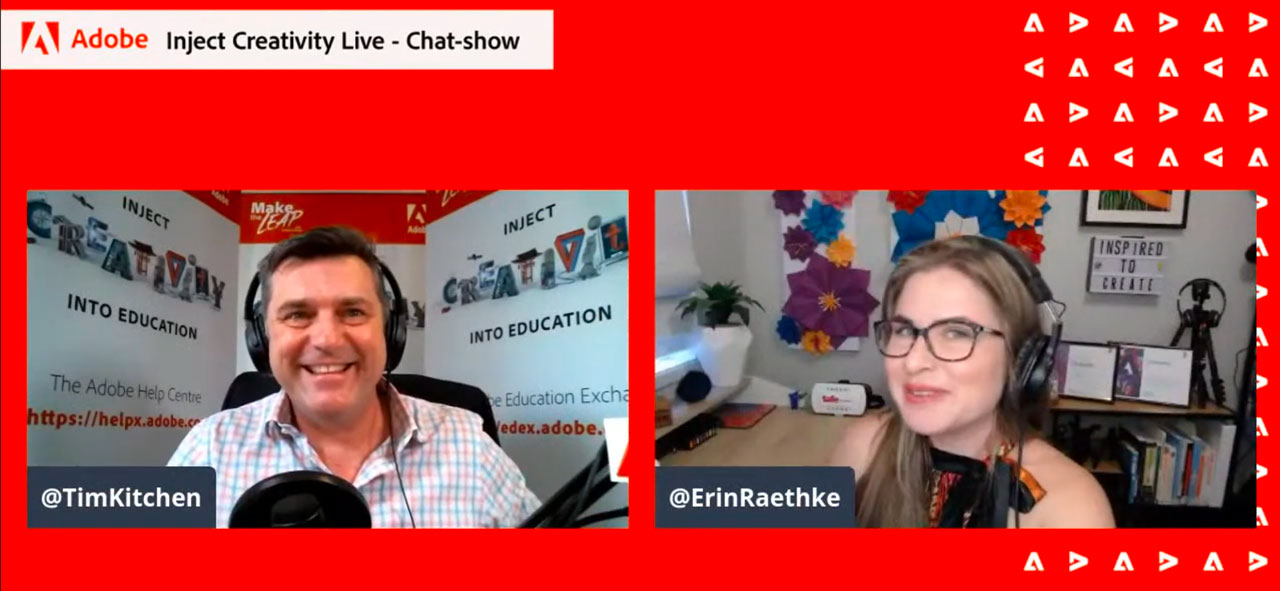
It was great to have Adobe Education Leader Erin Raethke back with us to help co-host the most recent Inject Creativity Live event that was broadcast on November 4.
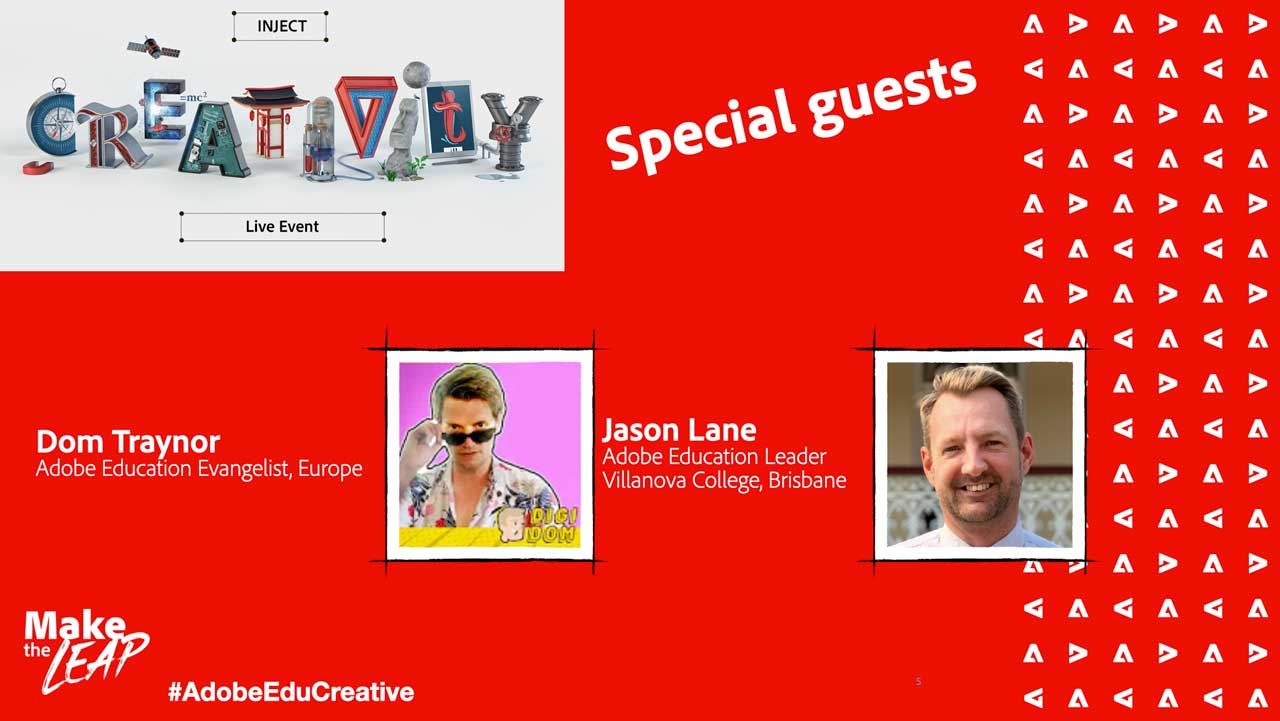
Special guests for this episode included Dom Traynor, Adobe’s Education Evangelist for Europe as well as Adobe Education Leader & Microsoft Innovative Educator Jason Lane from Villanova College in Brisbane.
Chapter 4 – Jason Lane – Embedding Spark in One Note
Chapter 5 – News updates
Join us live on Nov 18 at 6.30 PM (AEDT) for the next episode with special guests Lauren Sayer (Adobe Education Leader and Director of Digital Learning at Haileybury College in Melbourne) and Juliette Bentley (Adobe Education Leader, Adobe Master Teacher & Technology Implementation Mentor at – MT ST MICHAEL’S COLLEGE, Brisbane).
Lauren will be focusing on Adobe XD in Action and Juliette will be sharing some insights into Adobe Spark in the classroom.
Clare Dyson is the Associate Professor, Digital Literacies at Swinburne University of Technology in Melbourne. Swinburne is an Adobe Creative Campus. In this EduChat, she talks about the value that this program has for the staff and students throughout the university.
Besides promoting the UN SDGs, this type of event also aims to enhance students video literacy, communication, collaboration, critical thinking, problem solving and creativity skills. All recognised internationally as vital to thrive in the future.
Usually I would be running this event face-to-face with the teachers and students for the day as an incursion. Due to COVID, I’ve been connecting online, but for this event there were connection issues so I pre-recorded my introductions and aims and let the teachers run the event without my direct support.
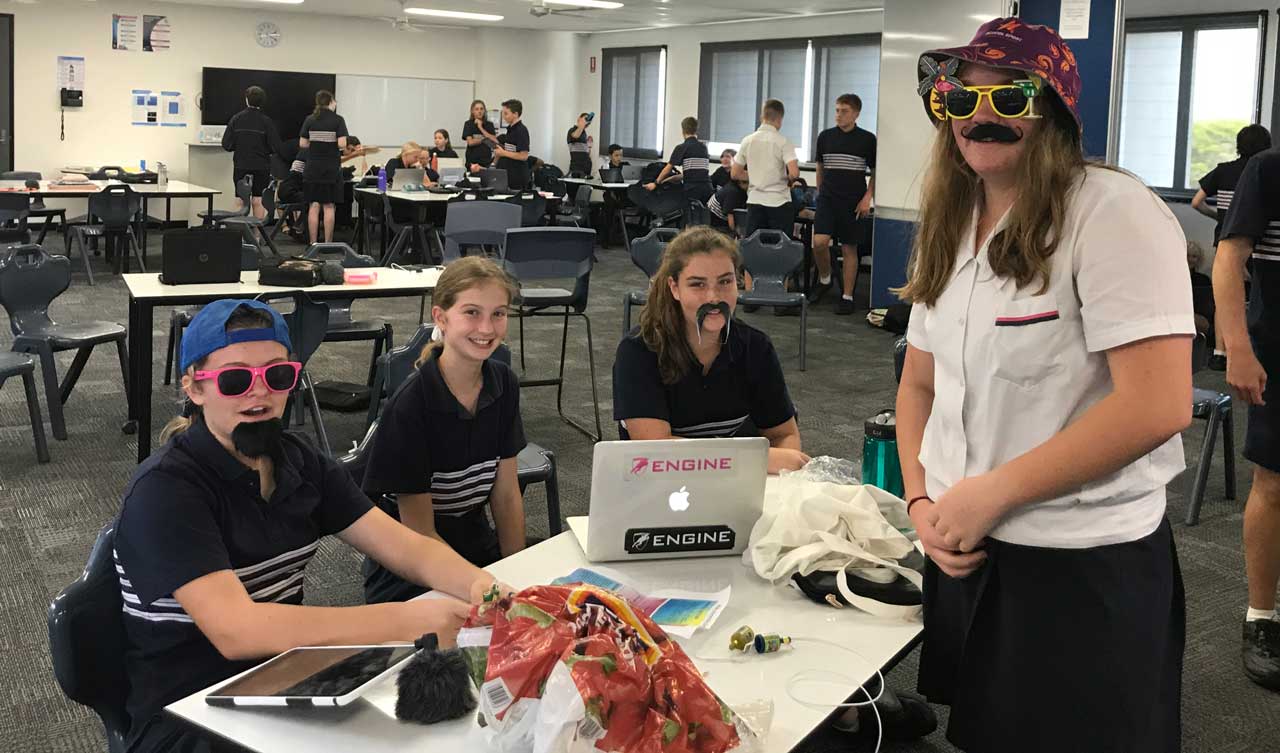
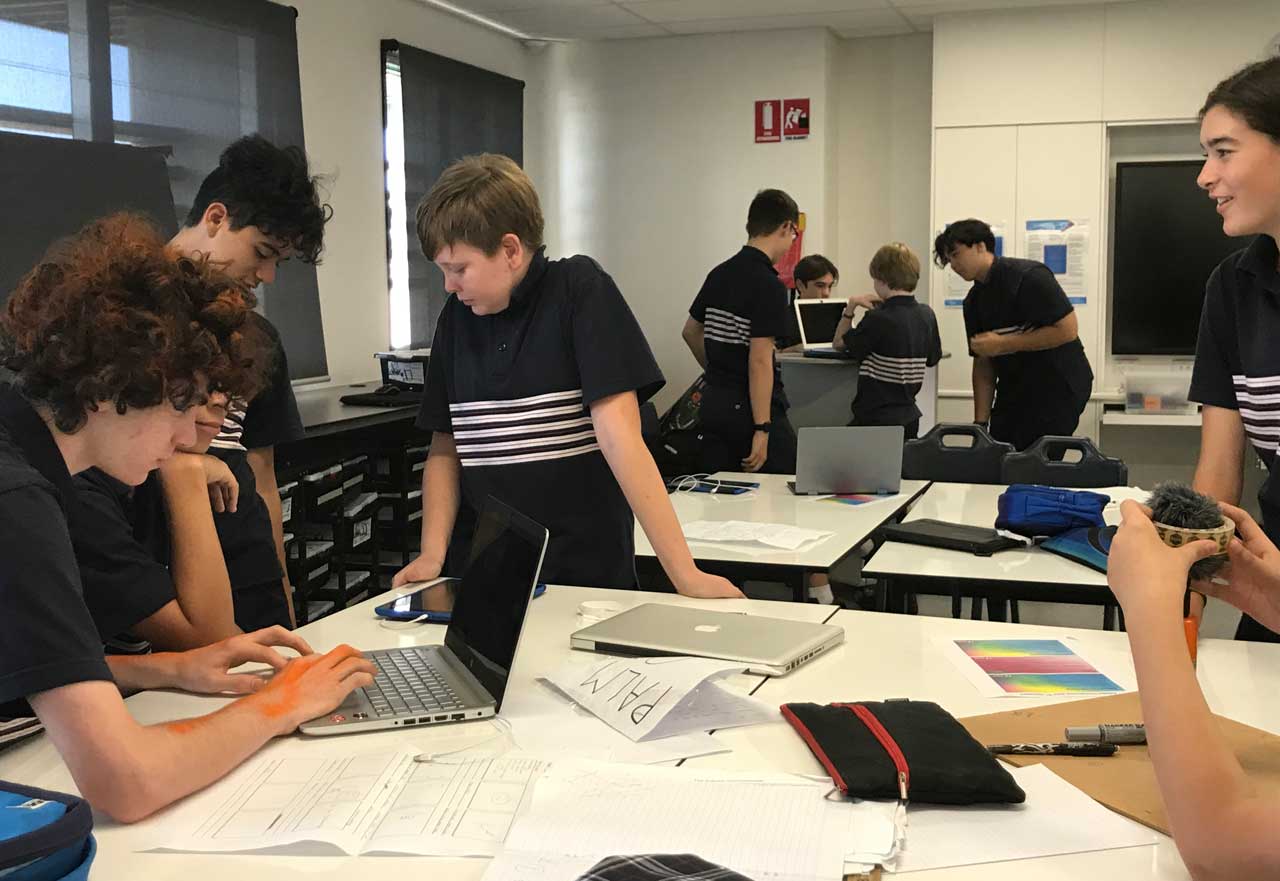
After being reminded about each of the UN SDGs, the students broke into small production teams and decided which goal they would be promoting in their 1 minute video. Then they were given time to plan their story, film their content as well as gather extra assets (such as royalty free still & moving images as well as audio files) and then put the story together with Adobe Premier Rush.
Premier Rush is part of the Adobe Creative Cloud set of applications that are now widely available throughout Queensland Government, Independent, Catholic and Lutheran schools.
Premier rush is a cut down version of the more professional Adobe Premiere Pro video editing solution. It is very popular with students and teachers because of its simplicity, its accessibility on mobile and desktop devices and its power to produce amazing video stories. It’s not as simple as Adobe Spark Video but it doesn’t require anywhere near the learning curve of Premiere Pro.
Most of the students were new to video production and film-making so they recruited the help of one of the school’s media teachers. The students worked very well in their teams and collectively produced 18 different video stories.
Here are the top three winning films that were produced by these talented students based on my judgement and a peer assessment process …
3rd Place – Team 12 (Climate Change by James, Rowan, Ayran, Jack & Aaron)
2nd Place – Team 13 (Plastic’s Journey by Jess, Evie, Maisie, Sarah & Charlize)
1st – Team 3 (The Weight of the World by Biance, Eva, Khushbu, Sarah & Elena)
I would like to congratulate all the students involved in this 1 Min Video Challenge and thank Mr Graeme Breen, Head Of Digital Innovation at Mountain Creek State High School for organising this event and providing this opportunity for his students.
Note that parent release forms were signed by all identifiable students.
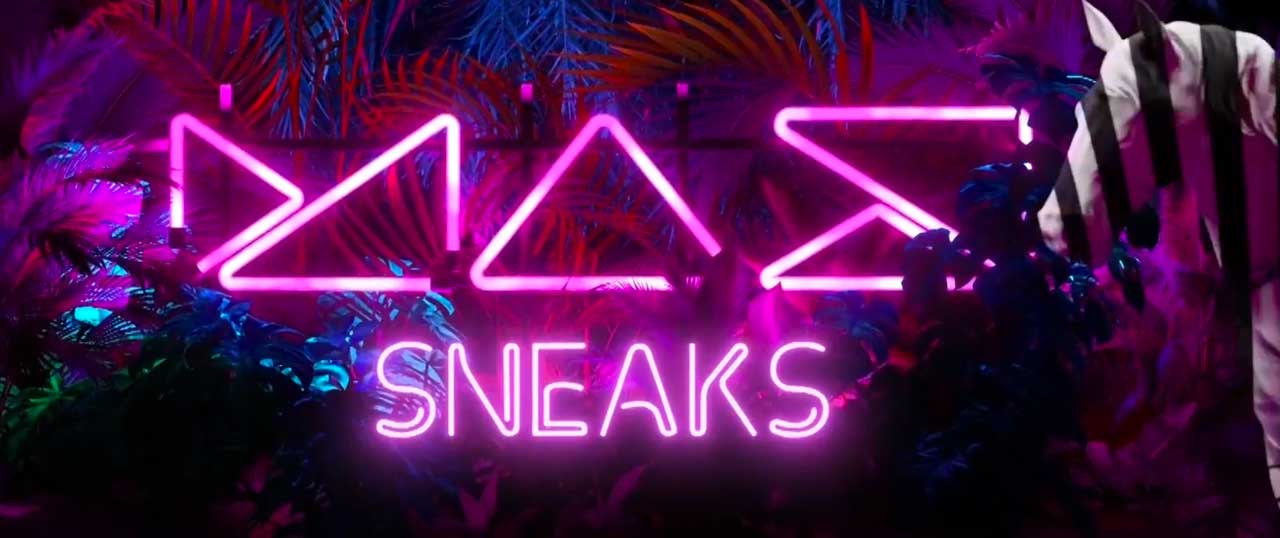
Sneaks is one of the most popular features of Adobe Max each year. It’s all about showcasing new technologies that may (or may not) end up in a current Adobe application or potentially as an entirely new Adobe application in the future.
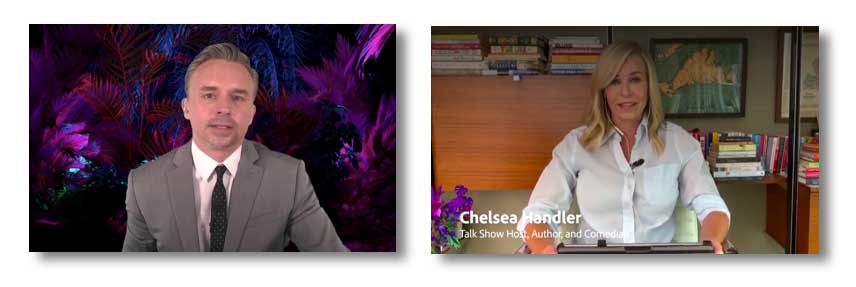
Adobe’s Principal Creative Cloud EvangelistPaul Tranihosted this years Sneaks with Talk Show Host, Author, Executive Producer and Comedian Chelsea Handler.
All the Max Sneaks this year were amazing. But these are the ones I thought were most impressive and likely to be beneficial for students and teachers in the future.
Comic Blast
Convert script into Comic book speech bubbles and re-work hand b&w sketches into a colour comic style image.
Sharp Shots
Auto de-blurring of video.
Scantastic
Using Adobe Capture to scan an object and ctreate a 3D model for Dimension and Aero
Typographic Brushes
Using Fresco to convert a brush stroke into an editable text/













 Dr Tim Kitchen